Quick answer
Strong 360 product view examples—and strong 360 product photography examples—share even lighting, a fixed camera, and thirty-six or fewer frames where the silhouette stays centered. Footwear, bags, small electronics, and tabletop home goods are the usual wins. Weak examples wobble, change exposure mid-loop, or hide the back seam shoppers care about. A spin beats autoplay video on the product page when the shopper needs to stop on a detail; video wins in ads where motion tells the story in three seconds.
Teams ask for 360 product view examples before they commit studio time. They want to know whether their category even belongs in a spin workflow and what “good” 360 product photography looks like on a phone. This gallery-style guide names the categories that repeat in Spinnify catalogs, shows the capture mistakes that break trust, and explains when to ship a drag viewer instead of another video file in the gallery.
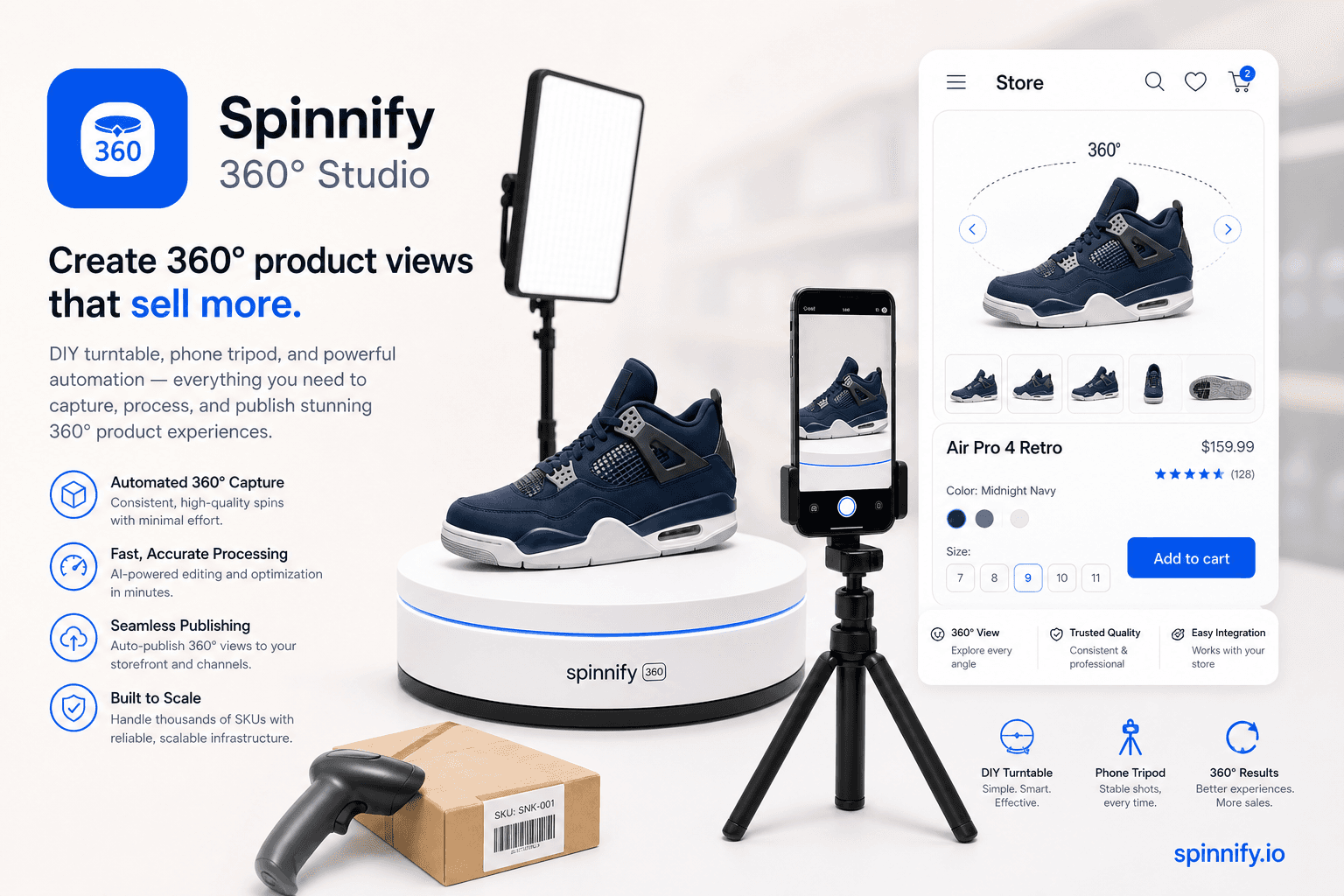
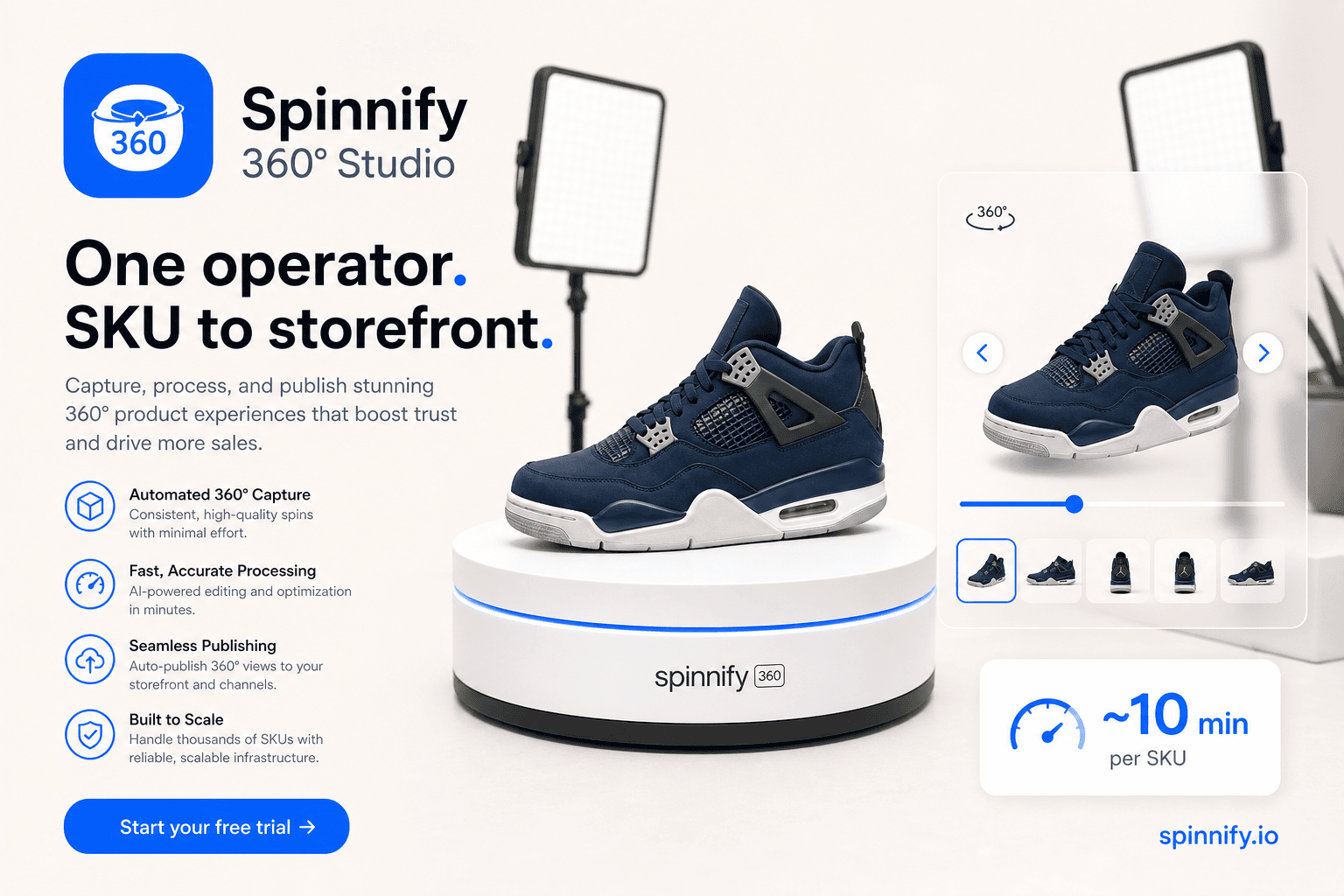
Spinnify 360° Studio is a full capture-to-widget service for product spins. These examples assume you publish through Studio and embed the lazy player on the product page. They are not room tours and not panorama demos. For lighting setups, see the companion 360 product photography guide.
Categories that spin well
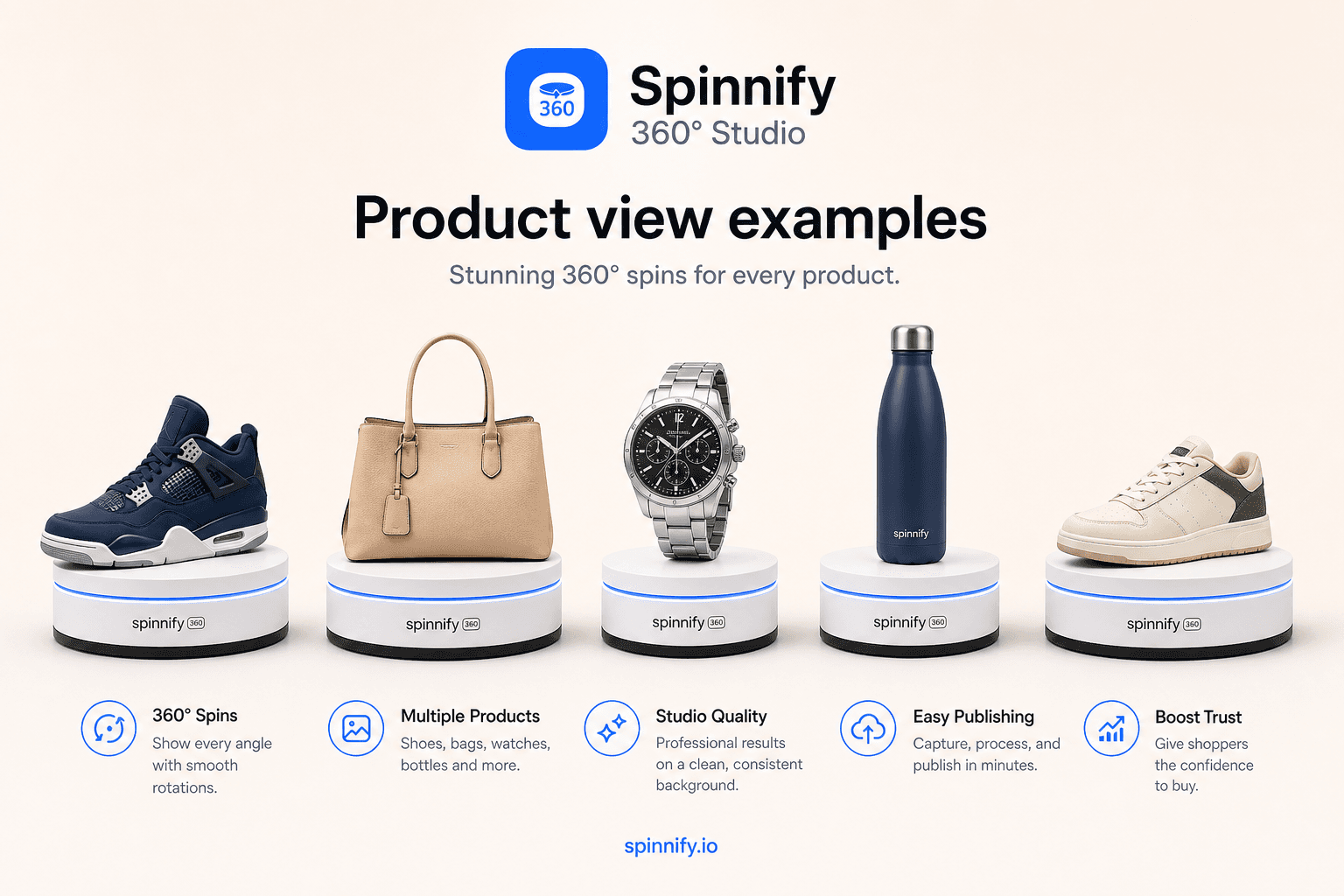
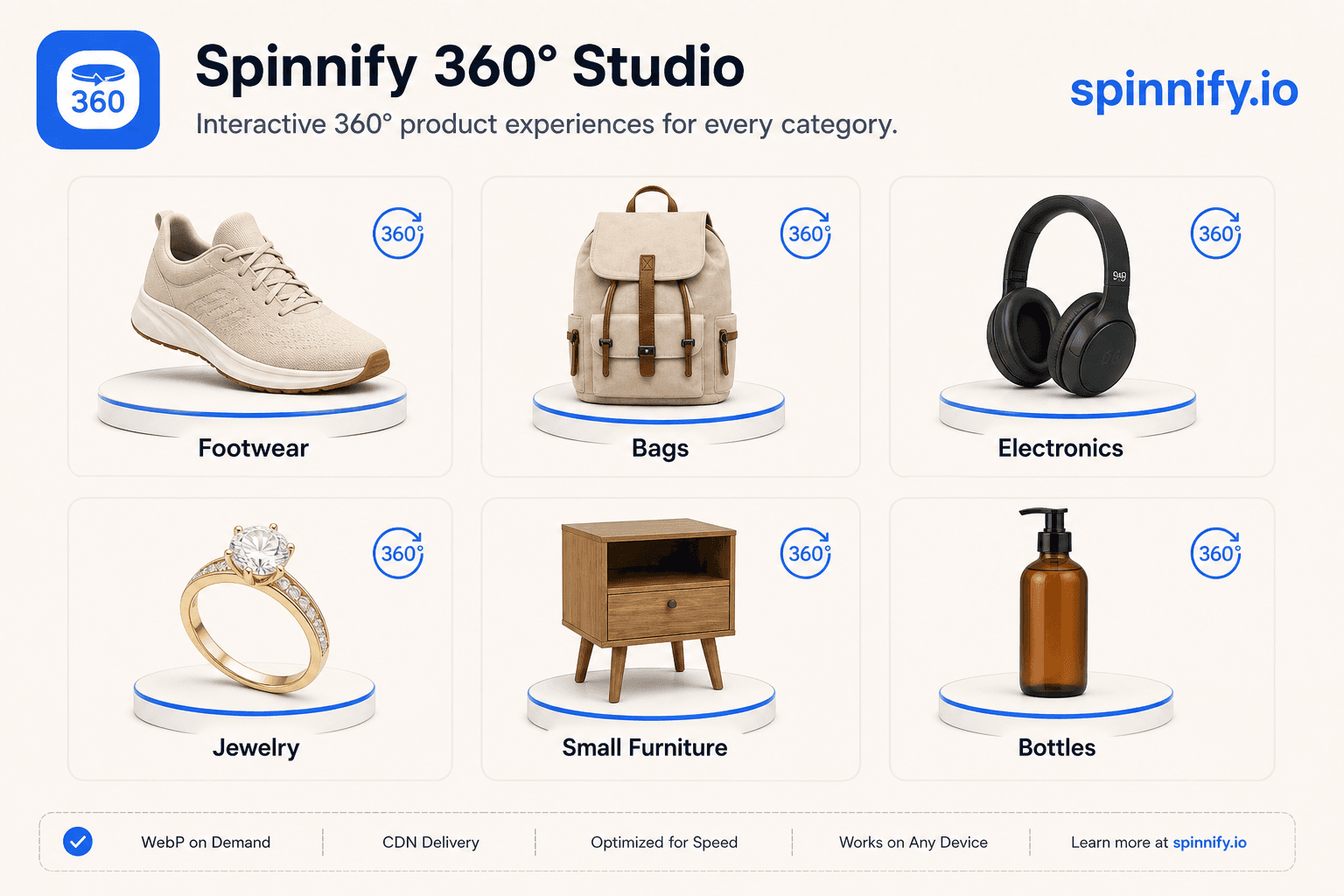
Footwear and bags lead 360 product photography examples because shoppers inspect soles, straps, and hardware. Small electronics and accessories fit a tabletop set. Home goods such as mugs, lamps, and compact furniture benefit when texture and back panels matter. Apparel on a mannequin can work when the garment holds shape; loose fabric on a hanger often wobbles unless you clip and steam first. 360 product photos in these categories usually convert when the back seam is visible in the loop.
Good capture vs bad capture
Good loops keep the product centroid stable, maintain one white balance across frames, and show the same shadow direction throughout. Bad loops drift off center, pulse brighter on every frame, or skip angles where defects hide. Shoppers forgive a plain background. They do not forgive a jump cut that feels like a different product.
| Signal | Good example | Bad example |
|---|---|---|
| Centering | Silhouette stays in frame grid | Product walks toward the edge |
| Exposure | Manual lock, no flicker | Auto exposure pumps each frame |
| Angles | Even 10° steps, full 360° | Missing back or sole view |
| Background | Neutral plain or light gray | Busy props that confuse scale |
| Interaction | Drag stops on zipper detail | Autoplay blur on mobile |
When spin beats video on the product page
Use a spin when the shopper compares stitching, ports, or dimensions and needs to pause. Use short video in ads or social when motion is the hook. On the product detail page, autoplay video often fights the gallery for bandwidth and still does not let buyers park on the heel logo. A lazy spin opens on tap and keeps Core Web Vitals with the static hero.
Build your reference set
Pick three hero SKUs in your best category. Shoot one loop with locked settings, one with handheld drift, and one with missing back angles. Show merchants the difference in a five-minute review. That internal example deck beats copying a competitor layout you never tested on your own theme.
Ready to add your category to the grid? Open Spinnify 360° Studio. See how to create a 360 product view, the 360 product photography guide for capture craft, and Spinnify pricing for plans.