Quick answer
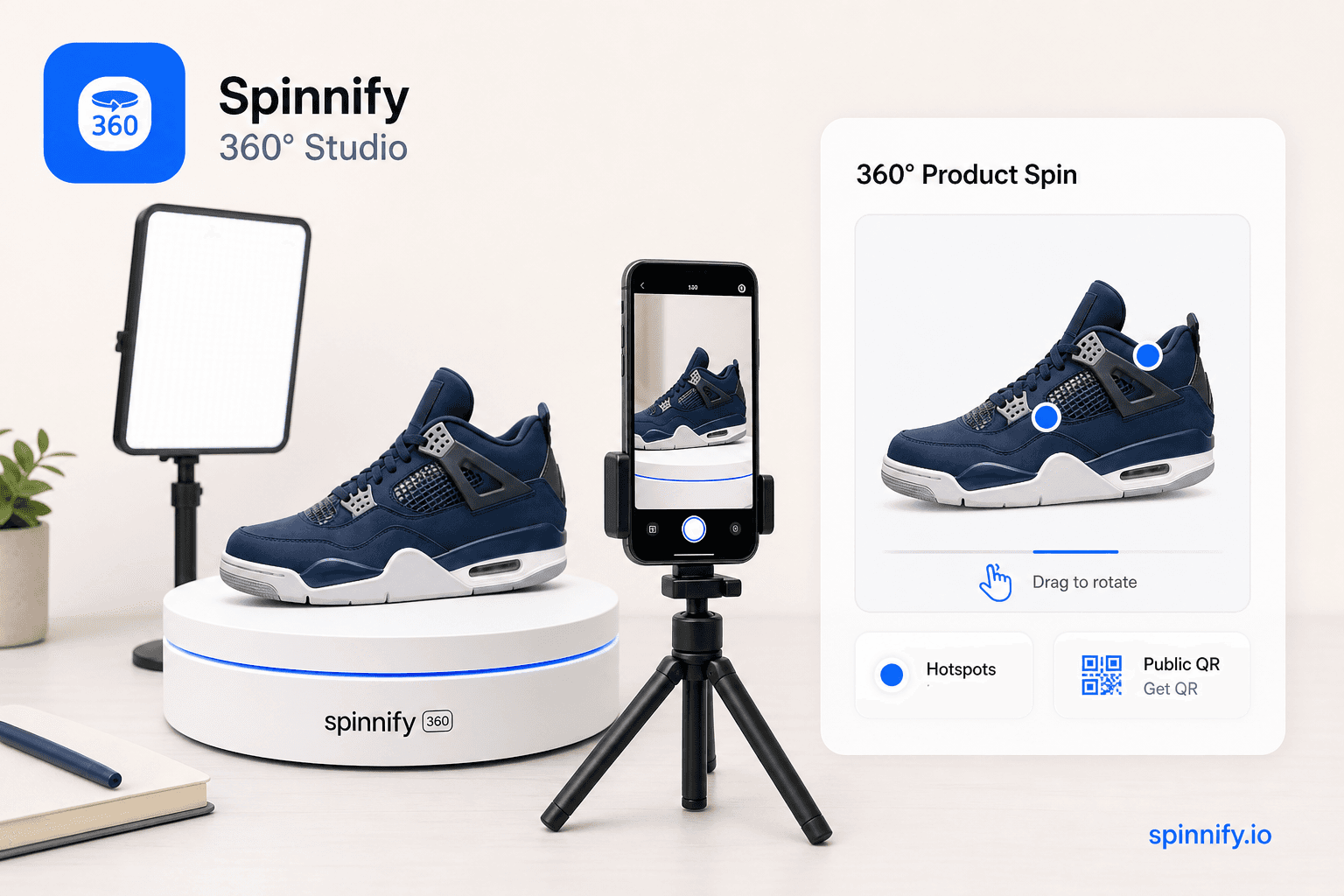
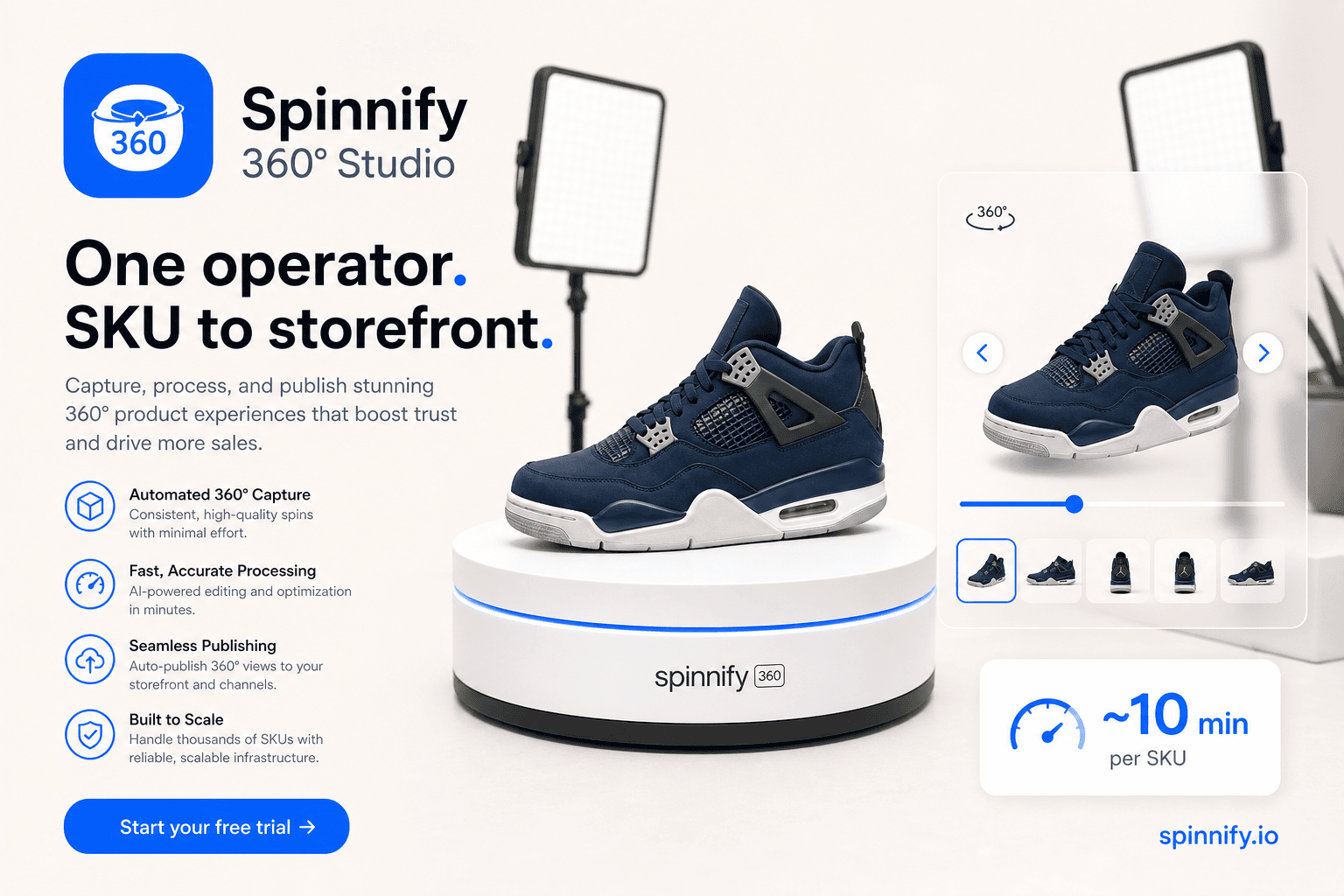
360 product photography is a series of still frames shot around a full turn of a product, usually on a turntable. Shoppers drag those frames in an interactive viewer. It is not a panorama app, not a looping marketing video, and not a downloadable 3D mesh. Spinnify 360° Studio (spinnify.io—not Spinify sales gamification) takes the frames (or a short rotation clip), hosts them on a CDN, and shows the spin after a shopper taps the storefront control—especially useful on Shopify and other ecommerce PDPs.
Catalog teams search for 360 product photography when static packshots stop answering size, finish, and back-of-product questions. The phrase covers everything from a rented motorized rig to a phone on a $40 lazy Susan. What matters commercially is not the gear brand. It is whether the frames are even, the light stays consistent, and the spin reaches the product page without a developer ticket for every SKU.
This guide is the top-of-funnel pillar: define the format, separate it from lookalike media, compare production paths, then follow capture → Studio → CDN widget. Step-by-step DIY builds and warehouse batch timing live in linked companions. Software capabilities and buyer criteria live in the photography-software and best-viewer guides.
What is 360 product photography?
You photograph the same product from many angles around a circle, then play those photos in order so the item appears to rotate. Typical ecommerce sets use 24 to 36 frames. More frames can feel smoother; fewer frames load faster. Spinnify 360° Studio supports up to 36 frames in the main landscape series (4:3 “PC photos”) and an optional portrait series (3:4 “Mobile photos”) for phone-first shoppers.
On the page, the shopper controls speed and direction. That is the commercial point: inspection, not a story the brand forces. Jewelry, footwear, bottles, and gadgets benefit most because silhouette and craftsmanship drive the click to buy.
360 product photography vs video vs 3D models
Teams often buy the wrong deliverable because the labels sound similar. Use the table as a filter before you hire a studio or buy software.
| Format | What it is | Best for |
|---|---|---|
| 360 product photography | Still frames in an interactive spin | PDP inspection, returns-sensitive SKUs |
| Rotation / spin video | Continuous autoplay loop file | Ads, social, marketplaces that want video |
| WebGL / GLB 3D model | Mesh with materials and lighting | Configurators and complex assemblies |
If you already have a turntable clip, you can still land on interactive frames: Spinnify 360° Studio extracts 36 frames from a short upload in the browser. Details are in 360° from a product video in about 2 minutes. For mesh versus image spins, see WebGL 3D models vs 360 image sequences.
Why stores invest in 360 degree photography
Static angles leave gaps. Shoppers invent the unseen side, then return the order when reality disagrees. Industry surveys such as NRF often put online return rates near one in five purchases. Multi-angle inspection is one of the few merchandising levers that attacks visual uncertainty directly. We do not promise a universal conversion lift. Category, creative quality, and traffic intent set the size of the effect.
A lazy interactive viewer also protects page speed better than an autoplay hero video. Spinnify’s storefront control loads after a tap and serves resized WebP or AVIF from the CDN, which helps keep Largest Contentful Paint on the gallery you already designed.
How teams produce 360 product photos
Dedicated studio
Motorized turntables, softboxes, and retouching produce the cleanest frames. Cost rises with reflective metals, transparent plastics, and rush delivery. Volume sessions lower the per-SKU price. Choose this path for luxury jewelry and campaign hero SKUs.
In-house turntable and phone
A fixed tripod, manual exposure, and a marked turntable are enough for many mid-market catalogs. Lock white balance and focus. Keep the product centered. Shoot on a repeating warehouse corner rather than a new living room every week. Practical builds and phone workflows are covered in how to create a 360 product view and DIY 360 product photography with a smartphone.
Batch warehouse workflow
When SKU counts grow, the bottleneck is naming and upload discipline, not the second softbox. Match the Spinnify 360° Studio product name to the catalog article (case does not matter), then shoot. The mobile app uploads WebP frames to that card. See the ecommerce 360 warehouse workflow.
Where Spinnify 360° Studio fits
Spinnify 360° Studio is a full 360° commerce service: mobile capture app, cloud workspace, CDN delivery, hotspots, billing, and a storefront widget. It is not a creative agency and it does not auto-crop or color-correct frames in the cloud. You bring the photography; the service carries it to the shopper.
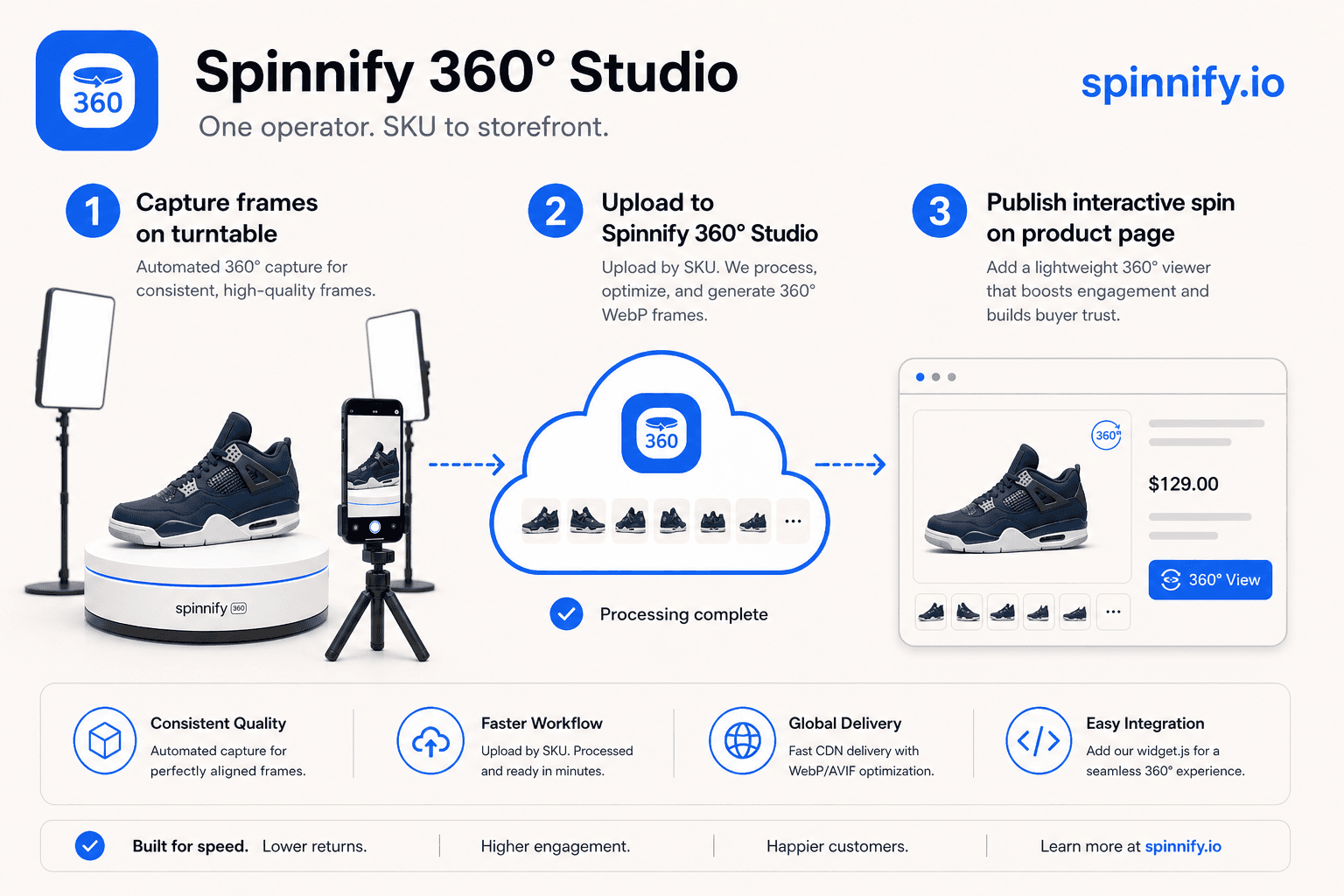
Capture → Studio → CDN widget
- 1. Create a product whose name matches the catalog article (SKU).
- 2. Capture PC photos (4:3) and optional Mobile photos (3:4), up to 36 frames each, or upload a short rotation video in the browser Studio.
- 3. Keep the item active; frames publish to Spinnify CDN as resized WebP/AVIF.
- 4. Paste widget.js once or use the Shopify theme block; the control loads on shopper tap so LCP stays with your hero image.
Shopify and other storefronts
On Shopify, embed once with the theme block or script, match products by article/SKU (or schema/URL modes), then keep publishing new spins in Studio without a theme deploy per SKU. The same once-and-done embed pattern works on WooCommerce and custom HTML; the integration guide covers attributes. Score the path on lazy open-on-tap behavior—not on App Store rank alone.
For install detail see the Shopify integration guide. For page-speed specifics, read lazy-loading 360 product widgets.
Start here: Open Spinnify 360° Studio · pricing.
Common mistakes in 360 product photography
Auto exposure between frames makes the product pulse as brightness jumps. Lock ISO, shutter, and white balance before frame one. Uneven step angles create a hitch in the loop; mark degrees or use a timed burst. Naming the cloud product differently from the catalog article hides the spin on the live page even when frames uploaded successfully. Mixing a video file and stills in one drop fails validation in Spinnify 360° Studio; use one path per upload.
Verdict
360 product photography earns its keep when shoppers need to inspect an object they cannot hold. Choose studio polish for hero SKUs, in-house turntables for catalog volume, and Spinnify 360° Studio when you want capture, hosting, and a lazy widget without rebuilding the theme for every product.
Next: 360 product photography software, best 360 product viewer for ecommerce, Spinnify vs Sirv, vs WebRotate / Magic360, or DIY paths: shoot to live widget, smartphone capture.