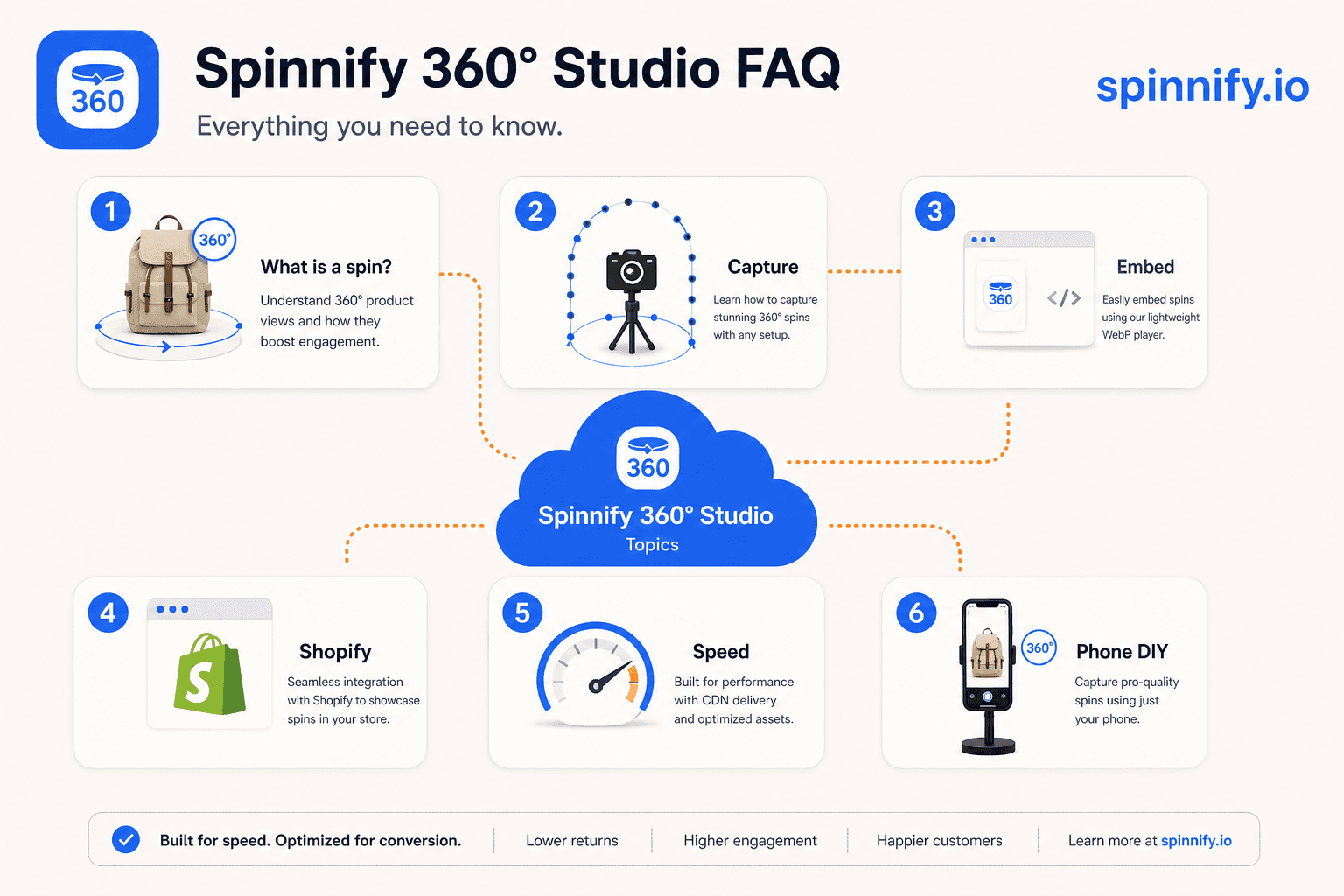
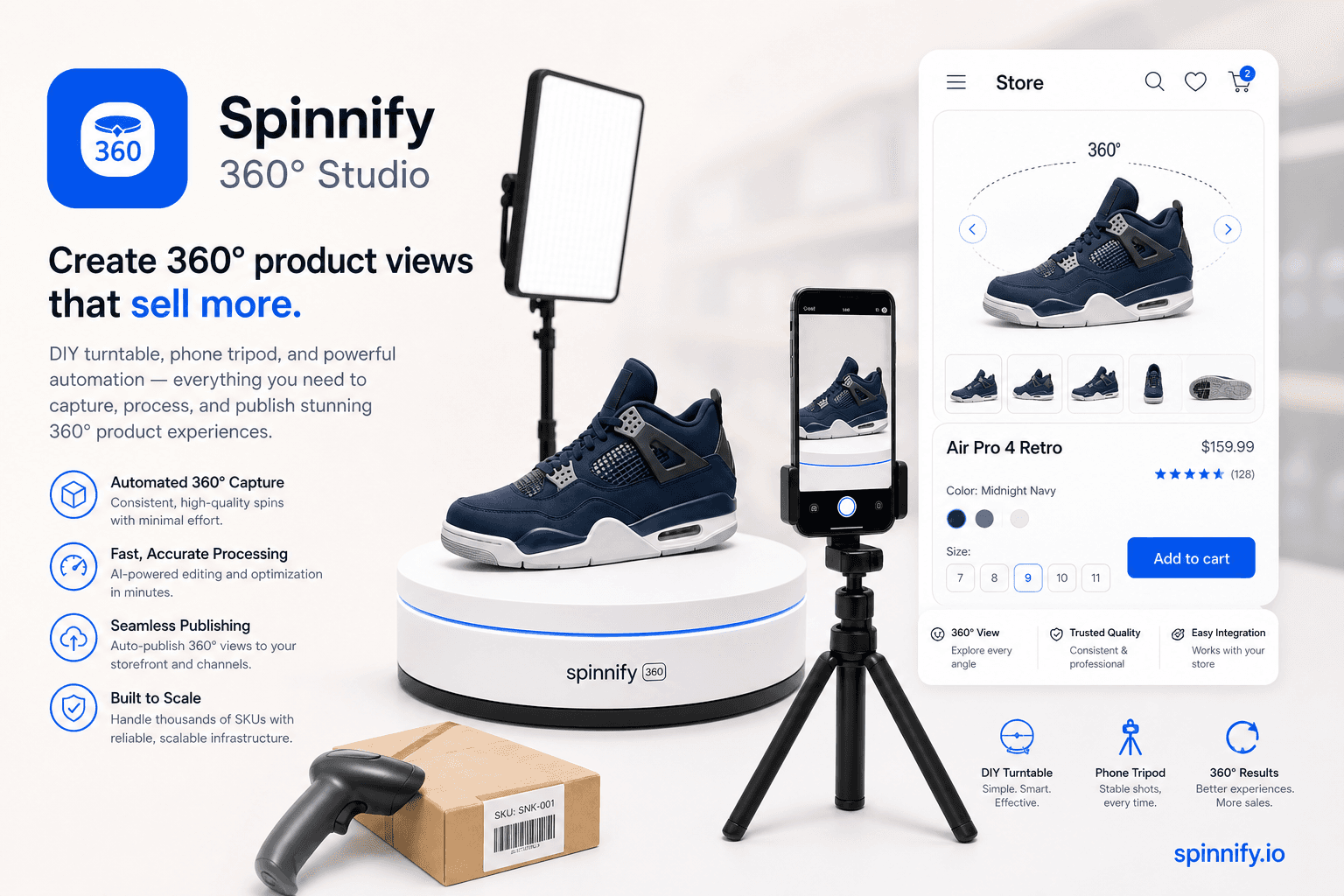
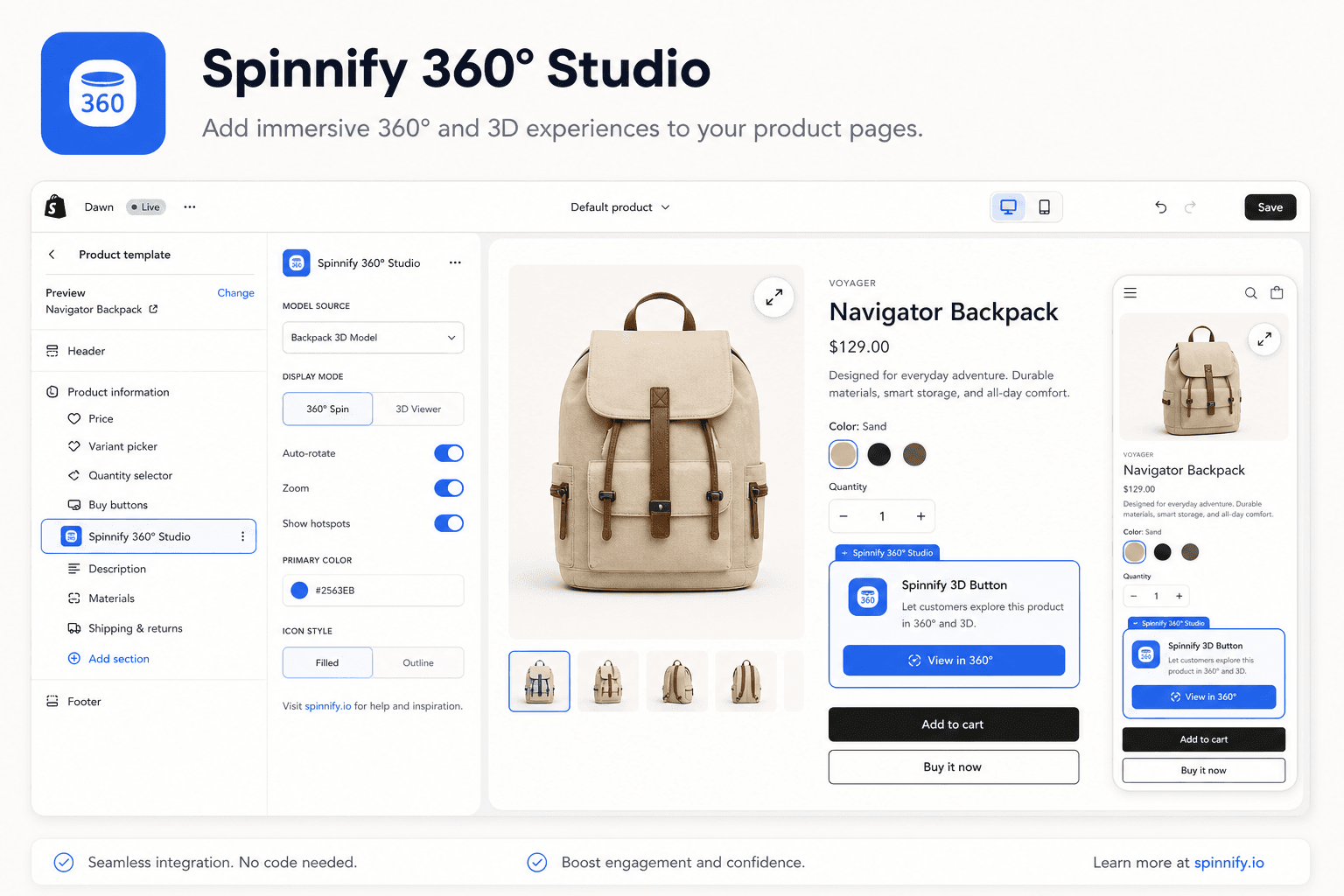
Answers to common 360 product viewer questions: what a spin viewer is, how to shoot and embed on Shopify, lazy loading, 3D vs spin, returns, and tripod phone photography.
How-toStrategy
Quick answer
A 360 product spin viewer plays a loop of still frames around one SKU so shoppers drag to inspect. It is not a room panorama and not a downloadable 3D mesh. Production paths include a marked turntable with a phone, or upload into Spinnify 360° Studio for CDN frames and a lazy widget on the product page. This FAQ hub collects short answers on Shopify embeds, phone photography, lazy loading, 3D versus spin, returns imagery, and tripod setup.
Search engines and support inboxes repeat the same dozen questions about 360 product viewers. Teams ask what the player actually is, how 360 product photography fits the pipeline, whether Shopify needs a special app, and whether spins hurt Core Web Vitals. This page groups those answers in one place so you can link a single URL from docs, sales decks, and theme notes.
Spinnify 360° Studio is a full service: capture app, Studio publish, CDN delivery, and a lazy storefront widget. It is built for product spins, not dollhouse mesh tours and not panorama stitchers. Deeper walkthroughs live in the linked guides; here each answer stays under fifty words.
Topic map
The FAQs below cover definitions, ecommerce production, Shopify placement, performance, 3D comparisons, returns, and phone tripod capture. Skim the headings, then jump to the block that matches your ticket.
Topic
What you will learn
Related guide
Definition
Spin viewer vs video vs 3D mesh
What is a 360 product spin viewer
Production
Turntable frames, phone settings
How to create a 360 product view
Shopify
Theme block, embed script, PDP placement
Shopify 360 integration guide
Performance
Lazy load, WebP, tap to open
Lazy loading 360 product widgets
Four FAQ clusters: definition, production, Shopify, performance.
360 product photography and capture FAQs
360 product photography is the capture half of a 360 product viewer: locked exposure, a marked turntable, and twenty-four to thirty-six frames. Phone shoots work when the camera stays fixed and lighting stays even. Use the FAQ answers on frames, tripods, and returns for production tickets; open the long photography guide when you are building a studio set.
Shopify embed and lazy-load FAQs
Shopify questions usually split into theme-block wiring versus PageSpeed. Map each SKU to a Studio product key, place the viewer in the gallery, and keep frames behind tap-to-open so Largest Contentful Paint stays on the static hero. The Shopify integration and lazy-loading guides cover the full checklists.
When to read the long guides
Use this FAQ for quick confirmations. Follow the how-to create guide when you are building a turntable set. Follow the 360 product photography article when lighting and framing are the blocker. Follow the Shopify integration guide when you are wiring theme blocks. Follow the lazy loading article when PageSpeed is the blocker.
A player that loops still photos taken around one product so shoppers drag left or right. It is a frame sequence, not a video file and not a 3D mesh download.
How do I create 360 photos for ecommerce?
360 product photography starts on a marked turntable: lock phone exposure, shoot 24 to 36 frames per rotation, upload to Spinnify Studio, then embed the 360 product viewer on the product page.
How do I add a 360 view to Shopify?
Install the Spinnify theme block or paste the embed script with your product key. Map each Shopify SKU to the matching Studio product before you publish the theme.
Where should the 360 viewer sit on the product page?
Replace or sit beside the main gallery hero. Shoppers expect drag-to-spin where they already zoom product photos, not buried below reviews.
Can I shoot 360 product photos with a phone?
Yes. Phone 360 product photography works with a tripod, constant lighting, and manual camera settings if you keep exposure locked across every frame.
What is lazy loading for a 360 widget?
The page loads a poster first. Frames and player JavaScript fetch after the shopper taps or scrolls the spin into view, which protects Largest Contentful Paint.
Is 3D the same as a 360 spin?
No. 3D viewers rotate a mesh model. A spin viewer plays flat photographs. Spins are lighter and faster for catalog SKUs without mesh files.
Do 360 spins reduce returns?
They help when returns cite “looked different.” NRF surveys often put online returns near one in five orders. Measure your SKUs; no tool guarantees a universal lift.
Do I need a tripod for phone product spins?
Yes for catalog work. A fixed camera keeps the product centered while the turntable moves. Handheld spins wobble and break the loop illusion.
Will a 360 viewer slow my product page?
Only if it loads every frame up front. Spinnify lazy-loads WebP and AVIF frames after interaction so Core Web Vitals stay with your hero image.
How many frames should a product spin use?
Twenty-four to thirty-six frames per full turn is the usual catalog band. Fewer frames feel choppy; more frames add weight without much gain.
Can I embed a spin outside Shopify?
Yes. The same widget.js embed works on WooCommerce, Webflow, and custom storefronts when you pass the Studio product key or page binding.
Does Spinnify host the spin frames?
Yes. Spinnify 360° Studio publishes frames to Spinnify CDN. You do not serve heavy sequences from your shop server.
Where are Spinnify prices listed?
Current plans are on spinnify.io/pricing. This FAQ does not quote subscription dollar amounts.
Related articles
Product UX12 min1,691 reads
How to Create a 360 Product View: DIY Shoot to Live Widget
Build a budget turntable, shoot with locked settings, upload through Spinnify by SKU, and paste one widget script. Your 360 spin goes live on the product page.
How-toPhotography
Read article→
Integration9 min1,720 reads
How to Add a 360 Product View to Shopify (Sizes, App Block & SKU Matching)
Add an interactive 360° spin to Shopify product pages: recommended image sizes, Spinnify app block setup, SKU matching, and lazy-loaded 3D View—no per-SKU code.
ShopifyIntegration
Read article→
Ready to publish your first 360° spin?
Create a product, upload frames, and embed the widget with one script snippet.