Quick answer
Spinnify is not only for ecommerce product spins. With a smartphone on a rotating tripod, you can capture a photo sequence of a room, apartment, office, or outdoor viewpoint, upload it to Spinnify, and publish an interactive 360° viewer—like a branded mini-panorama visitors drag to explore. No Matterport camera, no 3D mesh, no dollhouse scan required.
Most teams discover Spinnify on a product page: a shopper drags to inspect a sneaker or a handbag from every angle. That same pipeline—shoot a rotation, upload frames, embed a lightweight widget—works anywhere you can photograph in the round. Real estate agents pre-qualify remote renters. Property managers show apartments before a site visit. Travel creators share a viewpoint you can almost step into.
This guide explains why 360° tours help outside the catalog, what gear you actually need, how to shoot with a phone and turntable, how Spinnify turns frames into an embeddable viewer, and where Spinnify fits next to Matterport and other virtual tour software. Everything matches how Spinnify works today: real photos, cloud delivery, no AI retouching in the cloud.
Why 360° tours work for real estate and rentals
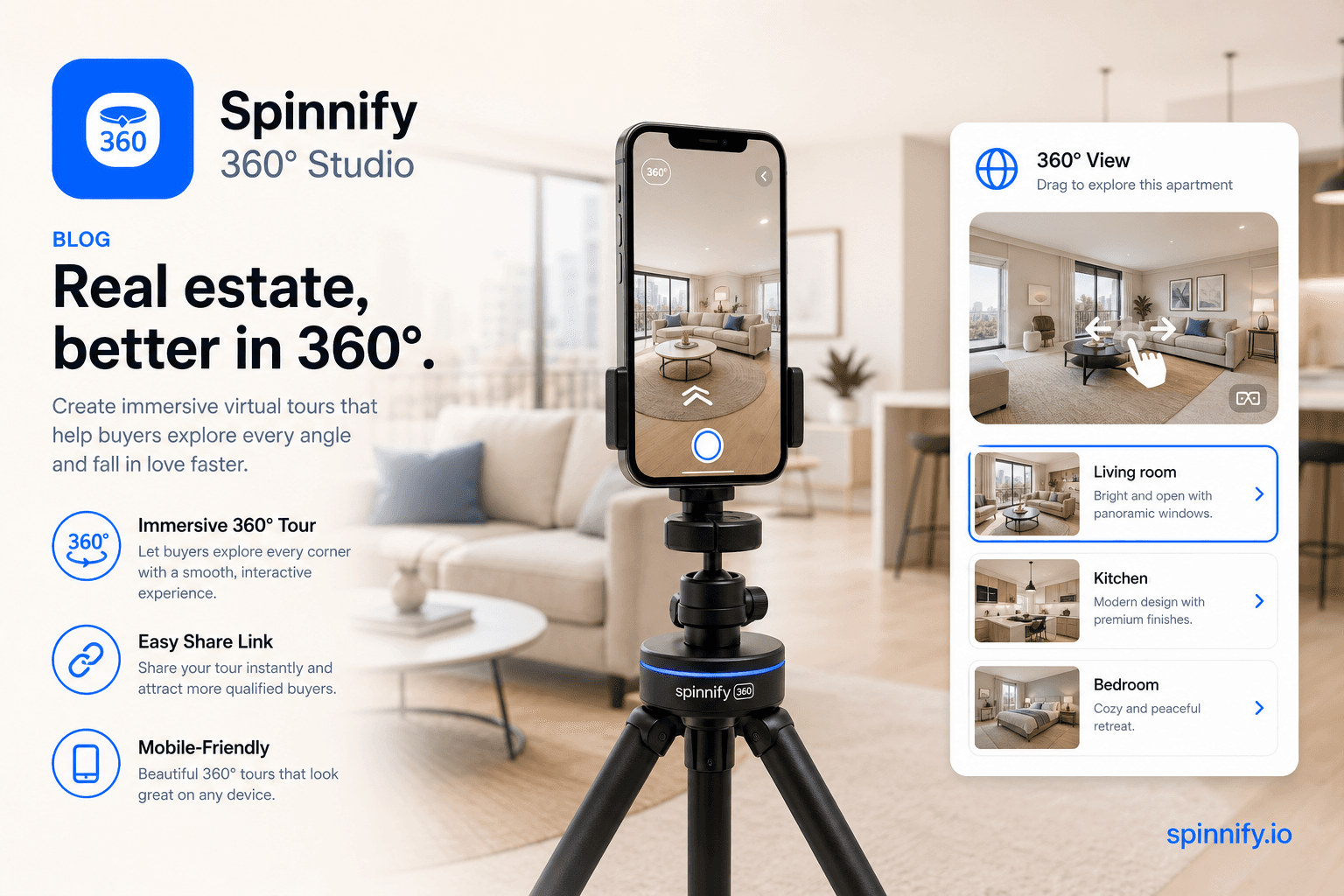
A virtual apartment tour answers the question every remote renter or buyer asks: “What does it really feel like inside?” Static photo grids hide layout, light, and wear. A drag-to-explore spin lets someone scan corners, ceiling height, and flow between rooms—the same instinct as turning their head in person.
- Fewer wasted showings when prospects self-filter online.
- Out-of-state and international leads can decide faster.
- Listings with richer media often earn more time-on-page—measure on your site.
- One capture workflow scales from a studio product to a furnished unit.
Apartments, short-term rentals, and commercial spaces
For multifamily and STR hosts, the intent behind searches like “virtual apartment tour” is practical: schedule fewer in-person visits for units that will not convert. Shoot the living area, kitchen, and primary bedroom as separate spins—or one continuous rotation if the space allows a clear center point. Link each viewer on the listing page, in email, or behind a QR code on a yard sign.
Nature, hotels, venues—a portal to a place
Head-term volume for “virtual tour nature” is small, but the use case is strong: a trailhead, a hotel terrace, a museum room, a pop-up space. You are not publishing to Google Street View; you are giving your audience a branded window into a location. The message is simple: stand here, look around, decide if you want to visit.
Capture on site with the mobile app
On location—in an apartment, at a job site, or on a scenic overlook—you should not have to shuttle files from the camera roll to a laptop. The 360 Spinnify Studio mobile app (iOS and Android) shoots the main 360° series in 4:3 landscape and, when needed, a 3:4 portrait series—the same formats as Spinnify Studio in the browser. The in-app camera frame matches the upload rules in the dashboard.
Sign in with the same account you use on spinnify.io. On the home screen, enter the project name (SKU, unit code, or listing ID), open the card, and capture: auto-series with a 0.5–2 s pause on a turntable, or step-by-step manual shots—up to 36 frames per rotation. Frames compress to WebP on the phone and upload to the cloud project you see in Studio.
- No manual folder shuffle on a desktop—shoot and upload from the phone.
- On-screen guidance for orientation and exposure while you capture.
- Desktop series (4:3) for the main viewer; mobile series (3:4) when listing traffic is mostly phones.
- Hotspots, widget code, and billing stay in the web dashboard—not on the shoot floor.
What you need (no Matterport camera required)
360 photography for real estate does not require a dedicated 360° camera or a LiDAR scan rig. The same stack many stores use for product spins is enough for rooms and viewpoints.
- Smartphone (iPhone or Android) with manual or pro camera mode.
- Rotating tripod or manual turntable—marked steps help consistency.
- Stable tripod for the phone at roughly chest height in the room center (or the scene focal point).
- Constant lighting: open blinds evenly or use two LED panels; avoid mixed color temperatures.
- Spinnify account: 360 Spinnify Studio app for capture and upload, Studio for management, widget or public link for sharing.
How to shoot a 360° space tour with a phone and rotating tripod
Think of the capture as a short photo sequence taken while the platform rotates, not a single panoramic sweep. Spinnify plays those frames as an interactive loop—like a flipbook you drag left and right.
- 1. Pick the rotation center—middle of the room or the main feature you want viewers to orbit.
- 2. Mount the phone on a tripod; lock orientation if your app allows it.
- 3. Lock exposure, white balance, ISO, and focus in manual/pro mode. Auto exposure is the main cause of flicker between frames.
- 4. Rotate the turntable in equal steps and capture 24–36 frames per full turn—auto-series in the app helps on site.
- 5. Review the loop in 360 Spinnify Studio before you move furniture back or break down lights.
For larger layouts, shoot one spin per room rather than one impossible wrap-around. Link multiple viewers on the same listing page. Consistency beats cinematic flair: steady horizon, no people walking through, doors either all open or all closed.
From photo sequence to embeddable widget in Spinnify
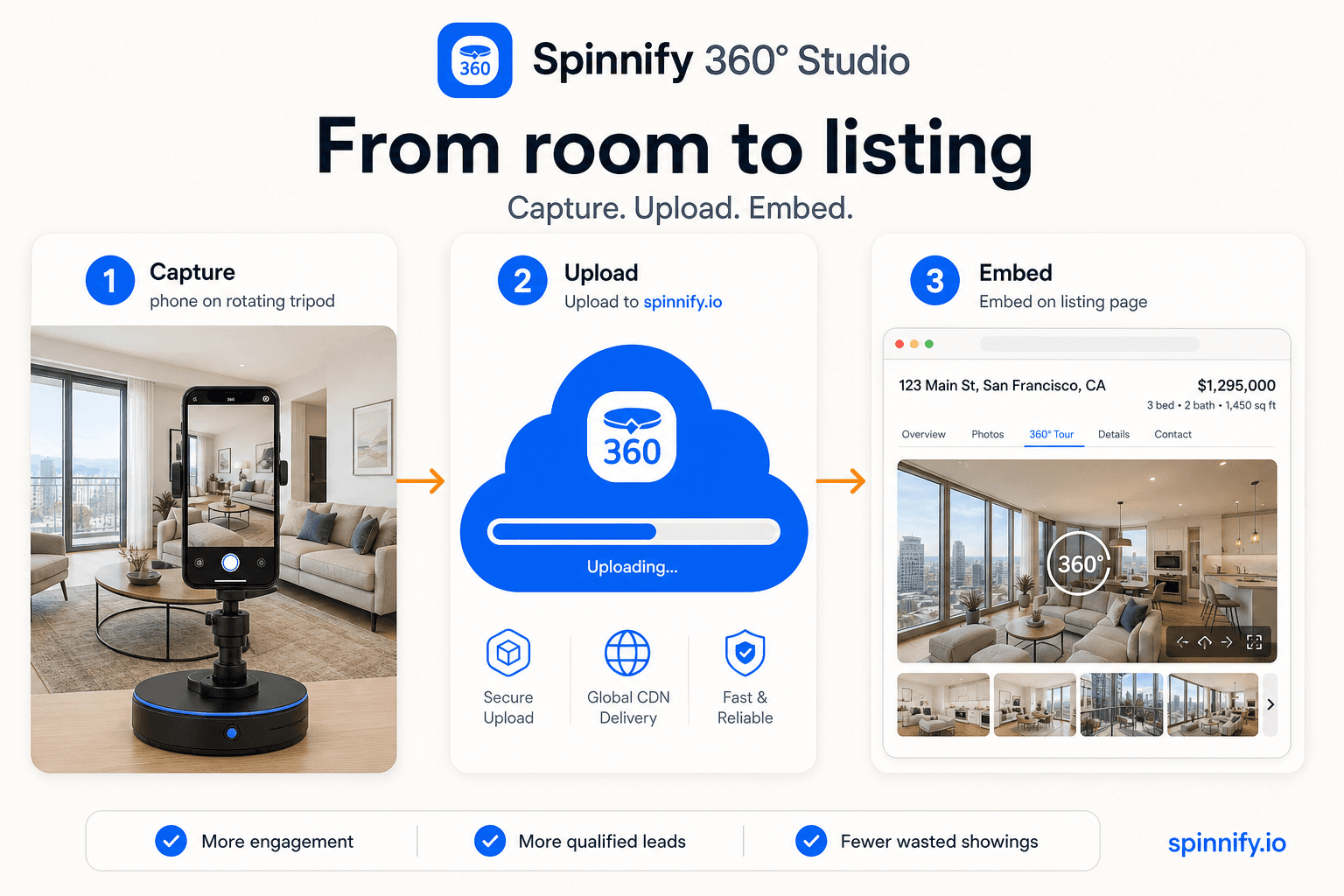
Create a product in Spinnify Studio (name it for the listing—address, unit, or campaign code). Open the same name in 360 Spinnify Studio, shoot the desktop series (4:3) or upload an ordered image sequence, and tap Upload. Frames compress to WebP on device and land in your cloud project.
Publish three ways: embed the widget on your property site (same script as ecommerce), bind by page URL if the listing lives on a unique path, or share a public viewer link in email and chat—useful when the host page cannot run third-party scripts.
Spinnify does not build a dollhouse model or measure square footage. It delivers photorealistic spins from your shoot—fast pages, drag-to-explore UX, optional hotspots for labels (finish type, appliance model, view direction). Hotspots are configured in the web dashboard after upload, not on the shoot floor.
Classic Matterport / 3D scan vs. Spinnify photo spin
| Matterport / 3D scan platforms | Spinnify (photo spin) | |
|---|---|---|
| Hardware | Dedicated 3D camera or LiDAR workflow | Phone + rotating tripod |
| Output | Dollhouse, floor plan, mesh | Interactive photo sequence |
| Learning curve | Scan paths, subscription tiers | Same workflow as product 360° |
| Best for | Luxury listings, large portfolios | Agencies, indie creators, fast DIY tours |
| Branding | Platform viewer | Your embed or share link |
Use cases beyond the product page
- Real estate agencies — virtual tour on listing pages; filter remote buyers before drive time.
- Apartment operators — answer “virtual apartment tour” intent with a real walk-through feel.
- Airbnb and boutique hotels — room preview that beats a flat gallery.
- Nature and travel creators — viewpoints, overlooks, and trails as shareable spins.
- Venues and pop-ups — immersive preview without publishing to a public map layer.
Position against “Google Street View alternative” honestly: Street View is a public, map-based corpus. Spinnify gives you a owned, embeddable experience on your domain or link—better when the goal is marketing a specific place under your brand, not indexing a city block.
Spinnify vs Matterport and other virtual tour software
Search results for “matterport alternative” are listicles—Poly.cam, Kuula, CloudPano, Panoee, and others. Many target 3D capture or panoramic stitching. Spinnify’s angle is narrower and often cheaper to operate: photo spins from a rotation you control, one mobile upload path, one embed snippet.
- Choose Matterport-class tools when you need measured floor plans and dollhouse navigation for high-end listings.
- Choose panoramic stitchers when you already shoot equirectangular panoramas and need hosting.
- Choose Spinnify when you want product-grade spin UX—drag frames, fast CDN, SKU-style naming—for rooms and places without a scan crew.
Teams also ask about a free virtual tour software tier. Spinnify offers a trial path on spinnify.io; compare total cost including capture hardware and time per listing, not only the monthly line item.
Mistakes that ruin a space 360° tour
- Wrong rotation center—the room feels like it wobbles. Re-shoot from a true midpoint.
- Mixed exposure between frames—brightness jumps when dragging. Lock settings once per room.
- Too few frames—choppy motion. Aim for 24 steady shots minimum.
- Clutter and movement—people, pets, or swinging doors between shots.
- Forgetting mobile embed—many renters browse listings on phones; test the viewer on cellular.
- Shooting before the Studio card exists—uploads need a named product in Spinnify first.
Conclusion
A 360 virtual tour for real estate or an apartment is not a different product category—it is the same honest photo spin ecommerce teams already publish, aimed at a room instead of a SKU. Phone, rotating tripod, capture in 360 Spinnify Studio, embed or link. Start with one unit or one viewpoint, refine light and frame count, then scale. For turntable basics and exposure lock, see our DIY smartphone guide linked below.
Related: DIY smartphone 360° guide, ecommerce 360° warehouse workflow, integration guide.