Quick answer
Matterport wins when you need a measured dollhouse, mesh walkthrough, and floor-plan style navigation for large commercial spaces. A phone on a rotating tripod plus Spinnify 360° Studio wins when you need product-like spins and lighter listing media for apartments, rooms, and small venues. They are not feature-equivalent. Pick by output type and capture cost, not by marketing labels.
Search “360 virtual tour vs Matterport” and you will see two jobs mashed into one phrase. One job is a 3D mesh tour with dollhouse navigation. The other is a photo sequence you drag like a product spin, aimed at a room instead of a SKU. Both can support a virtual apartment tour. Only one of them requires a scan crew and a Matterport-class camera workflow.
This article compares those paths for 360 virtual tour real estate work: when Matterport is the right buy, when 360 photography for real estate with a phone is enough, and where Spinnify 360° Studio sits as a matterport alternative for lighter listing media. No invented ROI percentages. Measure time-on-listing and wasted showings on your own inventory.
What Matterport is built to deliver
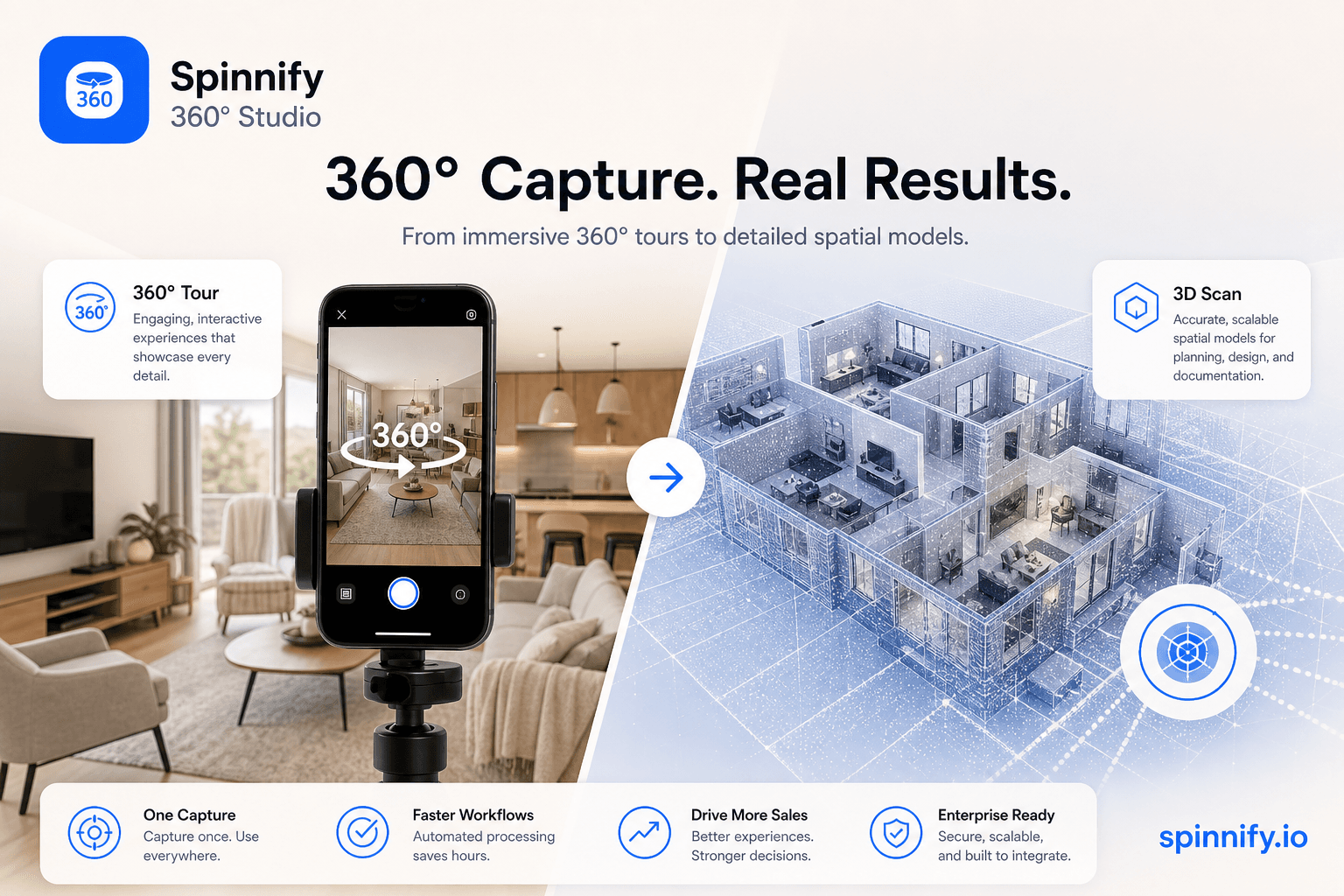
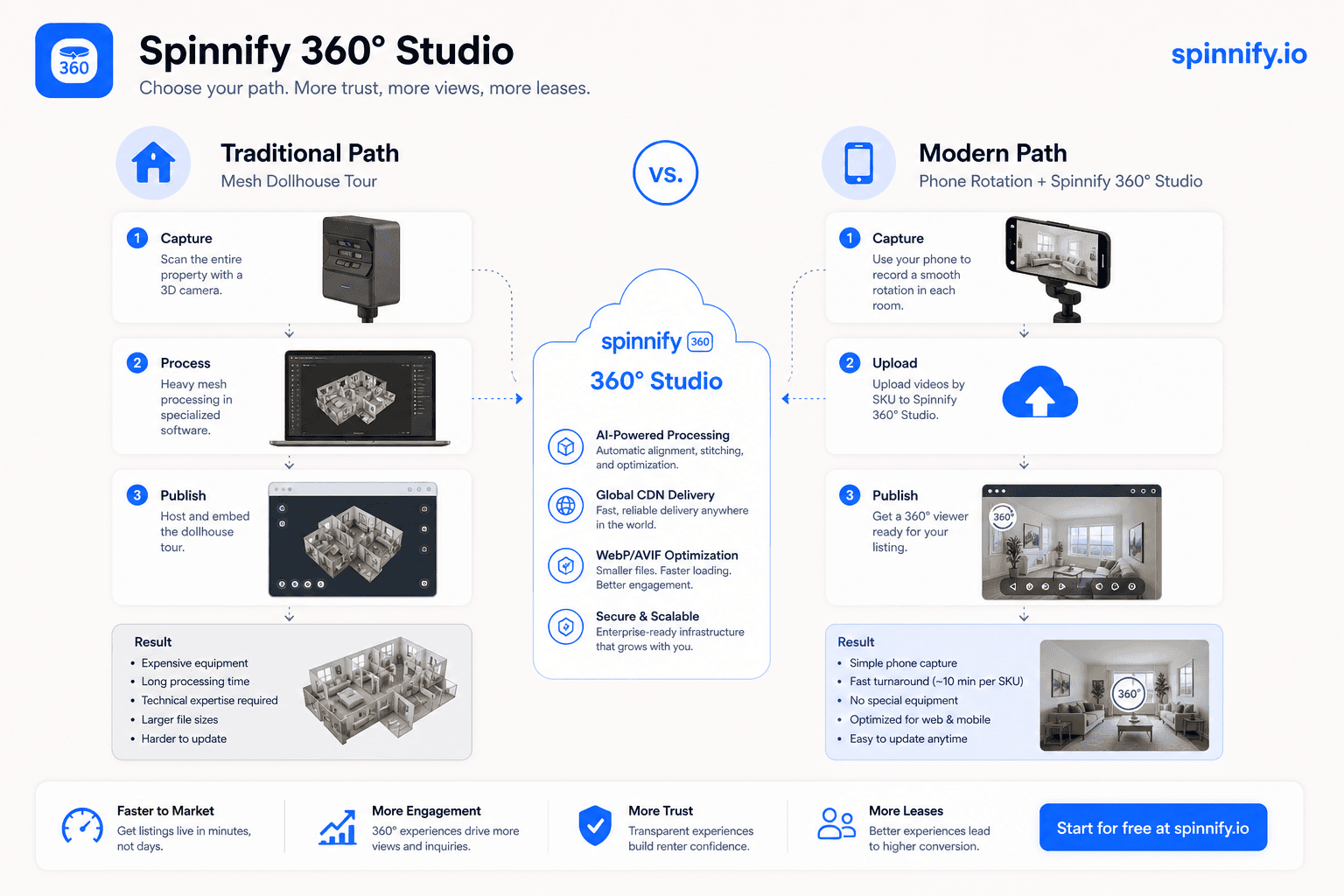
Matterport-class platforms capture a space as a 3D mesh. Visitors walk through rooms, open a dollhouse view, and often get measured floor plans. That output fits large commercial walkthroughs, multi-floor offices, showrooms, and luxury listings where prospects expect a full spatial model, not a single-point spin.
The trade-off is cost and process. Dedicated cameras or LiDAR workflows, scan paths, subscription tiers, and longer capture sessions raise the bar per property. If your inventory is high-value commercial space and buyers need to understand square footage and flow across many rooms, that investment can be justified. If you are refreshing dozens of small apartments each month, the same stack can be heavier than the listing needs.
What a phone + rotating tripod path delivers
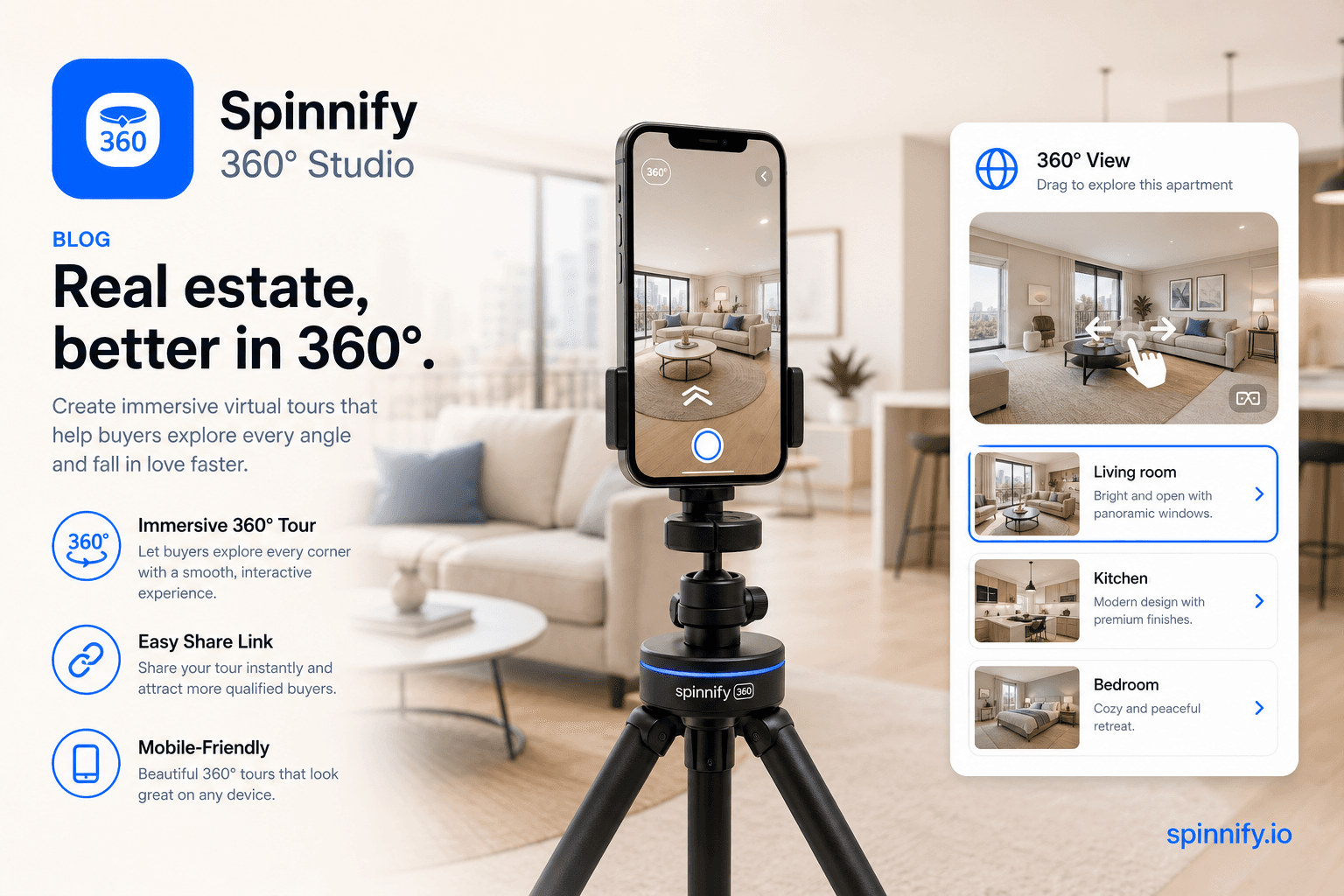
360 photography for real estate does not have to mean a mesh. Place a smartphone on a rotating tripod at the room center, lock exposure, shoot 24–36 frames, and publish an interactive sequence. The visitor drags to look around from that vantage point. It feels like standing in the middle of the room and turning in place.
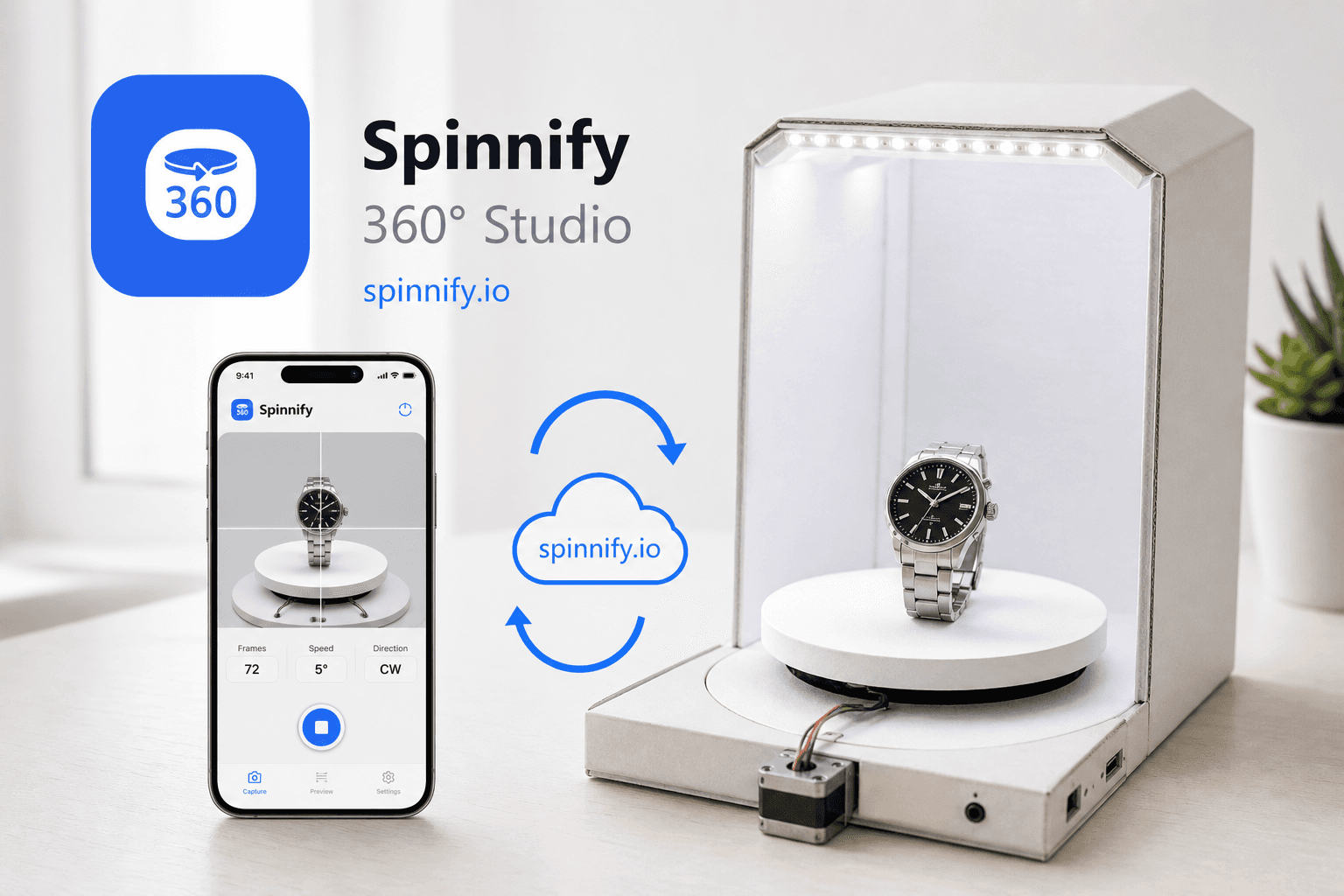
Spinnify 360° Studio was built for product spins on ecommerce pages. The same pipeline (capture a rotation, host frames on a CDN, embed a lightweight viewer) works for apartments and small spaces. You get a branded mini-tour on the listing page or a public share link. You do not get a dollhouse, automatic floor plans, or Matterport feature parity. That honesty matters when someone asks for a matterport alternative and actually needs mesh navigation.
For shoot steps, gear, and room-center tips, see the companion guide on 360 virtual tours for real estate and apartments.
Head-to-head: Matterport vs Spinnify 360° Studio path
Use the table as a decision filter, not a scorecard. The “winner” depends on whether you need a mesh walkthrough or a drag-to-explore photo spin.
| Criterion | Matterport / 3D mesh tours | Spinnify 360° Studio (photo spin) |
|---|---|---|
| Primary output | Dollhouse, mesh walkthrough, measured plans | Interactive photo sequence from a fixed center |
| Capture gear | Dedicated 3D camera or LiDAR workflow | Phone + rotating tripod |
| Best fit | Large commercial spaces, luxury multi-room listings | Apartments, single rooms, small venues, listing spins |
| Learning curve | Scan paths, subscription tiers, operator practice | Same rotation workflow as product 360° |
| Typical cost drivers | Hardware, scan time, platform subscription | Phone you already own, tripod, Spinnify plan by active projects |
| Branding / delivery | Platform viewer and hosting model | Your embed snippet or public viewer link |
| Feature parity with Matterport | Native mesh and dollhouse tools | No dollhouse, no mesh floor plans |
| Mobile capture | Matterport capture apps / devices | Spinnify mobile capture for product-style series (App Store / Google Play public release coming soon) |
When Matterport is the honest choice
- Buyers or tenants need to walk room-to-room in a large commercial floor plate.
- You must show measured floor plans or a dollhouse overview as part of the sales packet.
- The listing budget already covers a scan crew and platform fees.
- Stakeholders expect Matterport-class navigation because competitors already ship it.
In those cases, a photo spin is not a substitute. Calling Spinnify 360° Studio a drop-in Matterport clone would be misleading. Use Matterport (or another mesh platform) for the job it was designed to do.
When the Spinnify 360° Studio path fits better
- You need a virtual apartment tour that answers “what does this room feel like?” without a full mesh.
- Inventory turns fast: studios, one-bedrooms, short-term rentals, small offices.
- Agents or hosts already shoot with phones and want one upload path to an embeddable viewer.
- You want product-like spin UX on the listing page: drag frames, fast CDN delivery, lightweight widget.
- Budget and calendar favor a lighter capture day over a dedicated scan session.
Capture on a phone without pretending it is a scan
On site, Spinnify mobile capture is aimed at product-style series: landscape 4:3 for the main viewer, optional portrait series when traffic is mostly phones. Sign in with the same account you use on spinnify.io, name the project like a unit code, shoot auto-series or step-by-step frames, and upload to the cloud project you manage in Spinnify 360° Studio.
Cost without fabricated ROI
Vendors love conversion charts. We will not invent one. What you can compare honestly: hardware purchase or rental, operator time per unit, platform subscription, and how many listings you refresh each month. Mesh tours cost more per property when gear and scan time dominate. Photo spins cost less per unit when a phone and rotating tripod already cover the capture. Whether that saves showings or lifts inquiries is a metric you measure on your own CRM and listing analytics.
How to decide in one sitting
Write the deliverable in one sentence. If the sentence includes “dollhouse,” “measured plan,” or “walk the whole floor,” shortlist Matterport-class tools. If the sentence includes “drag around this living room on the listing” or “lighter media for remote renters,” shortlist a phone rotation path in Spinnify 360° Studio. If you need both on different property tiers, run both: mesh for flagship commercial assets, photo spins for high-volume apartments.
Start with one unit. Lock light and center point. Publish. Review how prospects use the viewer before you standardize a portfolio rule. That is the same discipline ecommerce teams use when they pilot a product spin on a single SKU.
Conclusion
A 360 virtual tour vs Matterport decision is really a media-type decision. Matterport remains the stronger path for large commercial walkthroughs that need mesh and dollhouse navigation. Spinnify 360° Studio is the lighter path for apartments and small spaces when you want product-like spins and embeddable listing media from a phone and rotating tripod. Choose the output buyers actually need, then pick the capture stack that produces it.
Ready to try a listing spin? Open Spinnify 360° Studio and publish one room before you commit a whole portfolio to either path.