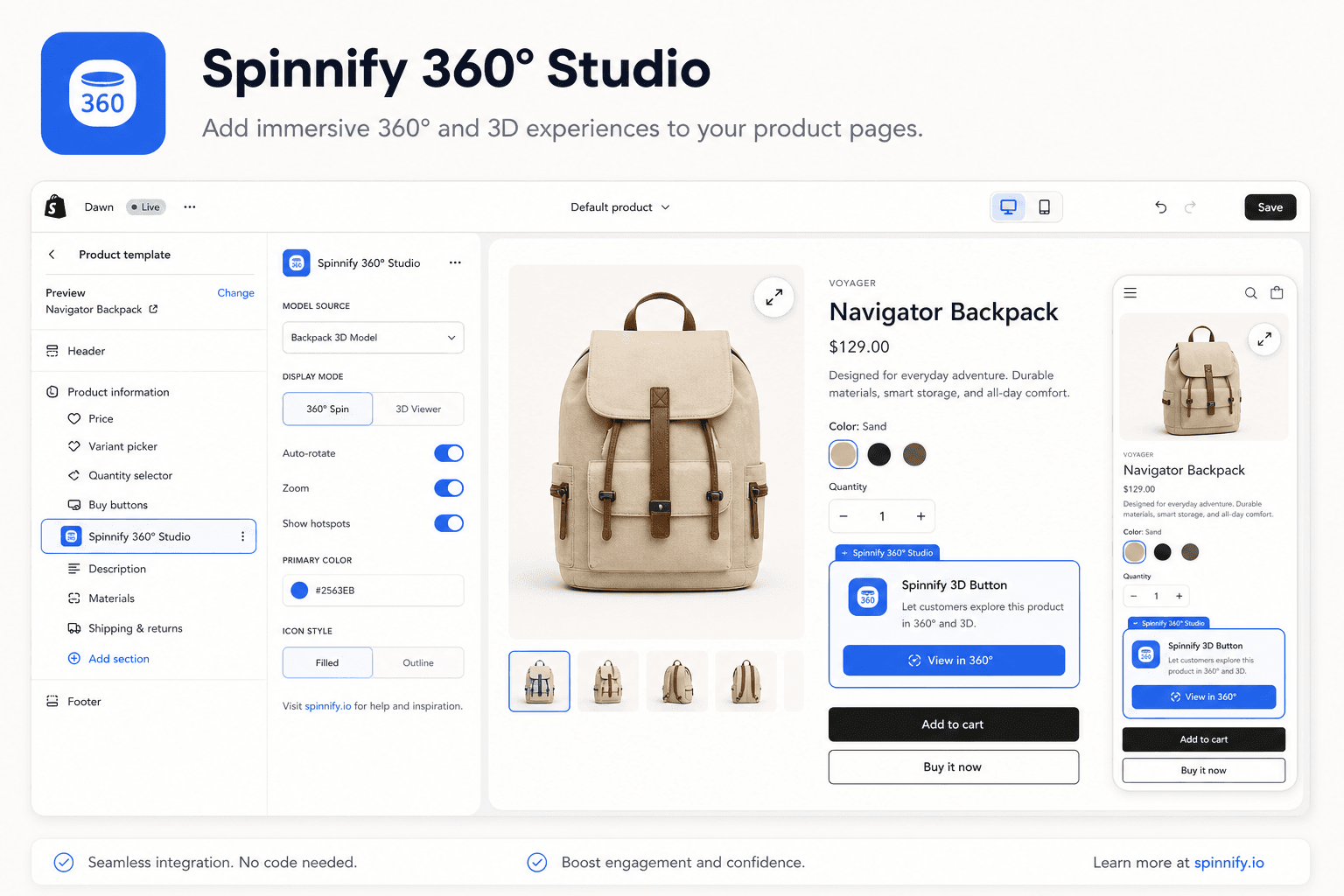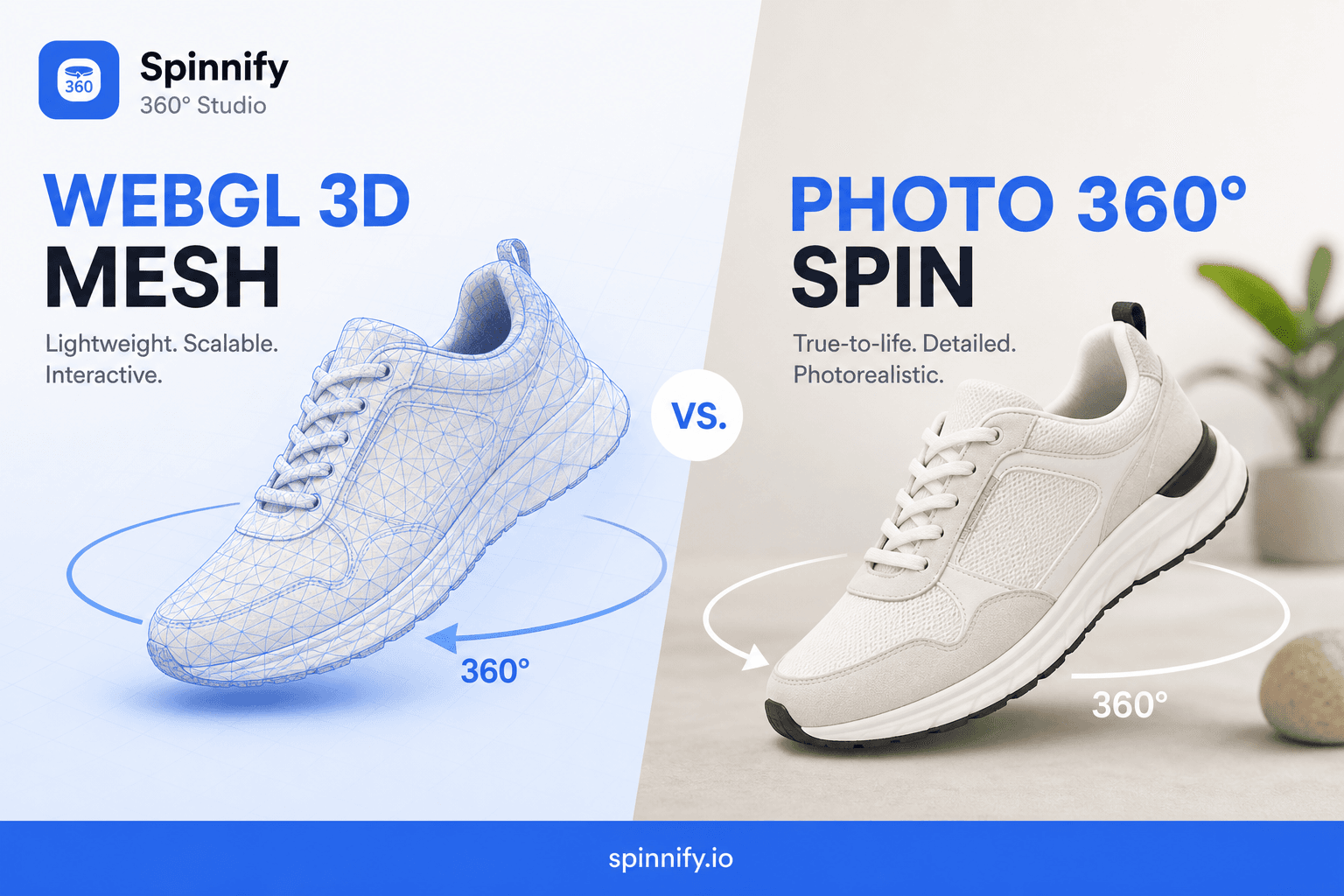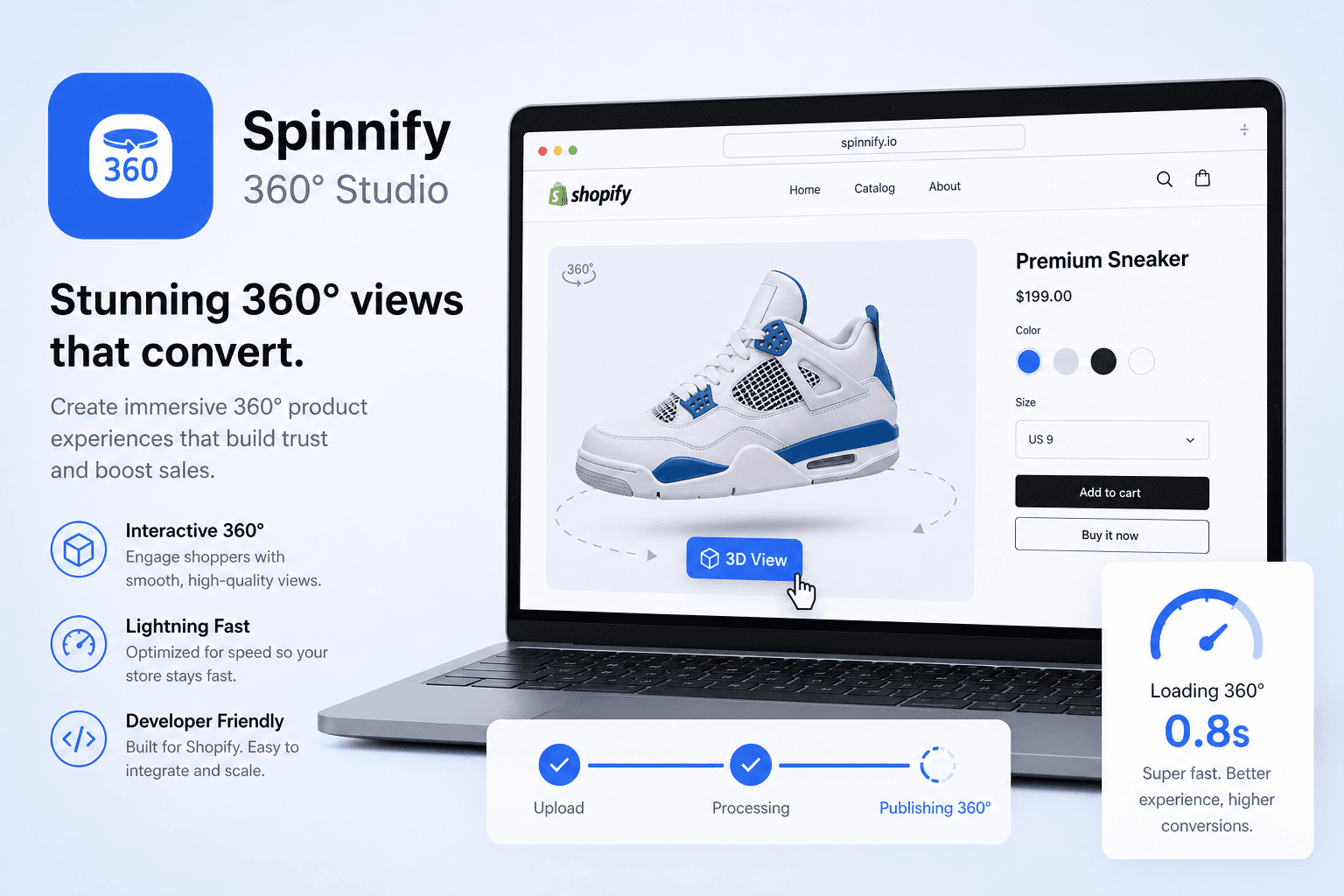
Quick answer
Slow PDP = lost shoppers. Heavy 360° hits LCP, INP, CLS. Spinnify: check-sku → button only on match, warm init while idle, ~10 WebP prefetch, full spin in iframe on click. Test PageSpeed on live URLs, not theme Preview.
Every store owner knows slow sites kill sales. On mobile, the scroll-or-close decision happens in seconds. Great design and ads mean little if the product page (PDP) takes more than three seconds—shoppers leave for competitors.
Heavy media hurts most: 3D configurators, autoplay video, interactive viewers. Google scores sites on Core Web Vitals—LCP (main screen load), INP (responsiveness), CLS (layout stability). Overload the page with code and you land in the red zone—rankings and paid traffic suffer.
Does that mean skipping interactivity? No. Here is how Spinnify's smart 360° loading on Shopify keeps the site fast and Google metrics green.
What is wrong with typical 360° players?
Most standard plugins work bluntly. On page load they try to fetch everything at once:
- The main product photo.
- Copy, price, reviews, analytics.
- All 36 spin frames immediately (often heavy PNG or JPEG).
The phone browser stalls—CPU and bandwidth cannot handle a hundred images at once. The main screen hangs (LCP rises), taps on color or size do not respond (INP rises). Google marks the page down for performance.
The right pattern removes everything 360°-related from the critical loading path. Images and heavy scripts appear only when truly needed—not a second sooner.
How Spinnify keeps your site fast
Spinnify on Shopify is designed not to compete with your theme gallery for phone resources. The flow splits into smart stages:
Stage 1. Fast check (Check-SKU)
On load there is no heavy player and no frames. A tiny launcher in the theme instantly asks the server: "Is there a ready 360° for this SKU?"
- No spin—the script sleeps. No extra files download; the page behaves normally.
- Spin exists—the launcher gently reveals a "360° View" button.
Stage 2. Work during idle time (Idle Warm Init)
The main shopify-widget.js code does not load at the very start. It waits until the page is painted and the CPU is free (requestIdleCallback). While the shopper reads the description, the widget quietly prefetches ~10 first frames in WebP from CDN—so animation starts instantly on click.
Stage 3. Isolated window (Iframe Viewer)
On "360° View," a fullscreen modal opens. All rotation happens inside an isolated iframe, separate from store code. Furious finger dragging does not affect the product card's responsiveness.
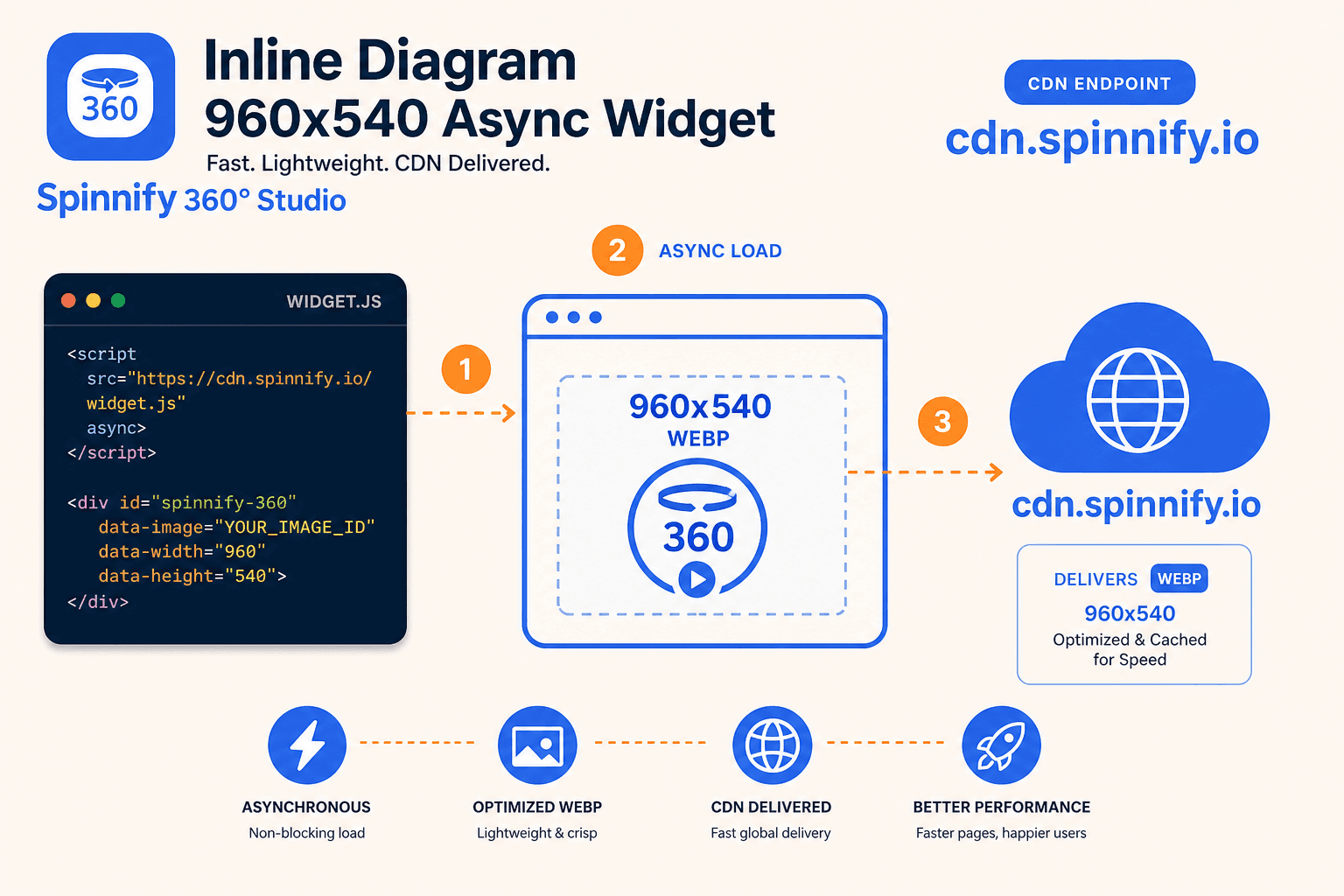
Pattern comparison: what to choose for the PDP
When choosing how to show every angle, understand the speed cost:
| Display method | Speed impact | How it works in practice |
|---|---|---|
| Inline frame gallery | High (slows the site) | All frames load with the main design. Page hangs at start. |
| Smart Spinnify widget (modal) | Low (site stays fast) | Button after check; frames prefetch during idle time. |
| Heavy 3D (WebGL / CAD) | Very high (phone heats up) | CPU renders a synthetic model—see WebGL vs 360° comparison. |
| Autoplay video in gallery | High (uses bandwidth) | Video starts alone and steals bandwidth from the hero image. |
How to test speed correctly after install
Do not trust theme editor Preview—builder scripts skew measurements.
For an honest result:
- Fill the product SKU and publish a 360° spin in Spinnify Studio.
- Open the page on the live storefront in incognito.
- Run the URL in Google PageSpeed Insights.
LCP should still be your native hero image, variant swatches respond instantly, and the 360° button appears smoothly without layout shift.
The main rule of web optimization
Shoppers cannot admire interactive media if they close the tab before load finishes. The 2026 conversion secret is maximum visual experience—delivered carefully, on demand, with cloud CDN and lazy loading.
Setup: Shopify integration guide. Formats: WebGL vs photo 360°. Full integration guide.