Quick answer
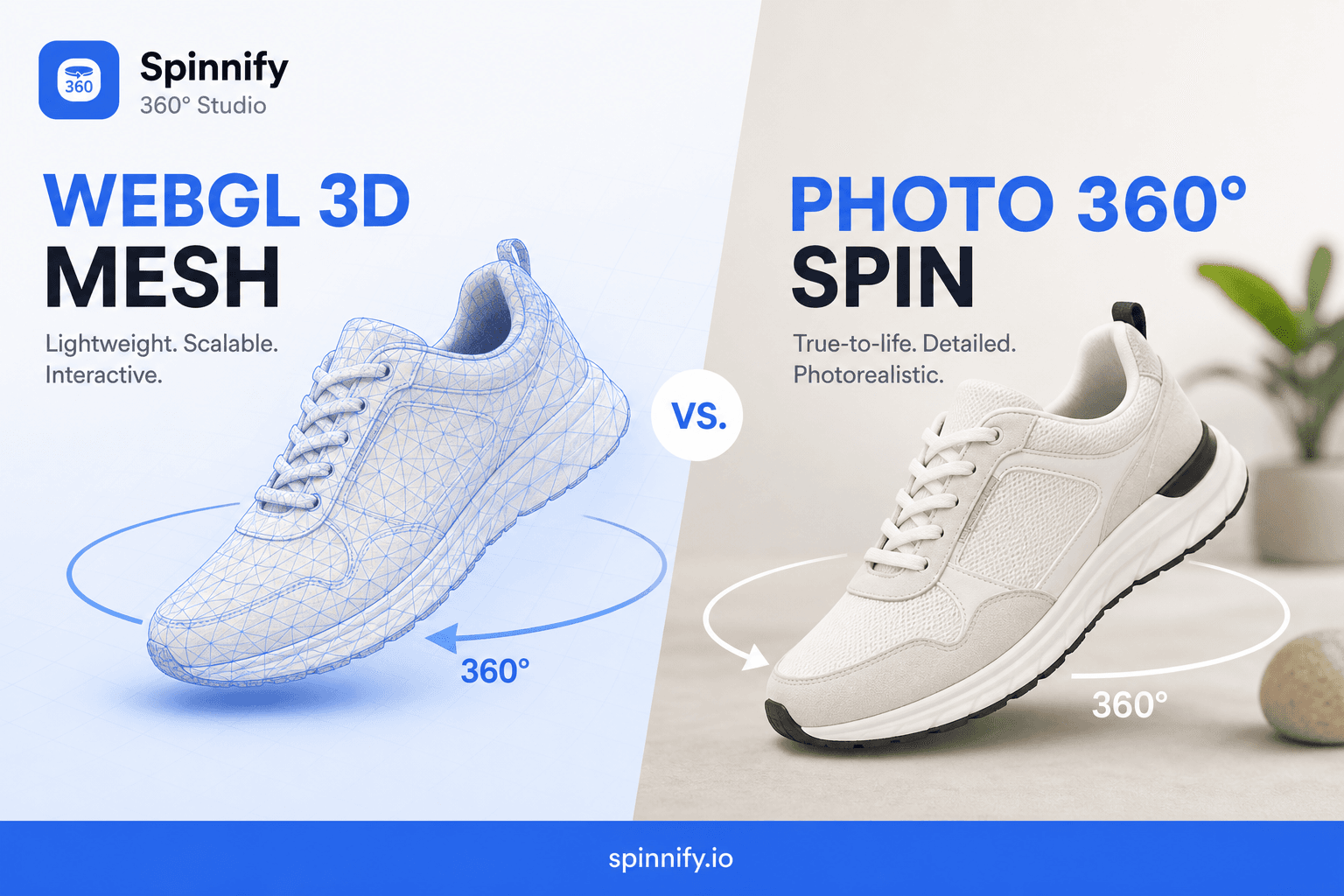
"Show us 3D" often means WebGL (configurator, CAD) or photo 360° (real spin). WebGL for customization and mechanics—costly and heavy on mobile. Photo 360° for trust, catalog scale, speed. See the task matrix below.
In e-commerce, visual content is a conversion tool—not decoration. "Show us 3D!" is a common ask. Behind it are two different technologies: interactive 3D models (WebGL) and 360° photo sequences.
Understanding the difference saves months of development and production budget. Here is how to pick an approach that will not hang your site and will help shoppers buy.
1. WebGL 3D: a digital twin in the browser
WebGL renders full 3D models in the browser—a triangle mesh with shaders for light, shadow, and reflections.
When WebGL is the ideal choice
- Complex configurators: modular sofas, bikes with handlebar, frame color, and shifter options.
- Mechanical detail: how a cabinet door opens, how hinges move.
- B2B and industrial equipment: exact proportions and CAD-engineered parts.
The downside
- High cost: 3D artists or CAD-to-web conversion pipelines.
- Hardware load: configurators stutter on budget smartphones.
- Uncanny valley: sterile CG vs a real product with small defects—return risk.
2. Photo 360° sequence: honesty and clarity
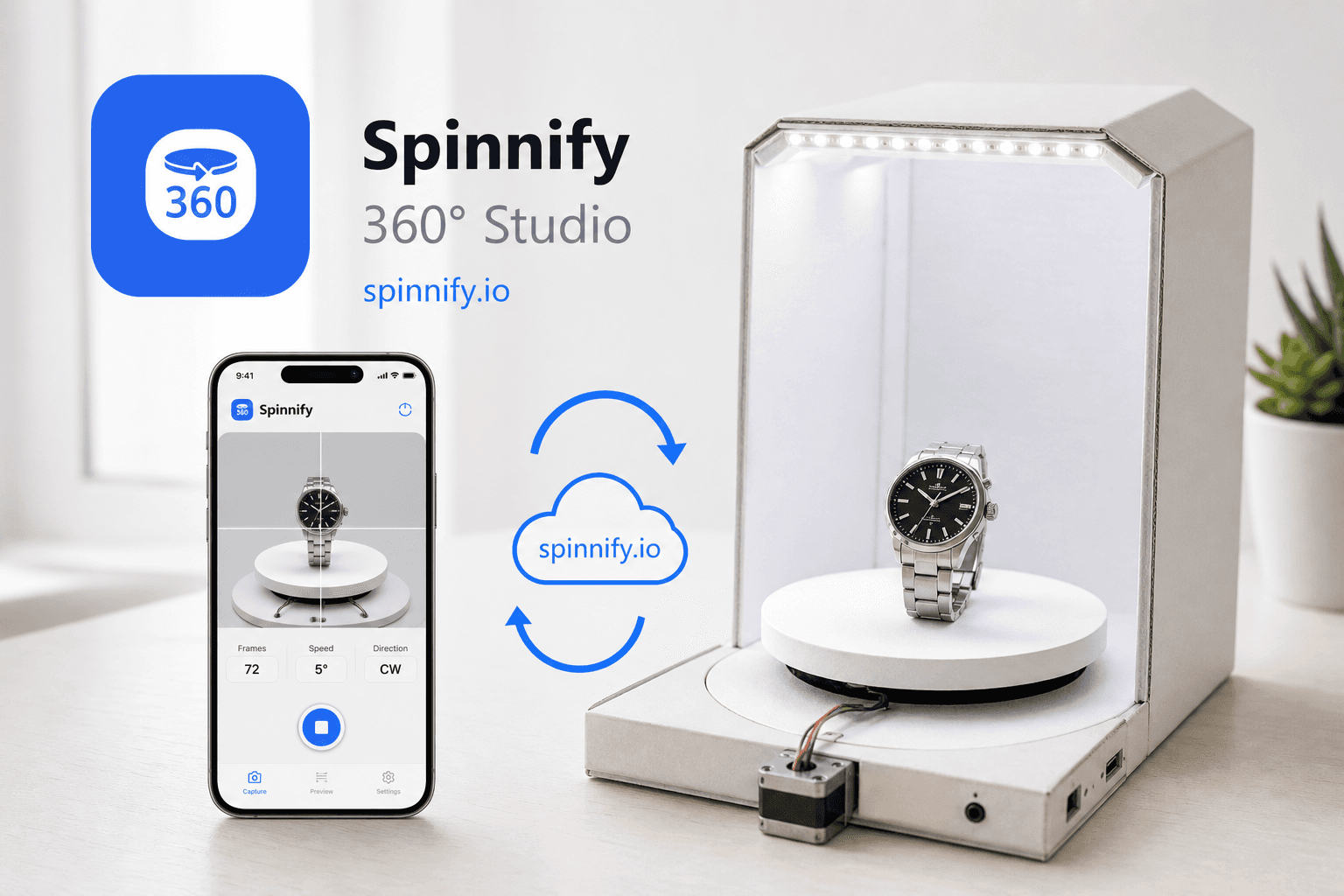
The Spinnify approach is product photography: real photos from every angle under controlled studio light.
Why market leaders choose this method
- Maximum trust: shoppers rotate a real warehouse sample—not an approximation—texture, seams, metal highlights.
- Speed and scale: a spin in hours; thousands of SKUs—photography beats 3D modeling.
- Performance: lazy loading—heavy frames do not download until the shopper clicks 360°.
Limitations
- You cannot "open" the product in-browser without a separate interior shoot.
- The spin is limited to captured viewing angles.
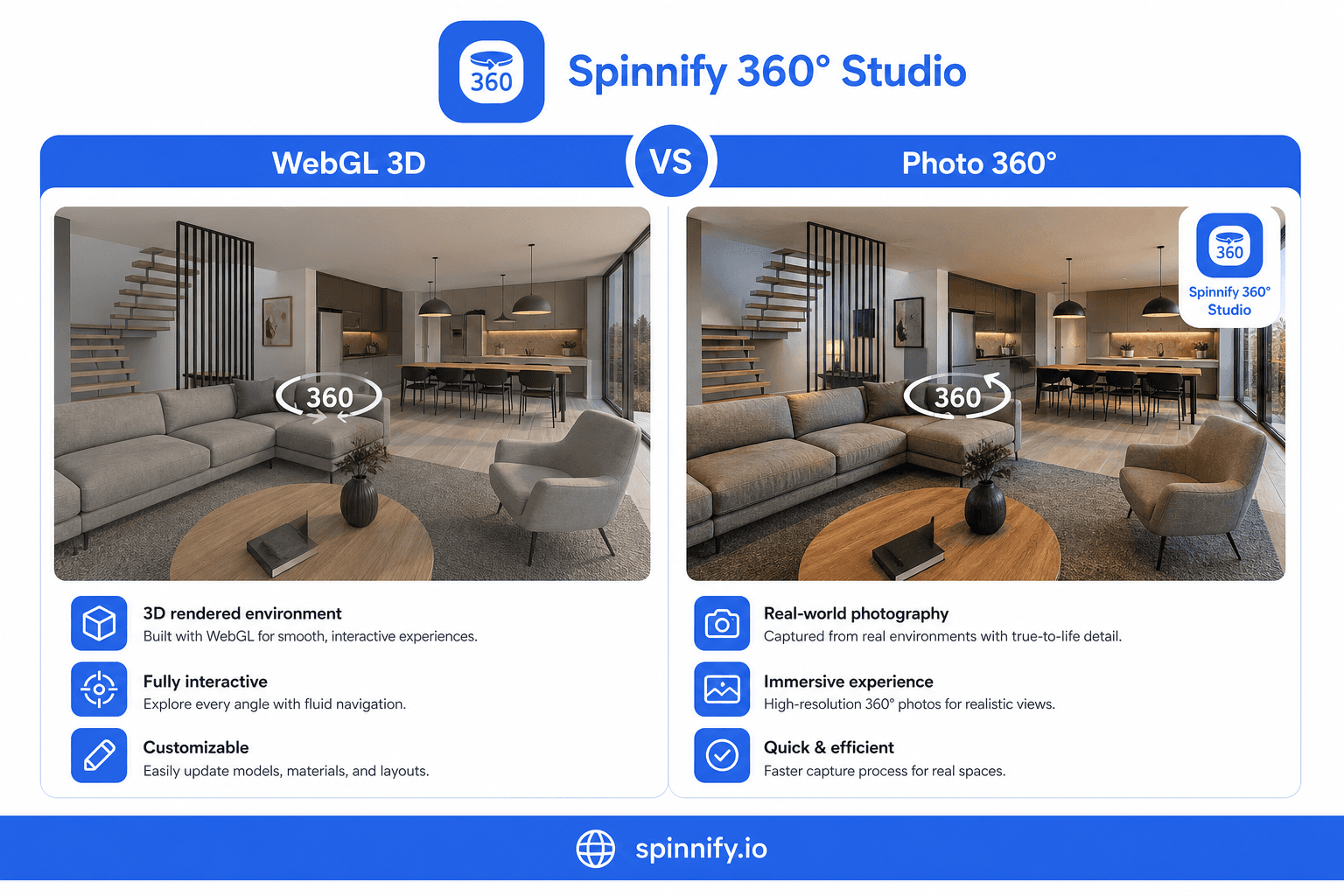
Decision matrix: pick for your job
Ask: "What must the shopper see before clicking Buy?"
| Job | Recommended approach | Why it works |
|---|---|---|
| Customization (fabrics/modules) | WebGL | Only way to show millions of combinations in real time |
| Inspect sole, hardware, seam quality | Photo 360° | Photos capture micro-texture better than shaders |
| Large catalog (hundreds of SKUs) | Photo 360° | Photo production scales cheaper than 3D outsourcing |
| Mobile LCP speed critical | Photo 360° | Minimal CPU and memory load on phones |
| Reuse production CAD | WebGL | If the 3D asset already exists for manufacturing, web adaptation is easier |
Why photo 360° is pragmatic
Many merchants buy an expensive WebGL license then discover no budget for hundreds of 3D models.
Spinnify focuses on the tangibility gap. Online shoppers fear buying what they cannot touch. Photo 360° lets them:
- Inspect labels, ports, and packaging (hotspots).
- See real volume without distortion common in 3D engines.
- Get predictable results from a top PC to a budget Android.
Bottom line: complex configurations or walk-through interiors—invest in WebGL. Show every angle, build trust, and cut returns through inspection—photo 360° is the faster, effective path.
Ready to try? See a demo spin and learn how fast you can launch inspection in Spinnify Studio. Capture: DIY smartphone guide.