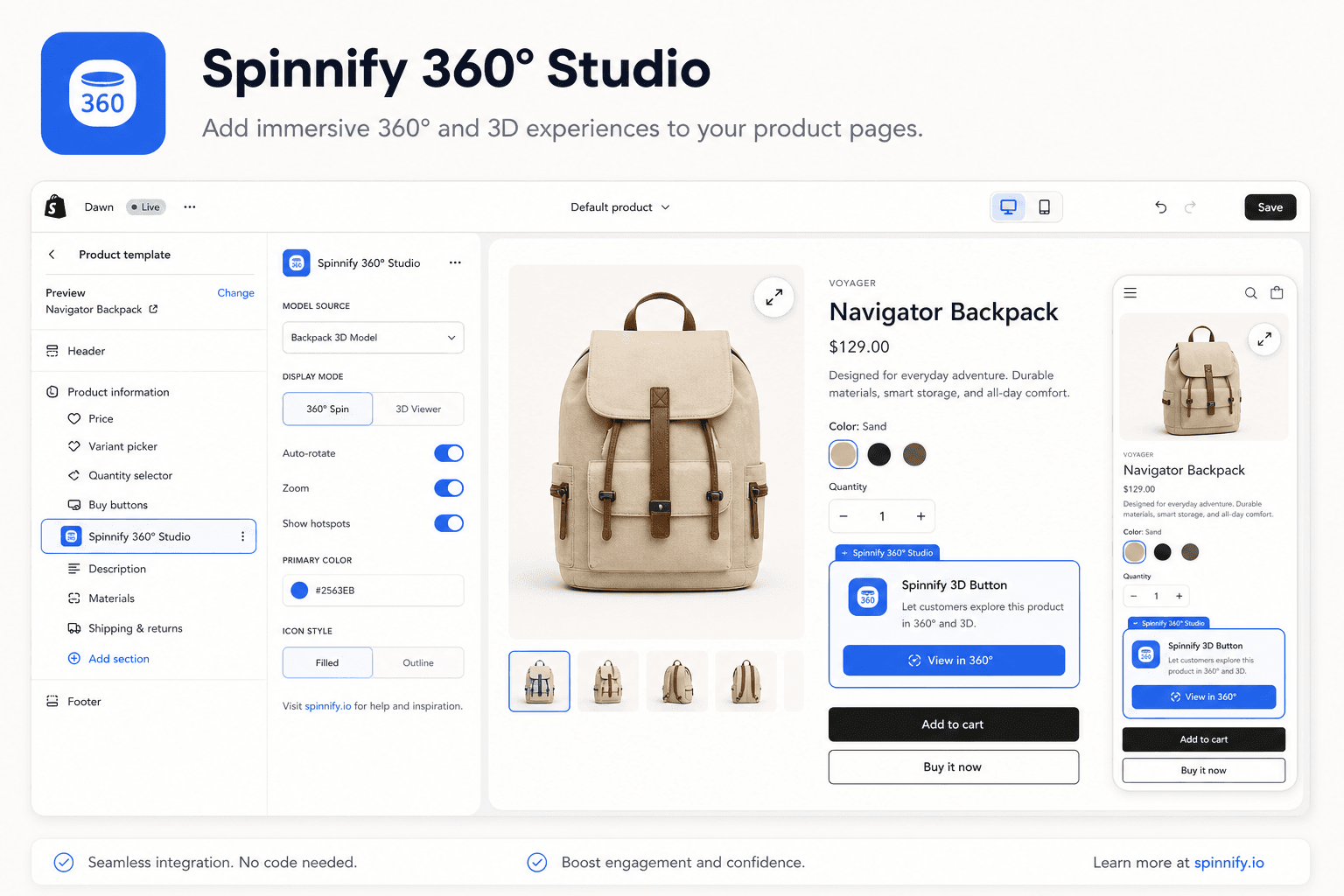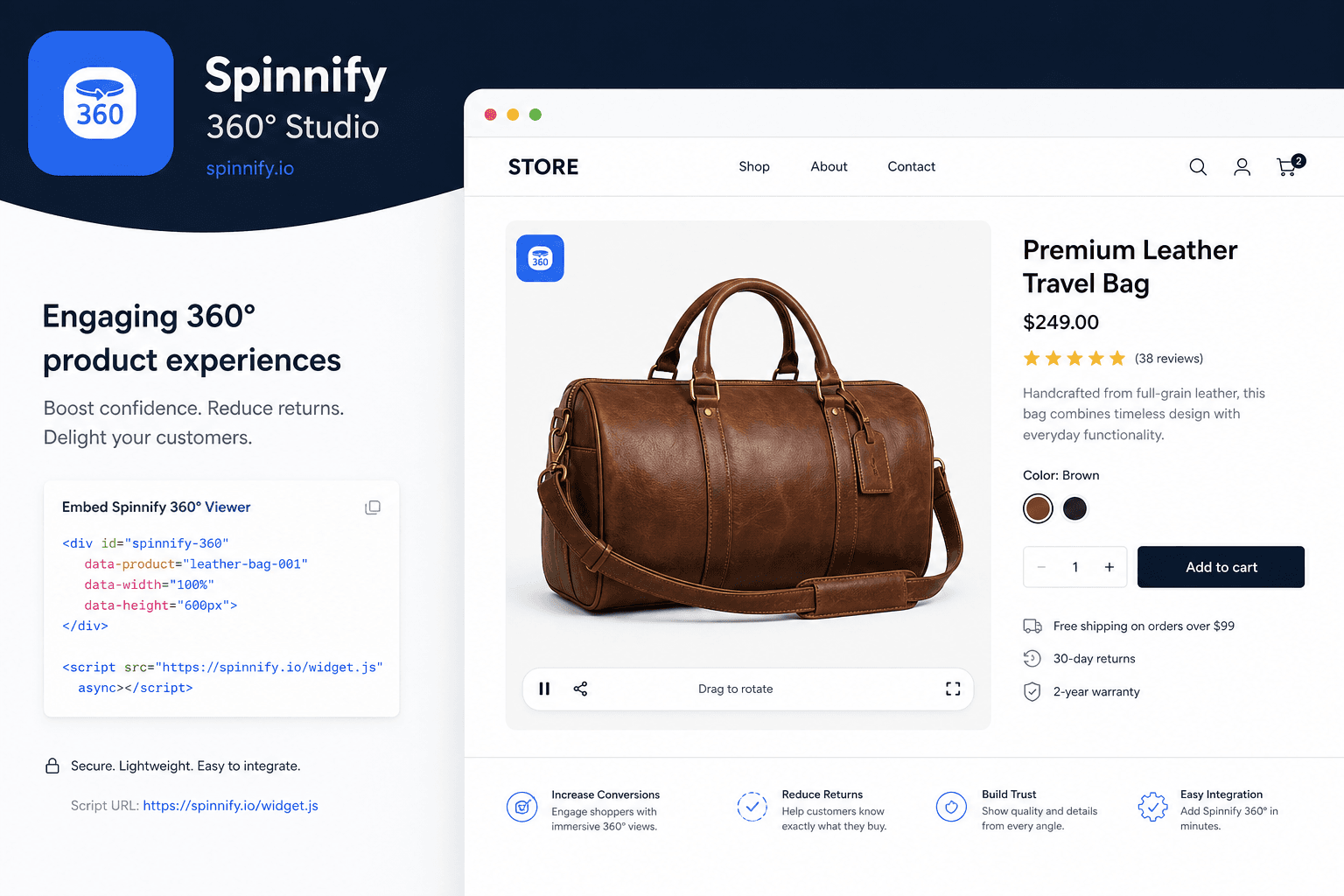
Quick answer
360° on WooCommerce without heavy plugins: Studio (name = SKU, Active) → widget.js embed on is_product() only → Manual/AUTO/URL. Lazy load + WebP/CDN. Test live URL; clear cache.
Want shoppers to rotate products like top stores? WooCommerce does not require heavy plugins. Spinnify integration adds professional 360° views while keeping site speed high.
3 steps to launch 360° on WooCommerce
1. Prepare in Spinnify Studio
Before site settings, prepare content:
- Sign up for Spinnify Studio.
- Create a product and upload a photo series (24–36 frames).
- Critical: Studio product name = the SKU in WooCommerce Admin.
- Set status to Active. Drafts are invisible to the system.
2. Add code to the site
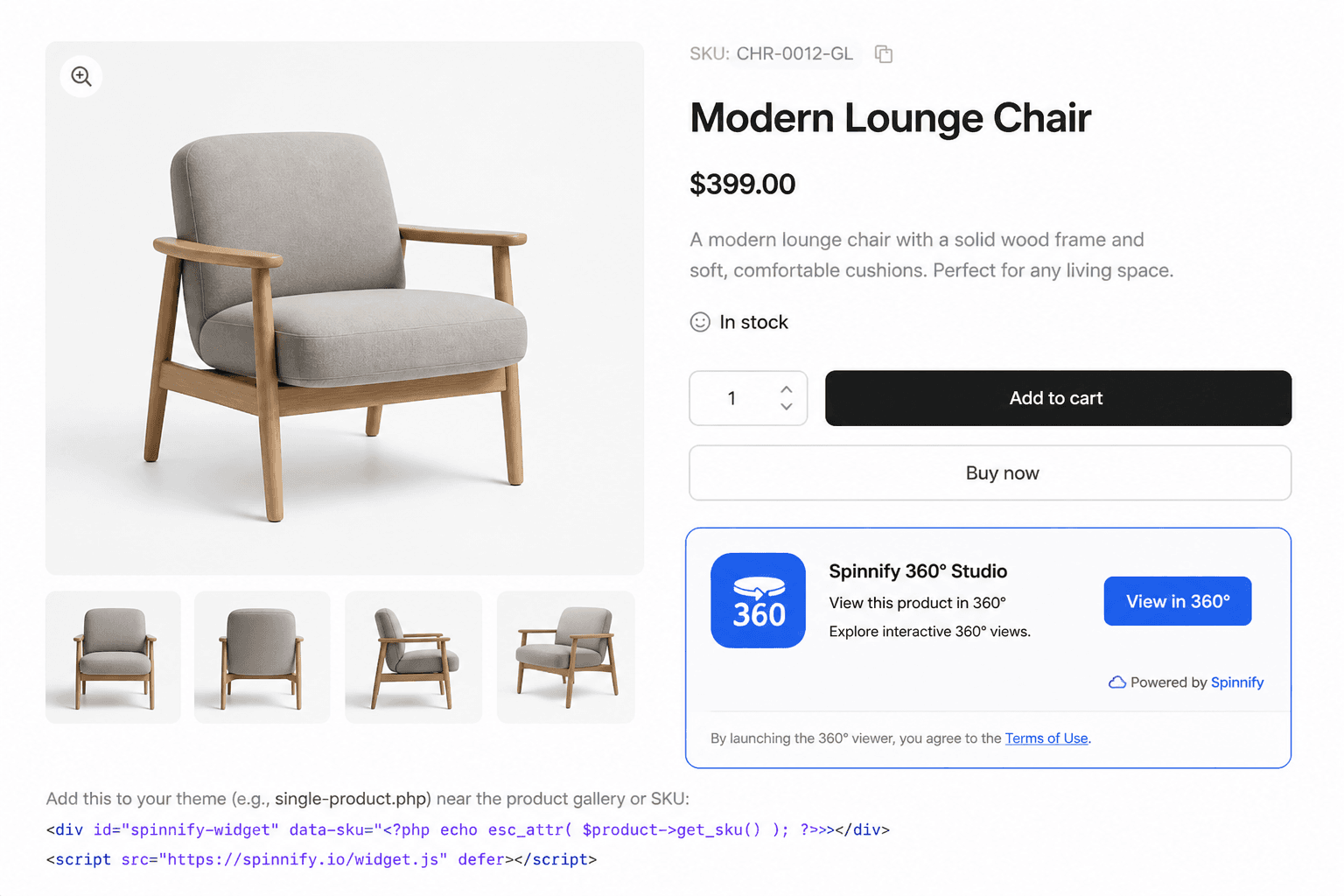
Insert a small snippet once on the product page template.
- Where to get code: Embed tab for the product in Spinnify Studio.
- Where to paste: theme functions.php or WPCode / Code Snippets plugin.
- Important: product pages only—use is_product() in PHP so the widget does not load on the homepage or blog.
3. Configure automatic linking
The system must know which spin to show. Three modes:
- Manual (recommended): bind by SKU. Reliable for variable WooCommerce products.
- AUTO: reads SKU from Schema.org markup—handy with solid SEO structured data.
- URL: bind by page URL when SKUs change or are inconvenient.
Why it does not slow the site
Many fear widgets slow WooCommerce. Spinnify is built differently:
- Lazy loading: the browser does not fetch photos until the shopper clicks View 360°.
- Minimal LCP impact: the widget loads separately from main page content.
- Compressed formats: WebP frames via global CDN.
Checklist: viewer not showing?
- Live URL: test on the published site—Customizer often blocks scripts.
- Name match: Studio and WooCommerce SKU must match character for character (spaces and hyphens matter).
- Clear cache: after adding code, purge WP Rocket, LiteSpeed, etc.
- Variation SKU: for variable products, use the SKU of the variation (color) you are viewing.
- Active Spinnify Studio subscription.
Bottom line: integration for business
Unlike bulky plugins that clash with your theme, this approach is cleaner: an interactive inspection layer over the WooCommerce gallery. Best UX for footwear, bags, electronics, and jewelry—where static photos miss detail.
Ready to launch? Upload photos in Spinnify Studio. Capture: DIY smartphone guide. Shopify: integration guide.