Quick answer
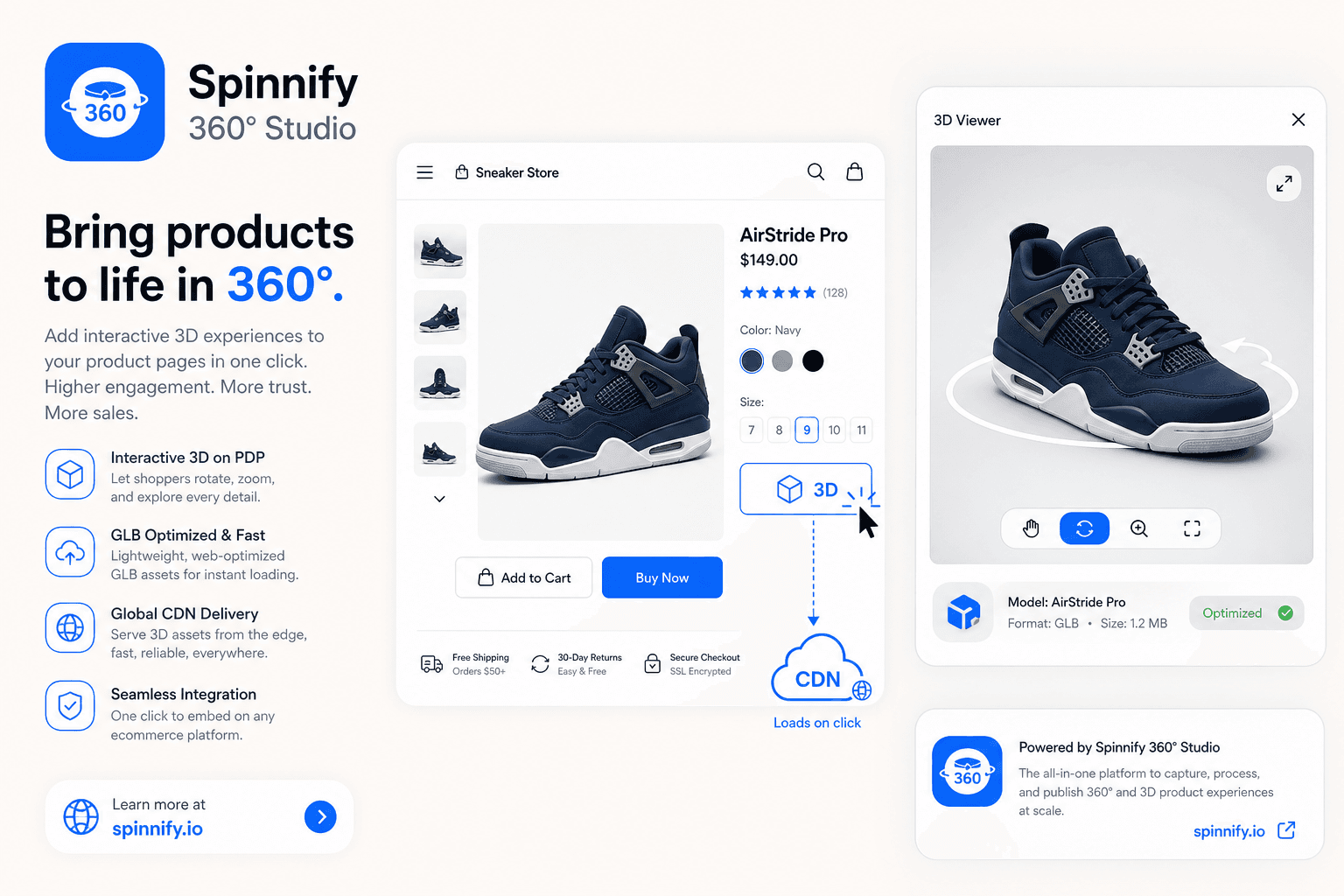
3D can raise purchase confidence, but how you deliver it matters as much as the model. Heavy WebGL or a GLB on first paint can hurt LCP. Spinnify hosts the GLB on CDN, reuses the 360 widget shell, and loads the scene only after a click in a modal. Inside that viewer you can also attach surface hotspots so shoppers tap details without stuffing the product page. Case studies show 3D can lift conversion; they are not a promise for every catalog. No AR, configurators, or material switching.
The core idea is simple. Buyers want more confidence, but the page still has to feel fast. A 3D model should support the product page, not compete with it. If the viewer starts as a heavy embed, the product page pays the price before the shopper has shown any intent.
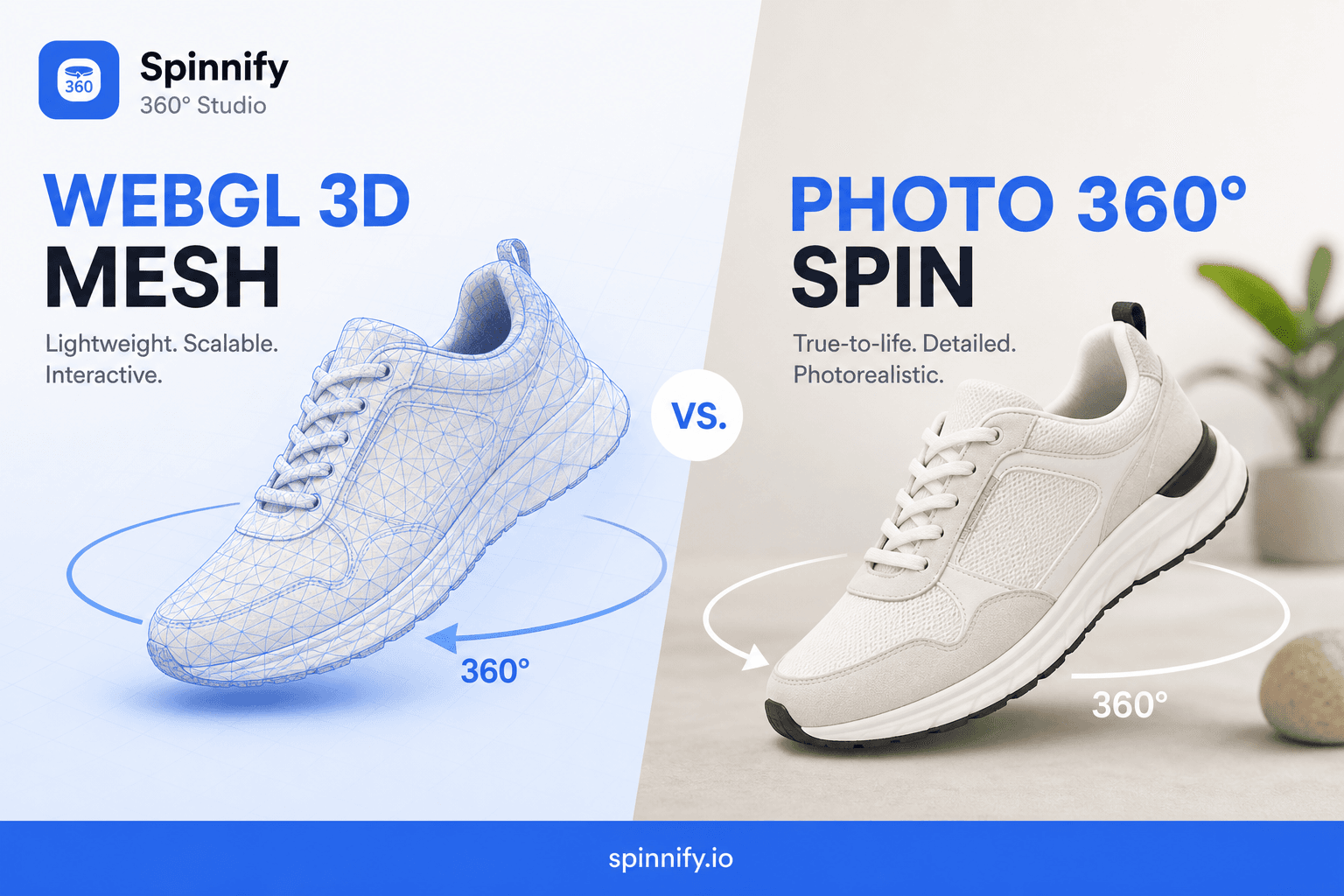
For the related loading pattern, see lazy loading 360 product widgets. For the format choice itself, compare WebGL 3D models vs 360 image sequences, and for conversion context, read the tangibility gap article.
Why 3D matters for ecommerce conversion
Static photography can only answer so many questions. A shopper may still wonder about proportions, finish, and whether the product feels right in hand. Strong 3D product visualization narrows that gap by letting the shopper inspect the object from more angles before the purchase decision.
That is why the best case for 3D is not spectacle. It is confidence. When the viewer helps a shopper understand the item more quickly, the product page can earn more serious attention from the right people.
Public case studies point in the same direction, with caveats. Shopify has published merchant results around 3D and AR on product pages (see their Shop 3D/AR changelog note). Fibbl's GANT 3D-first study reports a 6.3 percent conversion lift with 95 percent significance. Treat both as evidence that 3D can work, not as a guarantee for your catalog.
Why heavy WebGL hurts page speed
A heavyweight WebGL scene can delay the first useful paint, compete for main-thread time, and raise the risk that the largest element on the page becomes the viewer instead of the product hero. On ecommerce pages, that often means the page feels slower before the shopper even touches the model.
That risk is especially visible on mobile. Even if the viewer eventually performs well, the early cost can still hurt LCP, and that is the moment search and shoppers both notice first.
Spinnify's click-to-load pattern
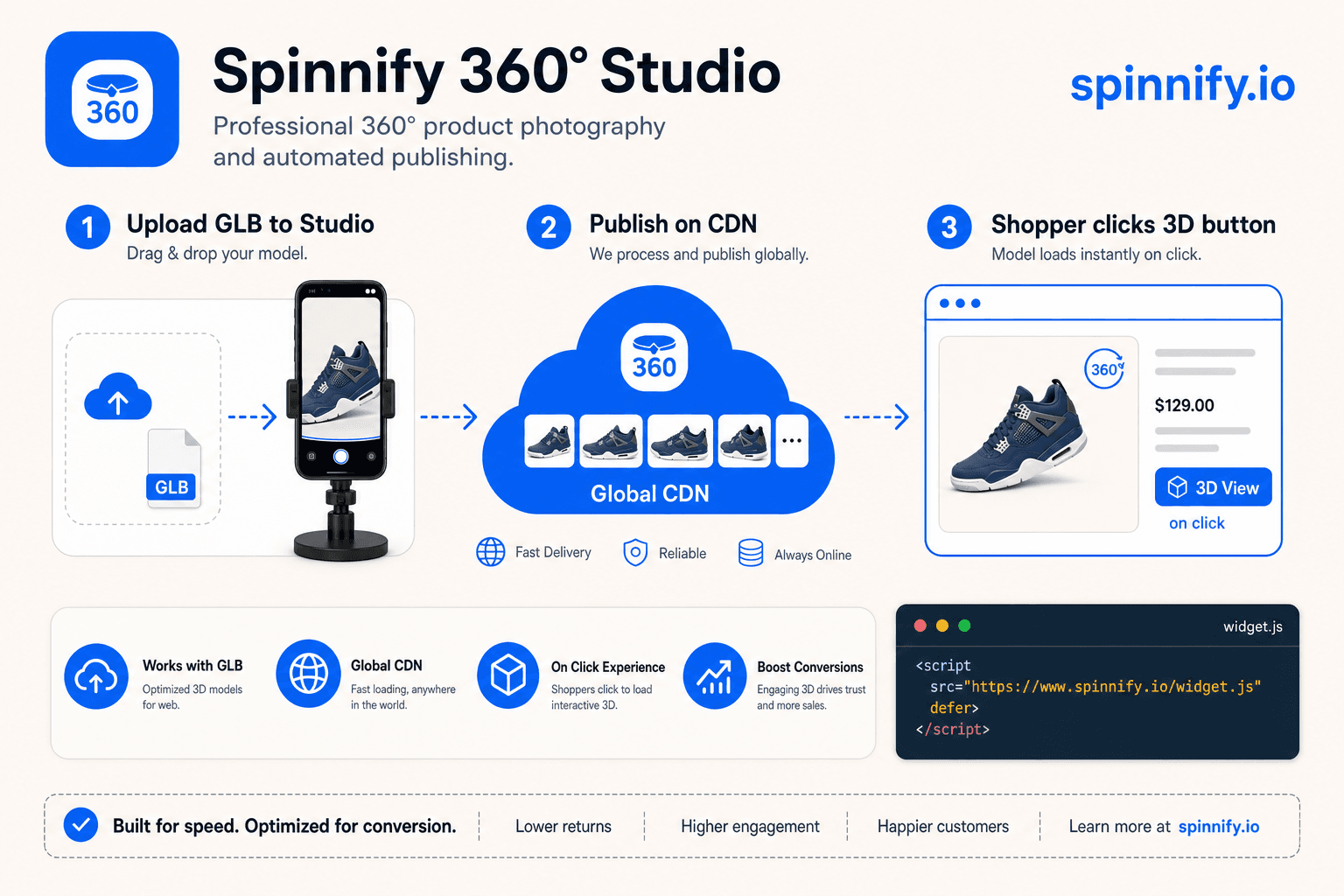
In Spinnify 360° Studio the flow is deliberate. You upload a product 3D model as a GLB once; it is hosted on CDN. The storefront keeps the same lightweight widget shell used for 360 spins. Our GLB viewer starts only after the shopper clicks the 3D button and opens the modal. That keeps the initial page path lean: hero, price, and cart stay first, and the scene is an intentional action rather than a page-load tax.
This is not a configurator and it is not an AR promise. The goal is narrower and more practical: give the shopper a clear way to inspect the product without making the page heavier than it needs to be.
| Criterion | Native embed | Spinnify click-to-load |
|---|---|---|
| When assets load | During initial page render, often with the first HTML path | Only after the shopper clicks the 3D button |
| LCP risk | Higher, because the viewer can compete with the hero and scripts | Lower, because the viewer stays out of the critical path |
| Install complexity | Often requires custom integration and viewer logic on the page | One widget shell and one GLB upload flow |
| Hosting | Usually tied to the page or a heavier app bundle | CDN hosted assets with a modal viewer shell |
If your team already runs 360 spins, the mental model is familiar. The difference is that the click opens a 3D scene instead of a frame sequence, while the page still follows the same speed-first rule.
3D hotspots without a heavier product page
Once the GLB is in Studio, you can attach information points directly to the model surface. Click the mesh in the dashboard, add a short label and text, and save. A model can hold up to 50 surface hotspots. They stick to the geometry with position and normal data, so the marker stays on the part as the shopper rotates the scene.
That detail still respects page speed. Hotspots live inside the 3D viewer, so they load only after the shopper opens the modal. You can explain materials, ports, care notes, or kit contents without packing another accordion onto the product HTML. Photo-spin hotspots are a different tool: they track across frames with computer vision. 3D hotspots belong on the GLB surface and are edited in the web dashboard only.
How to keep the page fast
Start by protecting the hero. The product image, title, price, and add to cart path should load without waiting for the viewer. Then make the model clearly optional, visible, and easy to open after intent is clear.
That approach works because it matches shopper behavior. Most people do not need the 3D asset at the exact same moment the page begins rendering. They need it after they have decided the item is worth inspecting more closely.
Do not try to force 3D into the first paint just because the asset is available. Availability is not the same thing as priority.
Mistakes that slow the page
- Mounting a full WebGL canvas in the hero so the largest paint becomes the viewer, not the product photo
- Bundling a heavy GLB into the theme or app shell instead of CDN delivery after intent
- Autoplaying or prefetching the scene for every visitor, including those who never open 3D
- Shipping a second viewer stack next to an existing 360 widget when one shell can switch modes
- Promising AR or configure-to-order when the page only needs inspectable 3D
- Duplicating every hotspot as long PDP copy that forces the shopper to scroll before they even open 3D
How to publish a GLB without slowing LCP
This is the simplest production path for a product page that needs 3D without a speed penalty.
- Upload the GLB to Spinnify so CDN hosts the file outside the product HTML path
- Publish the product and attach the 3D asset to the right catalog item
- Optional: add surface hotspots in Studio so key details sit on the model, not in the first paint
- Embed the widget shell once on the storefront
- Match assets by SKU or URL so each page gets the correct model
- Let the shopper open 3D only after they click the 3D button in the modal
If you already use Spinnify for 360 spins, the same shell covers 3D mode. To try the flow on a live storefront, start from spinnify.io or compare plans on pricing.