Quick answer
Searching for a free 360 product viewer or the best 360 product viewer for ecommerce usually mixes three different products: panorama viewers for rooms, general image CDNs with a spin module, and focused product spin services. Shoppers on a product page need a 360 product spin viewer: a sequence of still frames they can drag. Weight, embed simplicity (especially Shopify), DAM scope, and pricing model matter more than feature checklists. Spinnify 360° Studio (spinnify.io)—not Spinify sales gamification—is a focused product spin service, not a full media platform. Measure your own catalog; NRF surveys often put online returns near one in five orders, and clearer angles help when expectation gaps drive those returns.
Open a search for “free 360 product viewer” and the first page rarely agrees with itself. You will see panorama tools built for real estate tours, open-source players that expect equirectangular skyboxes, marketplace apps that wrap a generic image carousel, and a few services that actually ship a product spin. The labels sound identical. The shopper experience does not.
This guide teaches how to choose a 360 product viewer for an online store without inventing conversion percentages or attacking brands you have not measured. We will name the criteria that change outcomes on a product detail page, open clear sections for Shopify and for common alternatives, explain where free tools usually fail for catalog work, and show when a focused spin service beats a heavy digital asset platform or a self-hosted player library. Spinnify 360° Studio sits in the focused camp. Live Spinnify plan limits stay on /pricing.
What “360 product viewer” should mean on a product page
On a product page, a 360 product spin viewer shows one item from a loop of still photographs taken around a full turn. The shopper drags left or right. Frames advance. There is no mesh to download and no autoplay video fighting the gallery for bandwidth. When the frames are evenly spaced and lit the same way, the loop feels solid. When they are not, the product jumps or pulses, and trust drops on the first swipe.
That definition rules out several results that still rank for “ecommerce 360 viewer.” A panorama viewer is built for rooms, cars interiors, or campuses. It maps a sphere, not a SKU. A WebGL configurator may look impressive in a demo and still be the wrong file type for a mid-market catalog that only needs rotation. A looping MP4 of a turntable is useful in ads; it is not the same as an interactive spin on the product page. If you want the video-versus-spin distinction spelled out, read the companion piece on 360 spin video for ecommerce later in the related posts.
Why teams shop for a free 360 product viewer first
Catalog managers are not wrong to start with cost. A motorized studio day plus retouching per frame is expensive when you refresh dozens of SKUs each season. Free or freemium tools look like a shortcut: paste a script, drop some images, ship. The trap is category mismatch. A free panorama player will accept a zip of frames and still render them as the wrong interaction model, or it will force you to host files yourself with no storefront-ready lazy load.
Returns pressure keeps the search alive. Industry surveys from NRF often describe online return rates near one order in five. A large share of those returns still ties back to “looked different than expected.” A spin does not invent a universal conversion lift, and you should ignore vendor decks that invent one. What you can say honestly: more angles reduce visual guessing when your current gallery is thin. Measure add-to-cart and return reasons on the SKUs you enrich, not on someone else’s case study.
Five criteria that decide the best 360 product viewer for you
Skip feature matrices that score every checkbox equally. On a live product page, five questions separate a workable ecommerce 360 viewer from a demo that never ships.
1. Product focus versus DAM breadth
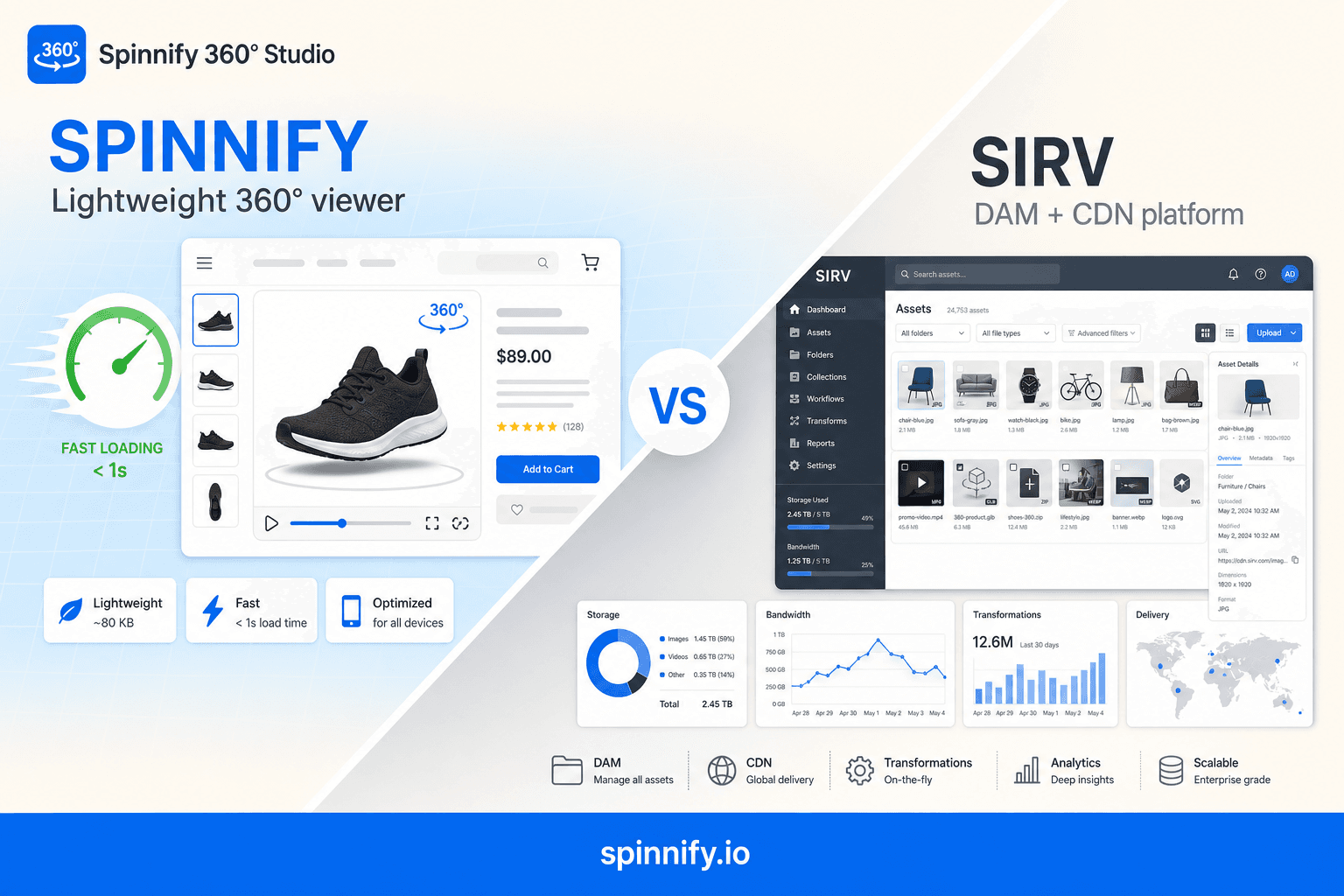
Ask whether you need a company-wide media hub or a spin on the product page. Full digital asset platforms (DAM) centralize images, video, transforms, and sometimes spins under one login. That is the right buy when merchandising, creative, and engineering already share one media library. It is overkill when your only gap is interactive rotation. Focused product spin services keep capture, hosting, and the storefront widget in one narrow path. Spinnify 360° Studio is built for that second job.
If you are weighing a full DAM against a specialized viewer and want a brand-level deep dive, read Spinnify vs Sirv: 360 viewer comparison. This article stays on selection criteria so you can apply them to any shortlist.
2. Script weight and Largest Contentful Paint
Core Web Vitals still shape how a product page feels on a phone. If the viewer’s JavaScript initializes analytics, dynamic resize pipelines, and unused media modules before the first paint, Largest Contentful Paint (LCP) and interaction delay suffer. Prefer players that lazy-load frames and open on shopper action rather than shipping a full media stack to every visit. Weight is not vanity. It is whether the gallery still wins the race against your hero image.
3. Embed simplicity and the Shopify path
Count the steps from “frames ready” to “live on the theme.” A clean path is a theme block or one script with a product key. A brittle path is folder sync by SKU naming, multiple apps, and a weekend of broken mappings when filenames drift. WooCommerce and custom storefronts care about the same thing: one embed contract you can document for the next developer. If setup needs a media ops specialist for every new style, the tool is not simple, no matter how polished the admin UI looks.
Shopify-specific shortlist note: App Store search results for “shopify 360 app” often mix Magic360-style plugins, WebRotate theme installs, and generic carousels. Score the Shopify path on theme-block support, SKU matching, and whether the widget stays lazy until tap—not on who ranks first in the App Store today. A deeper Shopify-primary rewrite of this guide is planned; use the criteria below until then.
4. Capture and publish workflow
A viewer without a path from phone or video to CDN is half a product. Look for upload by SKU, frame extraction from a short rotation clip, or guided capture so warehouse staff can repeat the same set. DIY still works: a marked turntable and locked camera settings are enough for many categories. Pair that with a service that hosts the series and serves the widget. Guides on how to create a 360 product view and AI paths without a photo studio cover those production routes in detail.
5. Pricing model you can forecast
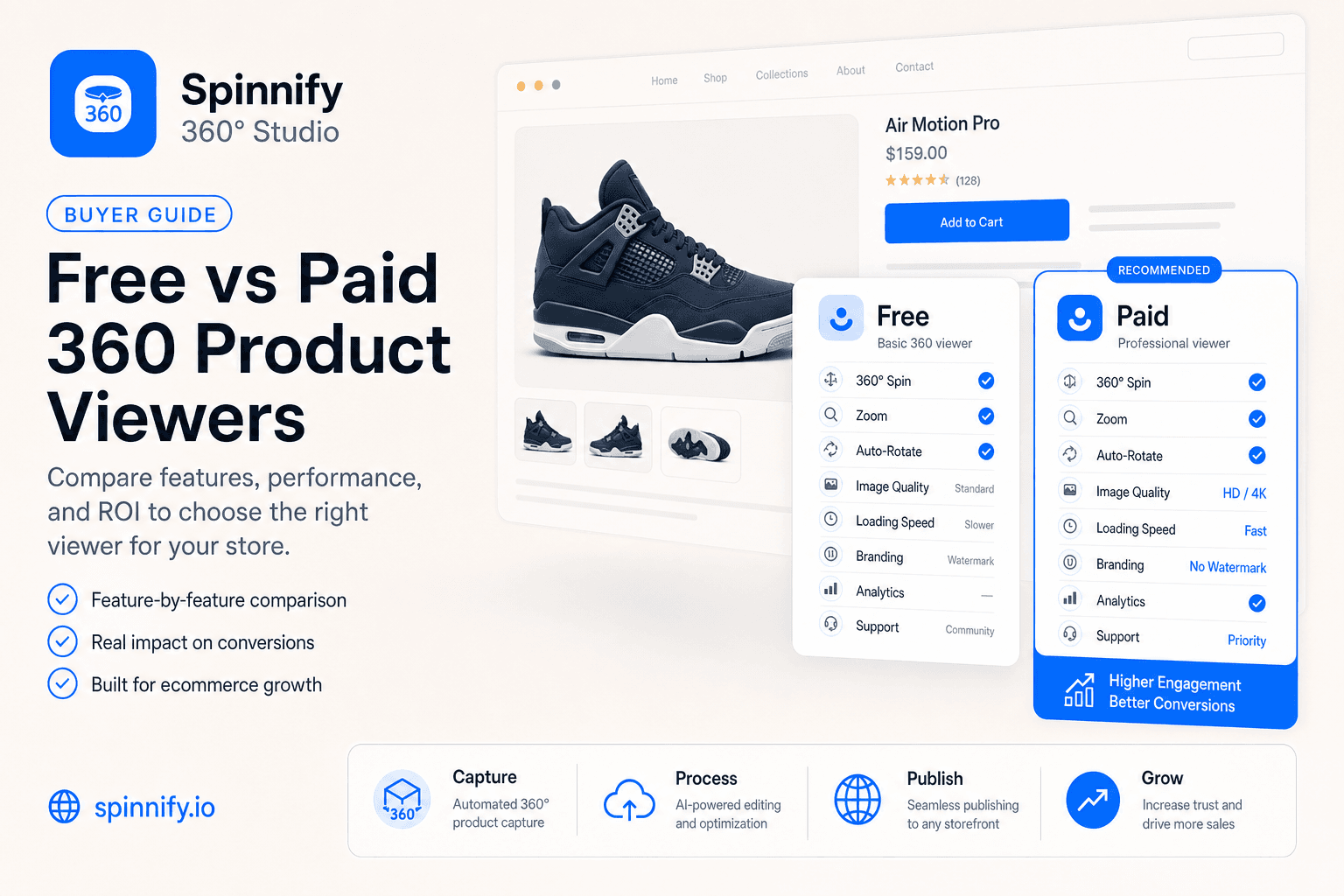
Storage-plus-bandwidth bills swing with traffic spikes. Seat-based DAM seats add cost when half the seats never open the spin module. Plans tied to active products or models are easier to forecast when you know how many SKUs will carry a spin this quarter. Free tiers are fine for a proof of concept. They rarely cover CDN delivery, commercial use, and support once you leave the sandbox. Read the limits before you build a process around them.
Criteria table: how to score any shortlist
Use this table when you compare two or three tools. Fill the cells with your own notes. Prefer evidence from a staging product page over marketing copy.
| Criterion | What “good” looks like | Red flag | Focused spin service (e.g. Spinnify 360° Studio) |
|---|---|---|---|
| Primary focus | Product spins and PDP playback | Panorama, VR tour, or generic carousel sold as “360” | Built for product spin viewers on storefronts |
| Impact on LCP | Small player, lazy frames, open on interaction | Heavy JS for unused DAM features on every visit | Lazy widget; frames after shopper action |
| Shopify path | Theme block or one embed script | Multi-app sync that breaks on SKU rename | Theme block or embed with product key |
| Pricing model | Predictable against active spins or SKUs | Surprise bandwidth bills or seats you never use | Plans tied to active products / models |
| DAM vs viewer | Matches whether you need a media hub or only spins | Paying for a full DAM when you only need rotation | Focused service; keep your CDN for flat images |
Where free 360 product viewers usually fall short
Free tools earn a place in education and prototypes. Treat them as labs, not as the production path for a revenue catalog, unless the license and hosting terms say otherwise in writing.
- Wrong interaction model: panorama or cube maps instead of a product frame sequence.
- Self-hosting burden: you store frames, handle CORS, and invent lazy load yourself.
- No storefront contract: missing Shopify blocks, SKU keys, or documented embeds.
- License surprises: “free for personal use” that blocks commercial storefronts.
- No capture path: nothing helps a warehouse operator shoot the next fifty styles the same way.
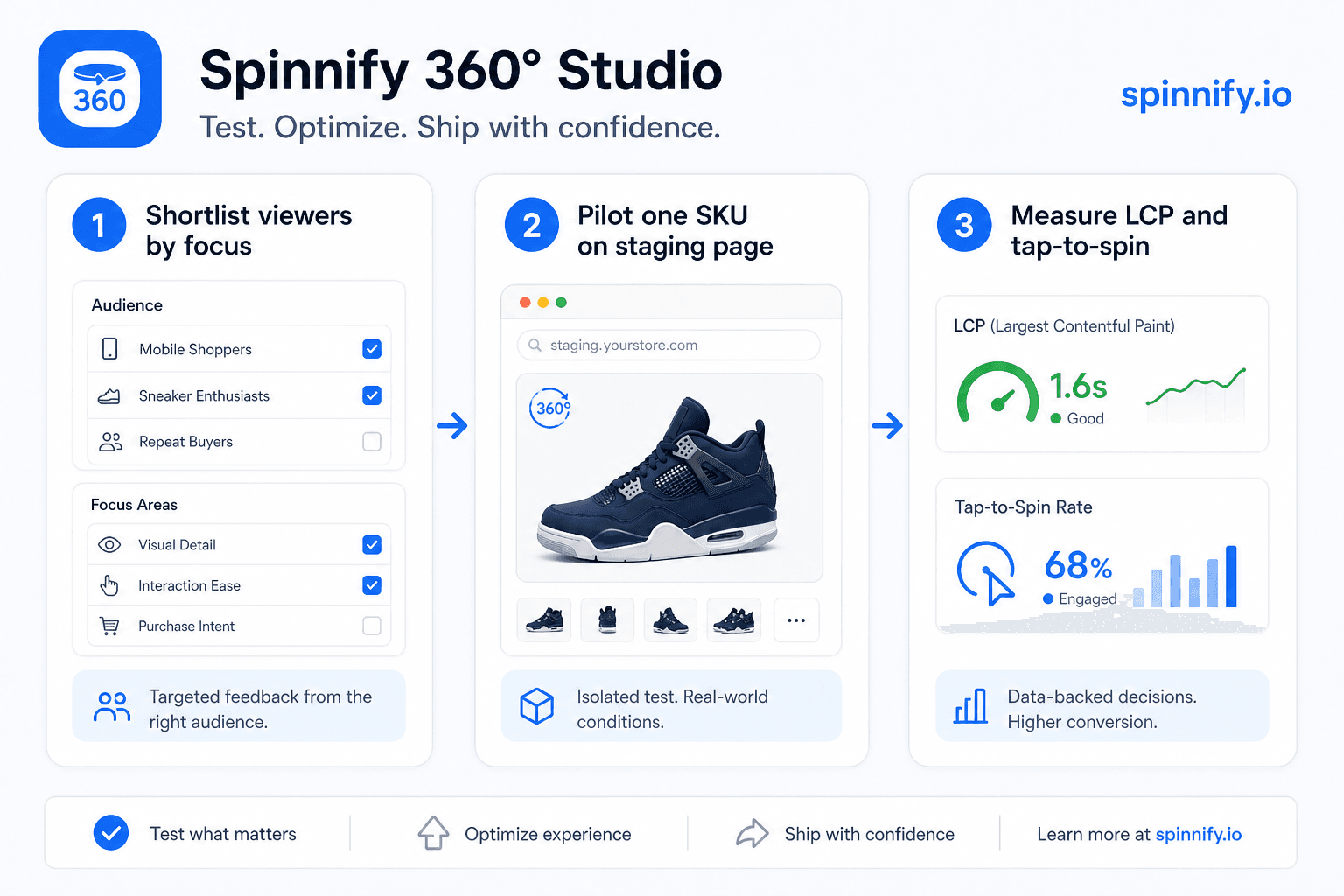
If a free viewer still wins your shortlist after those checks, run one SKU on a staging theme and measure LCP, tap-to-spin latency, and mobile drag quality. That afternoon of testing beats another week of vendor demos.
Shopify: what “good” looks like on a theme
Treat Shopify as its own scoring lane, even when the rest of the catalog lives elsewhere later. You want a documented theme block or embed, product matching that survives handle and SKU renames as much as possible, and a widget that does not steal Largest Contentful Paint from the hero image. Prefer open-on-tap lazy behavior over players that hydrate a full media stack on every visit.
When you shortlist for Shopify specifically, keep this page for criteria, then use the Shopify integration guide for install steps and the page-speed note in related reading. Do not treat App Store position as proof of Core Web Vitals quality.
Alternatives: DAM hubs vs player libraries vs focused SaaS
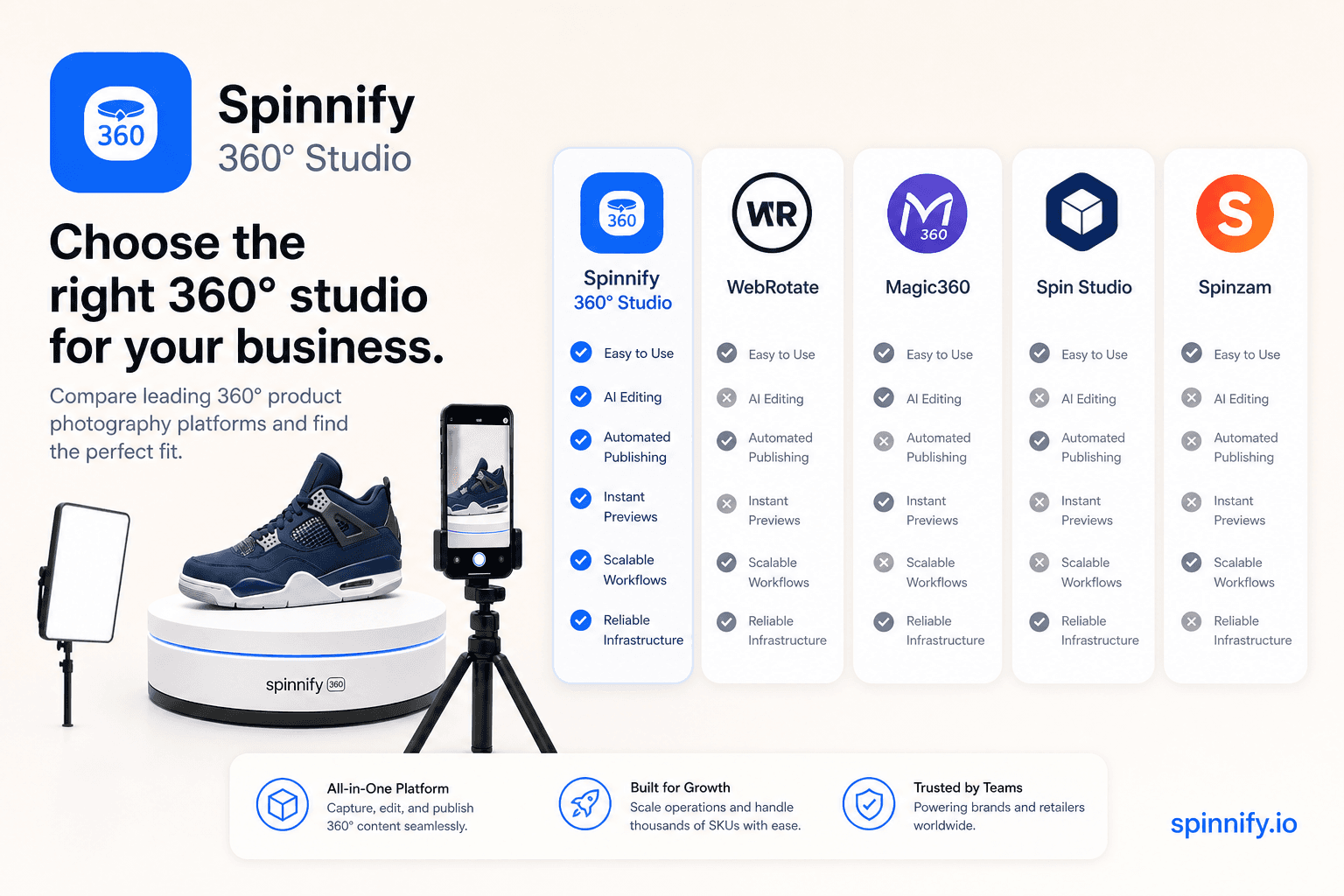
Most shortlists collapse into three buckets. DAM hubs (for example Sirv) win when one team must govern all storefront media. Player libraries and desktop authoring tools (WebRotate 360, Magic360, Spin Studio-class products) win when you already host frames and only need a renderer. Focused spin SaaS wins when capture, publish, CDN frames, and a lazy PDP widget should stay in one subscription.
For brand-level detail, read Spinnify vs Sirv and Spinnify vs WebRotate / Magic360 / Spin Studio. This page stays on selection criteria so you can score any vendor—including ones not named here—without a forced duel in every section.
Where Spinnify 360° Studio fits
Spinnify 360° Studio is a focused product spin service. You capture or upload a rotation, publish frames through the service, and place a lightweight widget on the product page. The product is not trying to replace your entire image CDN or become the company DAM. That narrow scope is the point: less script on the page, a clearer Shopify path, and pricing you can map to active products.
You can start from a DIY turntable shoot, a short rotation video, or an AI-assisted path when a full studio day is not realistic. Related guides walk those production routes, including the 360 product photography pillar. The selection question this article answers is simpler: do you need a panorama toy, a full media platform, a self-hosted player, or a 360 product spin viewer that belongs on the product page? If the last answer is yours, a focused service is the honest shortlist entry.
Ready to test the focused path on one SKU? Open Spinnify 360° Studio. Check live limits on pricing before you rewrite the whole media stack. Capture basics live in the 360 product photography guide.
A practical decision sequence
Write down the job in one sentence: “Interactive product rotation on PDP for N SKUs this quarter.” If the sentence mentions company-wide image governance, evaluate a DAM. If it mentions rooms or property tours, evaluate a panorama tool. If it mentions self-hosted frames and a JS player only, evaluate libraries such as WebRotate or Magic360. If it mentions product frames plus storefront embeds with capture in the loop, evaluate focused spin viewers including Spinnify 360° Studio.
Next, score each candidate on focus, LCP behavior, Shopify or CMS path, and pricing. Reject anything that only looks free until commercial traffic starts. Pilot one SKU. Read your own return reasons and time-on-page before you scale. That sequence keeps the “best 360 product viewer” question grounded in your catalog instead of someone else’s slide deck.