Quick answer
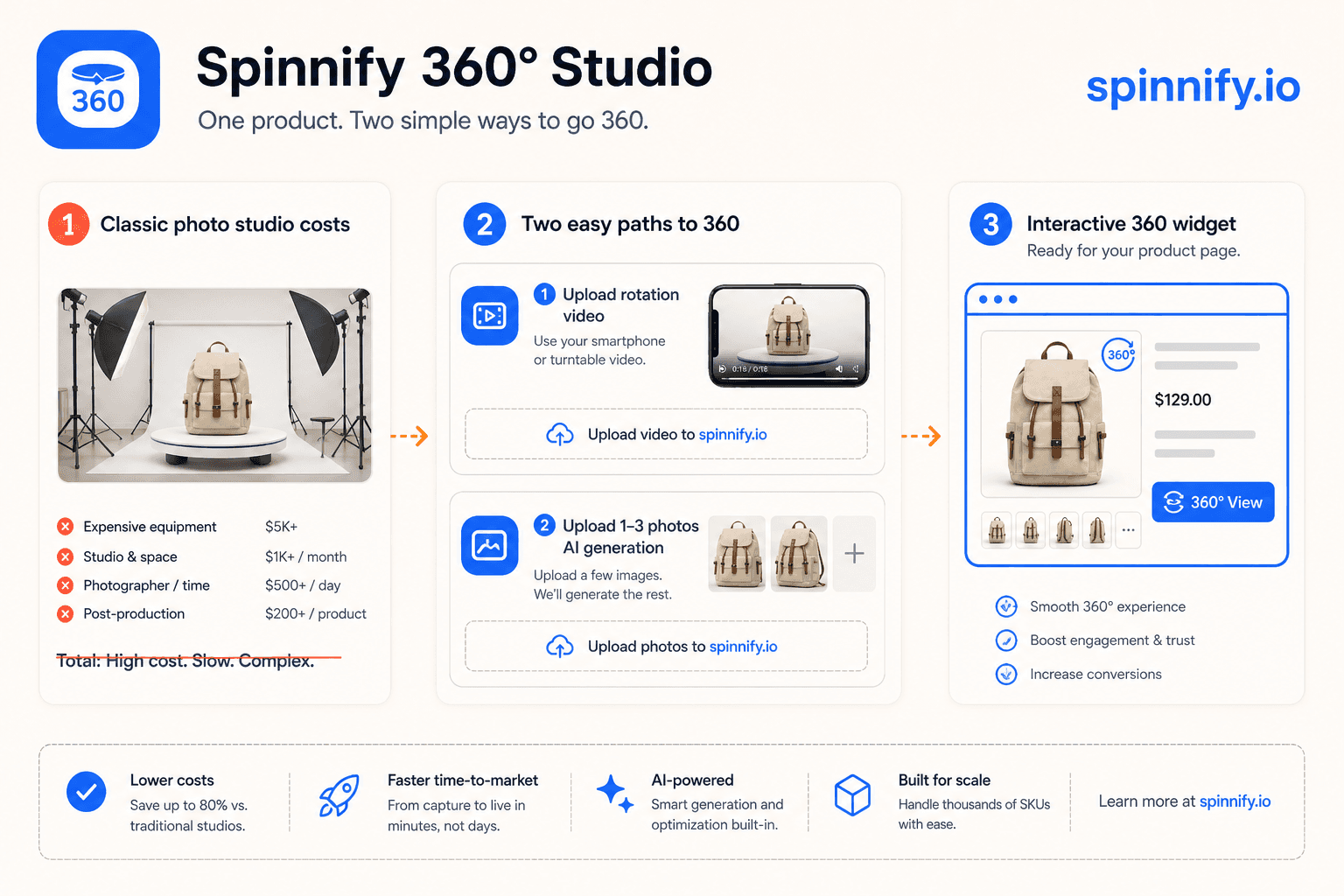
Renting a turntable studio for every SKU still makes sense for luxury campaigns, but most catalog teams cannot afford that rhythm. Spinnify 360° Studio is a full service: upload one short rotation video and the service extracts 36 frames, or upload 1–3 reference photos and run AI Spin. Either path feeds the same lazy-loaded widget on your product page. You keep control of capture; the service handles hosting, CDN delivery, and the embed snippet.
Why flat galleries and studio-only 360° both hurt ecommerce teams
A product page with three static angles asks the shopper to guess what the back looks like, how the material catches light, and whether the size matches the room. That gap between expectation and delivery shows up in support tickets and return labels. NRF industry surveys often put online return rates near 19%, and a large share trace back to the item looking different than the photos suggested.
Interactive 360° spins close part of that gap because one drag replaces a cluttered gallery. The problem is production. A classic studio shoot for a single SKU can mean a booked day, sample shipping, a photographer, retouching per frame, and a week of back-and-forth before the files land in your CMS. Teams with hundreds of SKUs per season feel that bottleneck in time-to-market long before they feel it in the photography line item.
What classic 360° production actually costs
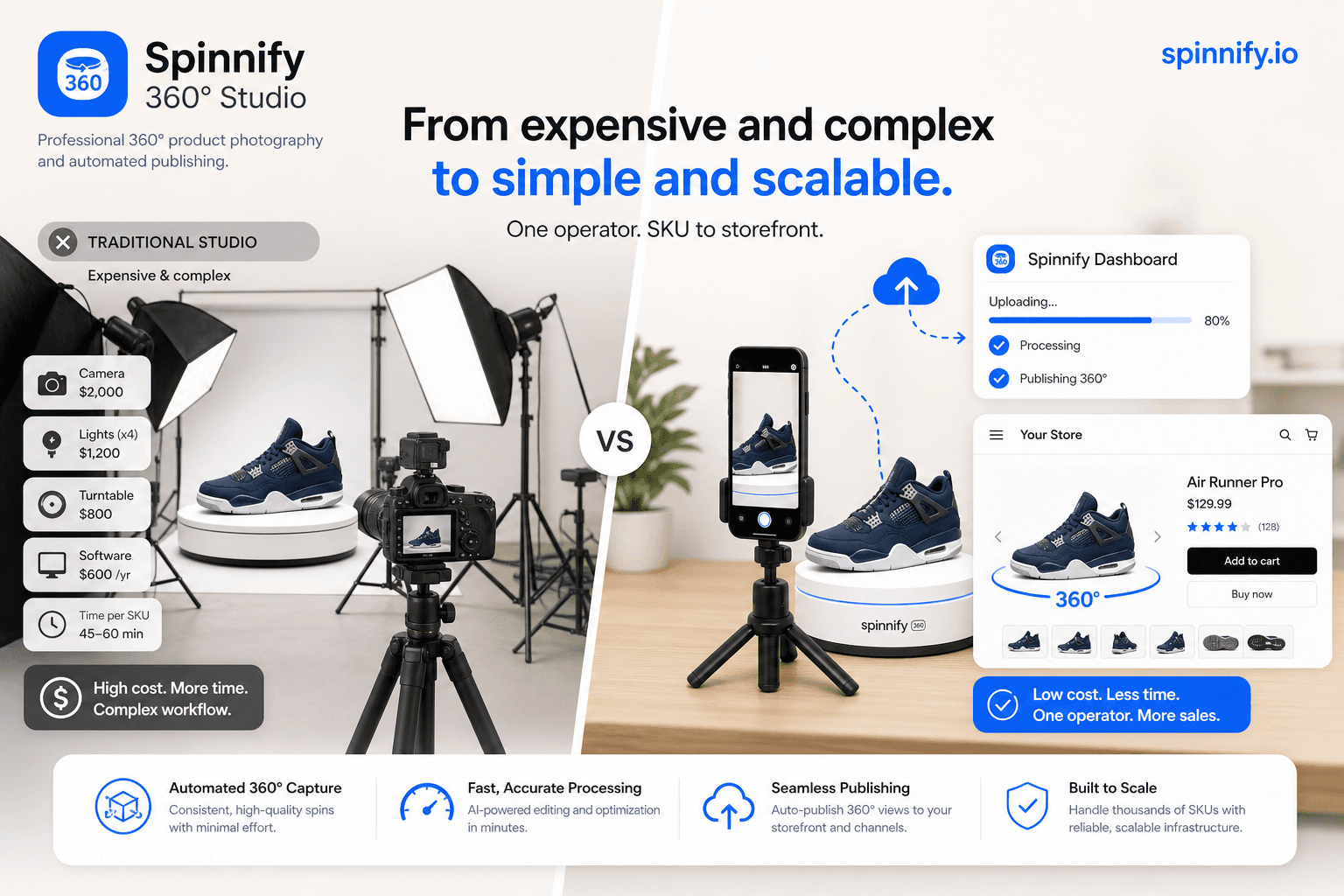
Vendor quotes for one product on a motorized turntable often start around $150 and climb past $1,000 for complex textures or large objects. That per-SKU fee rarely stands alone. Retouching commonly runs about $30 per frame when studios deliver 24, 36, or 72 stills. Add studio rental ($500–$2,000 per day in many markets), lighting crew, stylist time, and inbound sample freight. Internal coordination easily eats ten or more staff hours per session when merchandising, legal, and warehouse all touch the sample.
| Cost line | Small brand (~50 SKUs) | Mid-size brand (~500 SKUs) |
|---|---|---|
| Capture (studio or freelance) | Often $15k–$20k / year in industry breakdowns | Often $50k+ / year |
| Retouching per frame | Can exceed capture cost at scale | Can dominate the budget at 36 frames × SKU count |
| Studio rent & logistics | Recurring even when shoot days are sparse | Multiplies with sample handling |
| In-house CapEx (Orbitvu-class gear) | $1,199–$5,647 platforms plus lighting kits | Same upfront, amortized across more SKUs |
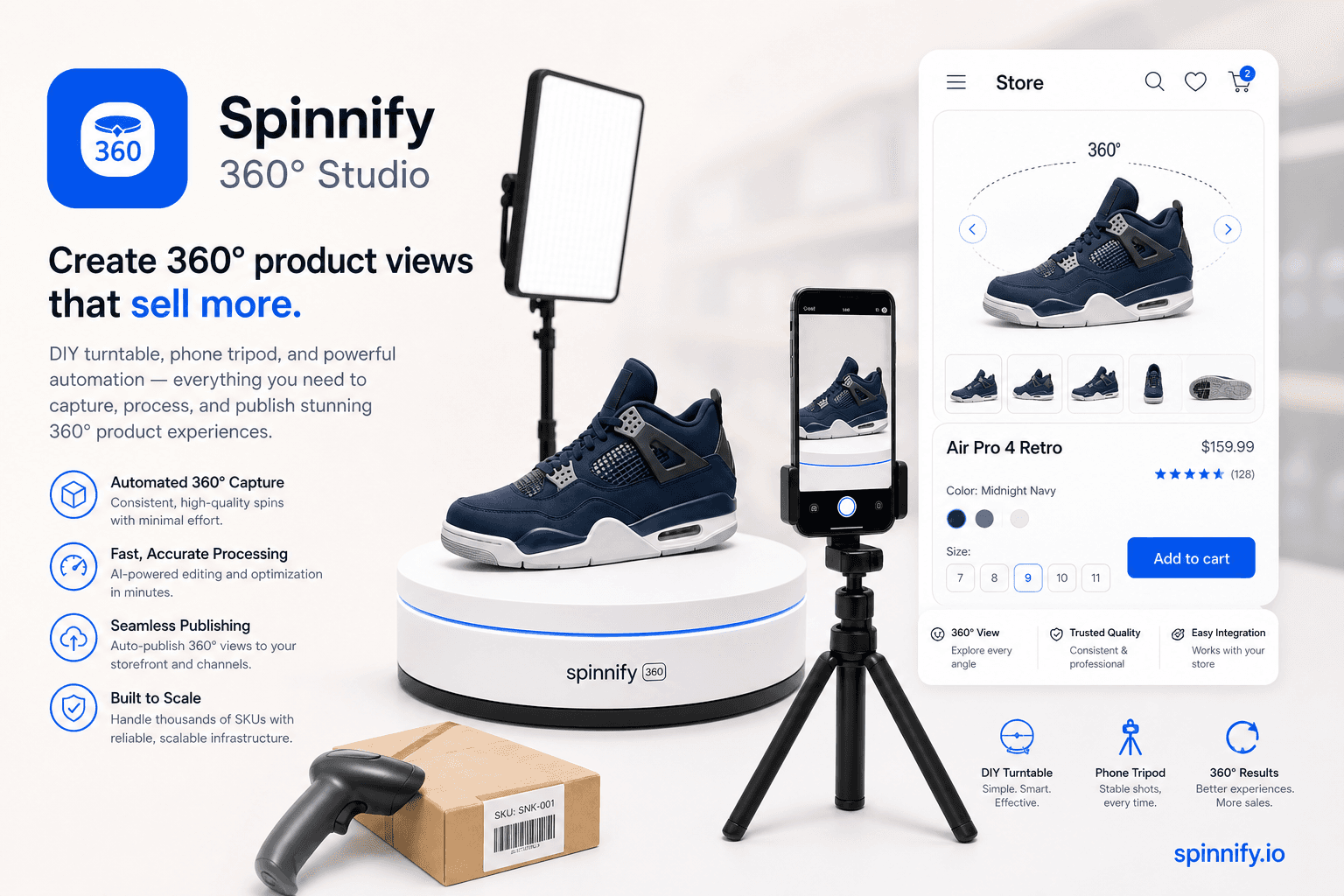
Buying your own turntable gear shifts spend from OpEx to CapEx. Hardware kits from vendors such as Orbitvu or Pictomic still demand trained operators, maintenance, and floor space. The creative team does not disappear; it moves in-house. For teams that only need spins on the product detail page, that full studio stack is often more machinery than the use case requires.
| Role / asset | Typical studio workflow | With Spinnify 360° Studio |
|---|---|---|
| Photographer on set | Often $75–$150/hr or up to ~$3k/day | You still capture source material; no studio day required for the spin itself |
| Retoucher | Often $30/frame or $50–$100/hr | No per-frame retouch queue for the published spin |
| Studio rental | Often $50–$200/hr | Capture at desk, warehouse, or supplier |
| Turntable CapEx | Often $15k–$25k installed | Optional DIY turntable or hand rotation on video |
| Coordination | Often 10+ hours per session | Upload by catalog SKU in Studio; widget matches automatically |
Two paths inside Spinnify 360° Studio
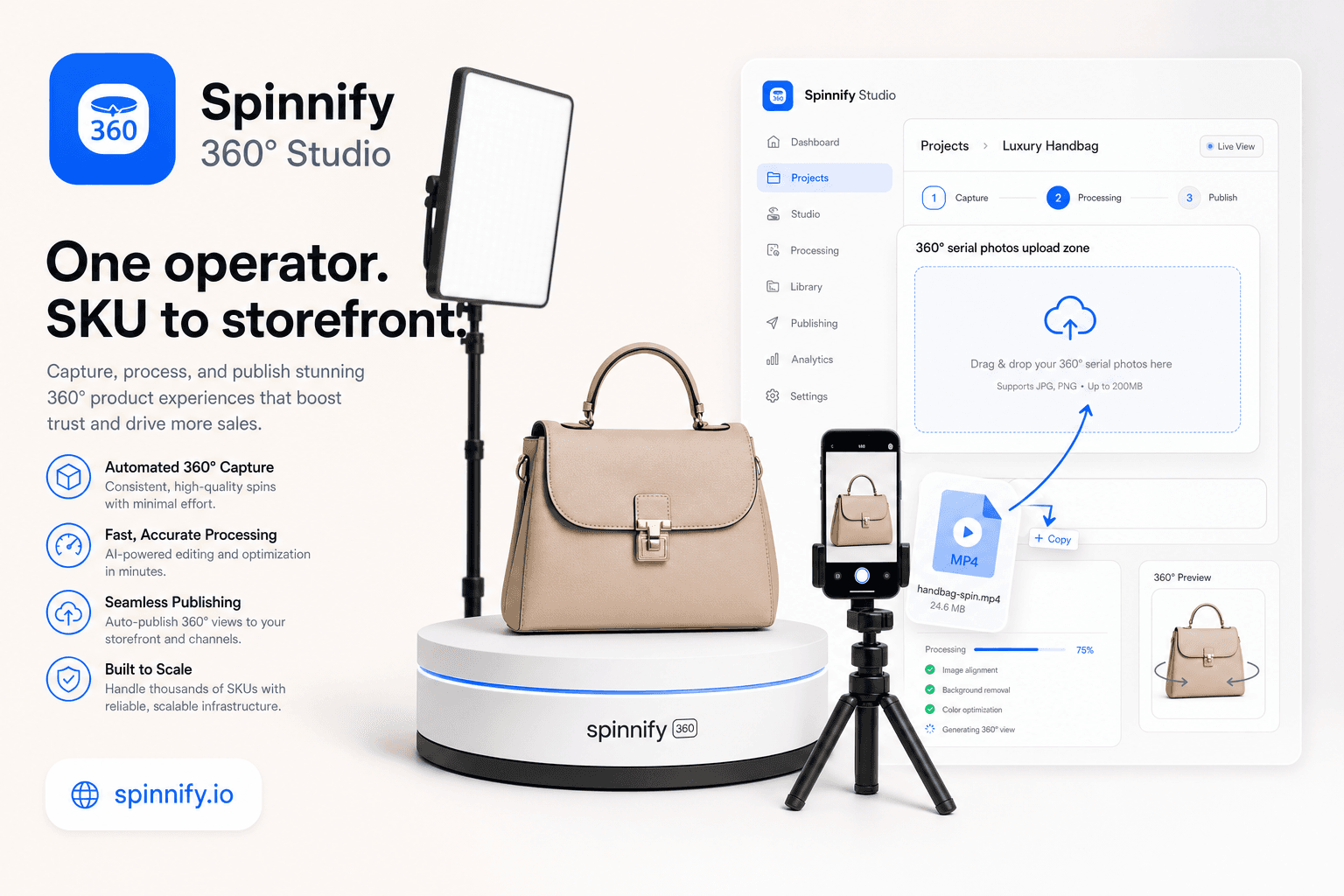
Spinnify is a service, not a creative agency. You bring photos or video; the cloud hosts frames, serves WebP and AVIF from the CDN, and powers the storefront widget. Hotspots, billing, and embed code live in the web dashboard. The mobile app focuses on serial capture when you want 24–36 real frames on a turntable.
Path A: one rotation video becomes a 36-frame spin
When you already have a clip of the product turning, open Spinnify Studio in the browser and drop one short file into the same upload zone as still frames. Supported formats include MP4, WebM, and MOV up to about 35 seconds and 50 MB. Spinnify validates the file, extracts 36 evenly spaced frames, and uploads JPEG originals to your project folder. Do not mix video and photos in the same drop. Video upload is web-dashboard only; the mobile app captures individual frames, not video files.
For a step-by-step walkthrough with timing notes, see 360° from a product video in about 2 minutes.
Path B: AI Spin from 1–3 reference photos
When you only have a few angles from a supplier or a quick phone shoot, upload one to three reference stills (front, side, back works well). Spinnify runs an async AI Spin job that synthesizes a rotation video, then extracts frames for the same widget your shoppers already use. Output quality depends on lighting, focus, and coverage in those source shots. The landing demo includes an explicit disclaimer: your Studio result follows your references, not a guaranteed studio reshoot.
AI Spin does not replace thoughtful capture for every category. Reflective packaging, fine print, and color-critical SKUs still benefit from real frames or a controlled video pass. It does remove the need to book a studio just to interpolate missing angles for a mid-tier catalog item.
What changes on the product page
Shoppers who drag a product spin build a clearer mental model before checkout. They inspect seams, ports, and proportions the way they would in a store aisle. That interaction raises information density without adding twenty thumbnails to the gallery.
Third-party ecommerce studies cite conversion lifts, longer sessions, and lower return rates when 360° or 3D media is present. Ranges vary widely by category and baseline gallery quality. Treat vendor case studies as directional, not promises. Measure add-to-cart, return rate, and time-on-page on your own SKUs after launch. For the psychology behind expectation gaps, read the tangibility gap on product pages.
Widget performance and Core Web Vitals
Heavy 360° scripts hurt Largest Contentful Paint when they download every frame before first paint. Spinnify serves resized WebP and AVIF from the CDN and loads the interactive control only after the shopper taps 3D. The first visible frame can render without waiting for the full rotation bundle, which keeps typical product pages closer to Google's 2.5 second LCP guidance than legacy viewers that block on 72 full-size JPEGs.
The viewer is a frame sequence, not a downloadable 3D mesh. That choice keeps payloads predictable for catalog scale and avoids WebGL mesh streaming complexity on mid-range phones.
Embedding without replatforming
Paste one loader script in your theme or use the Shopify app block from Settings → Integrations. The widget matches products by catalog SKU (same spelling as the Studio product name), JSON-LD AUTO mode, or page URL depending on your stack. After upload, active products can serve spins immediately when the widget code is on the page.
Example loader: <script src="https://www.spinnify.io/widget.js" data-key="YOUR_WIDGET_KEY" data-sku="YOUR_SKU" defer></script>. Platform notes live in the integration guide and Shopify 360° viewer guide.
Mistakes teams make when skipping the studio
Expecting AI Spin to invent texture that was never in the reference photos leads to reshoots anyway. Shoot at least one sharp side angle and keep exposure consistent across the set.
Dropping video and stills into the same upload zone fails validation by design. Pick one path per block: either a video extract or a photo series, not both at once.
Uploading frames before the Studio product card exists leaves files in the cloud with nothing for the widget to match on the storefront. Create the product with the catalog SKU first, then capture or upload.
Leaving is_active disabled on a finished spin looks like a broken integration when the real issue is a toggle in Studio. Confirm the product is active before debugging theme code.
Where this leaves your budget and timeline
Studio production still wins for hero campaigns that need set design, models, and art direction. For catalog velocity, the math shifts when you separate capture from publishing. A warehouse clip on a phone or three supplier stills can become a live spin the same day, without a retouching queue per frame.
If you want a hands-on capture workflow with a DIY turntable and the mobile app, start with how to create a 360 product view. If you already have clips from suppliers, start with the video upload guide. Either way, you publish once and match by SKU.