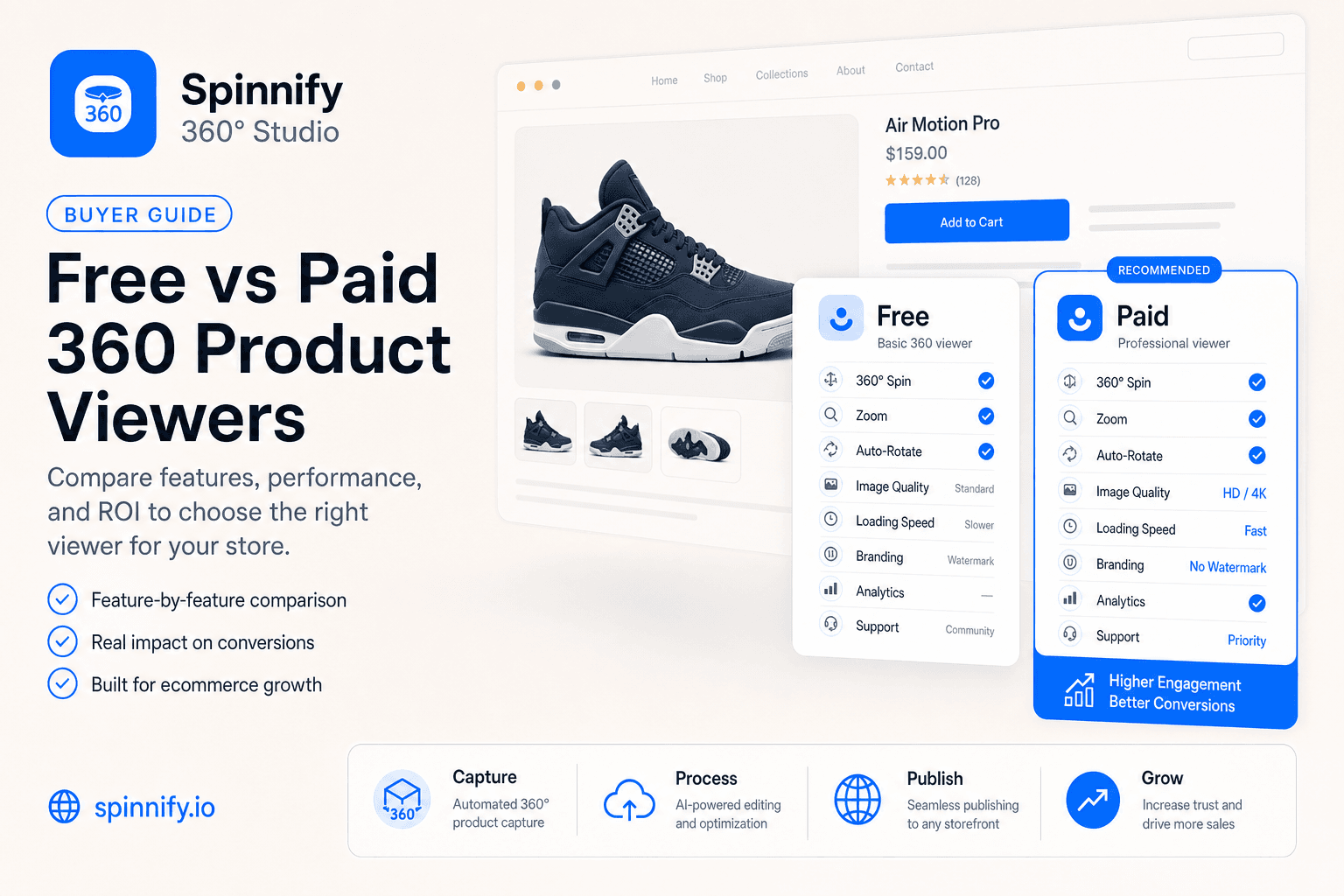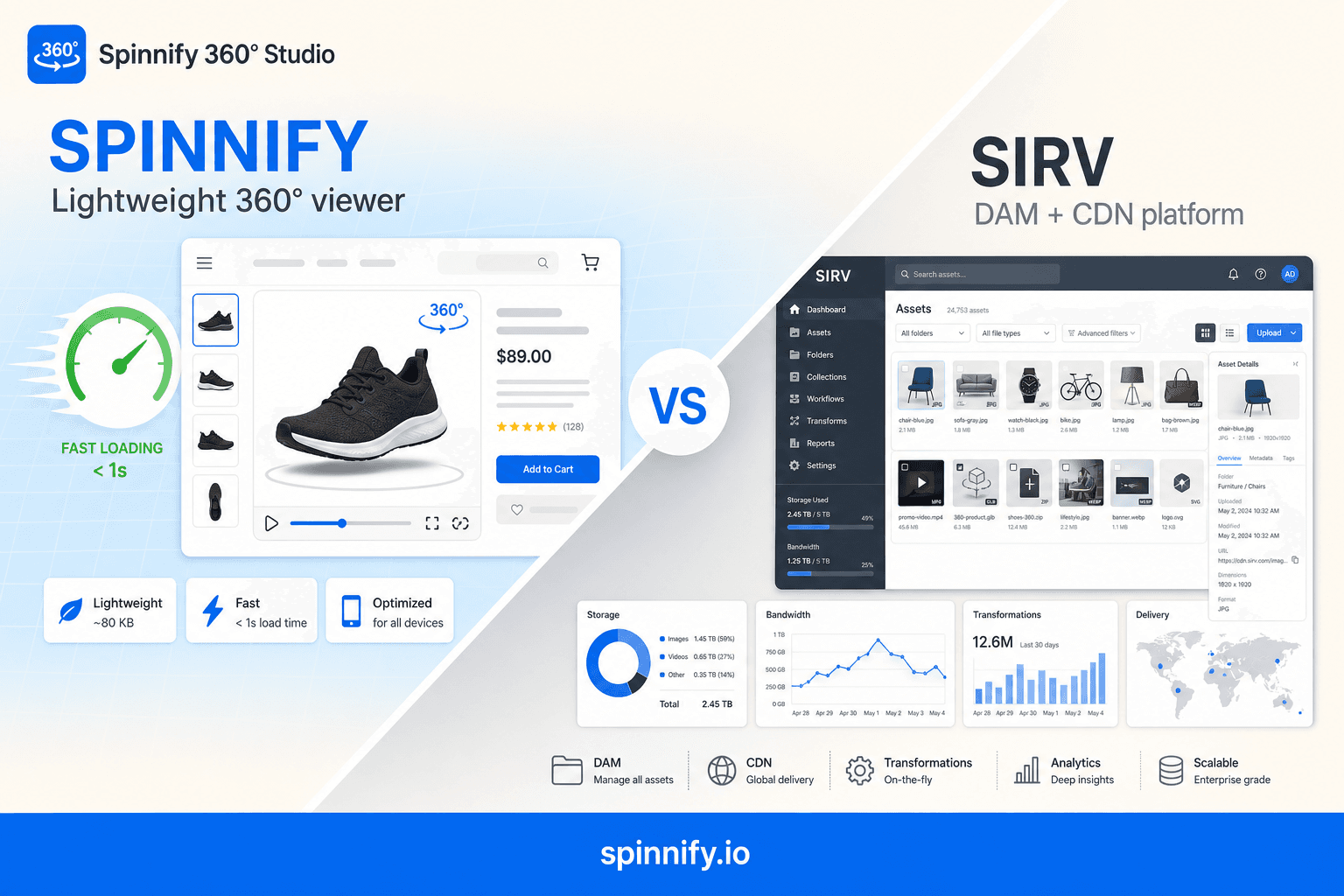
Quick answer
Sirv 360 spin is one feature inside a full DAM and CDN. Spinnify 360° Studio is a focused 360°/3D product-spin service for ecommerce pages (capture app, Studio, CDN, lazy widget)—not Spinify, the sales-gamification SaaS. If you only need product spins and Core Web Vitals matter, Spinnify wins on script weight, embed simplicity, and predictable cost. Choose Sirv when one platform must manage all site media at enterprise scale.
In ecommerce, how a product looks on the page shapes conversion and returns. Interactive 360° spins and 3D models help shoppers inspect items before they buy, but developers and product teams still face a practical question: how do you add that experience without hurting page speed and SEO?
This article compares Spinnify 360° Studio and Sirv, including Sirv 360 spin / product viewer, from both a product and engineering angle so you can pick the tool that fits your stack and budget. Plan details for Spinnify stay on /pricing—we do not invent list prices here.
What is Sirv 360 spin?
Sirv 360 spin (often searched as Sirv 360 product viewer) is Sirv’s interactive product rotation built into a broader Digital Asset Management platform. You store frames or spins in Sirv’s cloud, then embed the viewer on the product page alongside Sirv’s image CDN, resizing, and other media tools.
That design fits teams that want one media hub for the whole storefront. It is a different job from a specialized spin viewer: Spinnify focuses on capture-to-PDP 360° and 3D for product pages, with a lightweight widget that loads on shopper interaction rather than shipping a full DAM stack to every visit.
Head-to-head: Spinnify vs Sirv
When you choose a platform for interactive product media, look beyond the admin UI. Architecture, script weight, and billing model shape real outcomes on the product detail page.
| Criterion | Spinnify.io | Sirv |
|---|---|---|
| Primary focus | Specialized, fast 360°/3D viewer | Full DAM system and CDN |
| Best for | PDP product spins and 3D only | Centralizing all storefront media |
| Impact on LCP (Core Web Vitals) | Usually lighter: small player, lazy frames | Often heavier: broader JS for DAM features |
| Capture / upload workflow | Mobile app + Studio (video upload on web) | DAM upload and folder sync |
| Shopify path | Theme block or embed script | App plus folder mapping by SKU |
| Hotspots on frames | Yes, in Studio | Via Sirv’s own tooling |
| Integration ease | High: simple embed, Shopify-ready widgets | Medium: API and folder sync setup |
| Pricing | Plans tied to active products/models | Storage + bandwidth |
| Billing driver | How many active spins you keep live | How much you store and transfer |
| UI customization | Configurator or CSS/JS | More options, steeper learning curve |
Ready to try the focused path? Open Spinnify 360° Studio and create your first product spin. See pricing for live plan limits.
Architecture: universal DAM vs specialized viewer
To evaluate Sirv alternatives, or confirm Sirv is the right fit, you need to understand how each product is built.
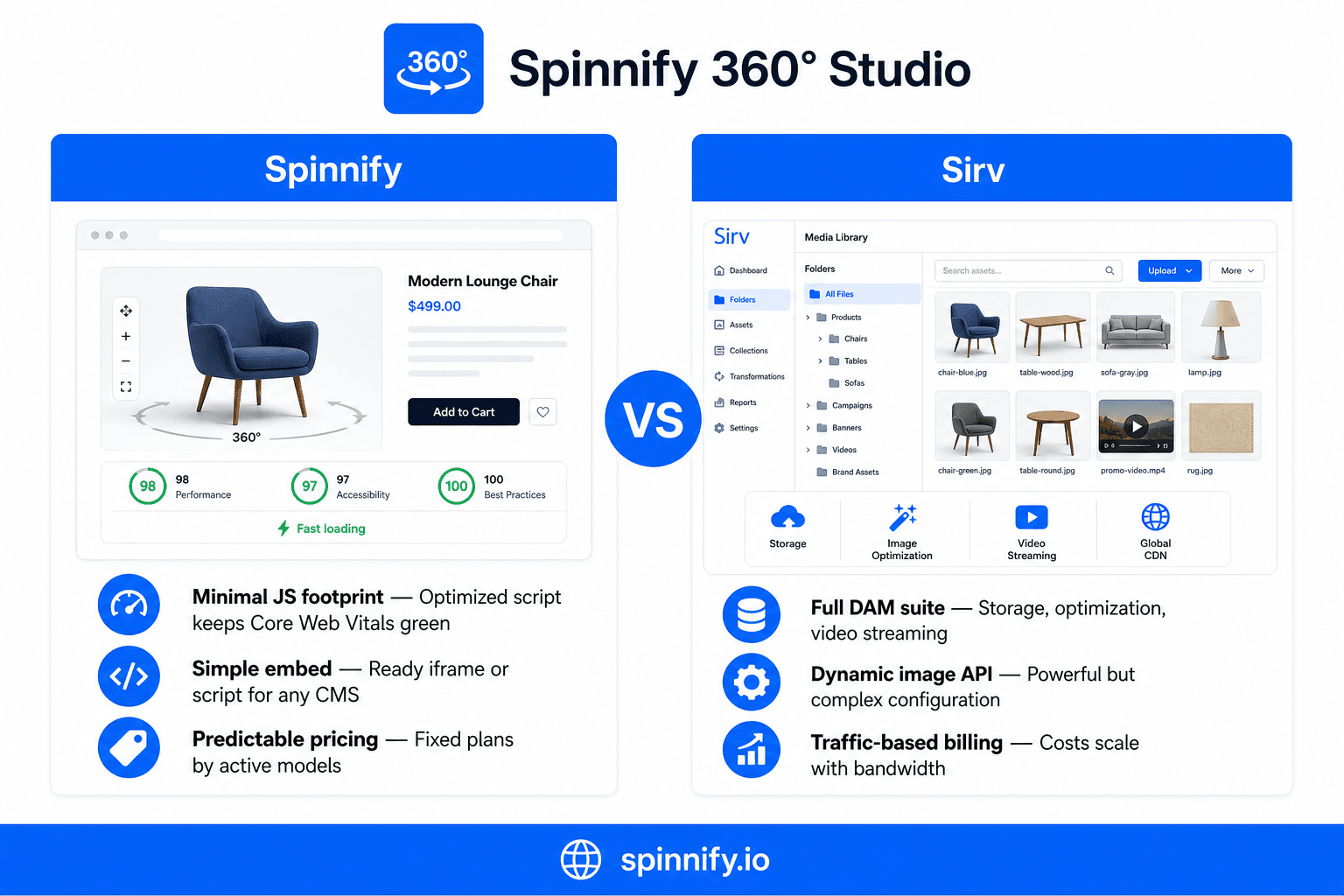
Sirv: powerful, but heavyweight
Sirv positions itself as a Digital Asset Management (DAM) platform. Beyond 360° spins it handles cloud storage, on-the-fly image optimization, video streaming, and metadata workflows.
- Pros: broad feature set for large enterprise projects that centralize all site media.
- Cons: overkill if you only need a quality 360° product viewer. You pay for unused storage and processing and ship extra frontend code.
Spinnify.io: performance-first viewer
Spinnify is built around one job: fast, smooth, responsive 360° and 3D visualization on product pages.
- Pros: light scripts, fast rendering, no unused logic in the bundle. Fits React, Vue, and standard CMS themes.
- Cons: no deep in-app editing of source frames. You upload a finished photo set (or extract frames from video in the web Studio).
Core Web Vitals and SEO impact
Google uses Core Web Vitals in mobile and desktop rankings. On a product page, Largest Contentful Paint (LCP) often tracks the gallery or 360° viewer, the largest visible content block.
- Script size and Total Blocking Time (TBT): Sirv initializes analytics, dynamic resize, and format modules, which means extra main-thread work on phones. Spinnify lazy-loads frames so only what the shopper needs loads first.
- Resource loading: Spinnify fetches initial frames first and loads the rest on interaction, which helps PageSpeed Insights scores stay strong.
Integration and UX
Shopify and WooCommerce
On major ecommerce platforms, setup speed matters.
- Sirv: folder sync by SKU automates mapping but breaks when filenames or folder rules drift.
- Spinnify: generate a script from the dashboard, paste the embed, or use the native theme block. Fewer moving parts, fewer broken spins.
Custom stacks (API / embed)
On Next.js, Nuxt, or Bitrix you need clean DOM embeds. Spinnify uses straightforward data attributes so you can swap image sources without remounting the whole player.
Total cost of ownership
Finding cost-effective 360° software is common when catalogs scale.
- Sirv bills on storage and bandwidth. Traffic spikes during sales can produce surprise invoices.
- Spinnify uses transparent plans tied to active models, which is easier to budget for small and mid-size stores.
Verdict: what to choose
- Choose Sirv if you are building enterprise media infrastructure from scratch: one hub for images, video, and 360° spins, and PageSpeed is a soft constraint.
- Choose Spinnify if you need a fast 360° product viewer that will not slow the PDP, integrates cleanly with Shopify and other CMSs, delivers smooth mobile UX, and keeps costs predictable.
If Spinnify fits, start in Spinnify Studio. For Shopify setup, read the Shopify integration guide or the full integration guide. Related reading: best 360 product viewer for ecommerce, 360 product photography pillar, and Shopify 360° without hurting PageSpeed.