Quick answer
360° on Magento 2: publish in Studio (name = SKU, Active) → paste widget.js in HTML Head or Page Builder HTML → data-key + data-sku (AUTO if JSON-LD sku exists). Lazy load and modal. Flush cache. Test a live PDP, not Admin preview.
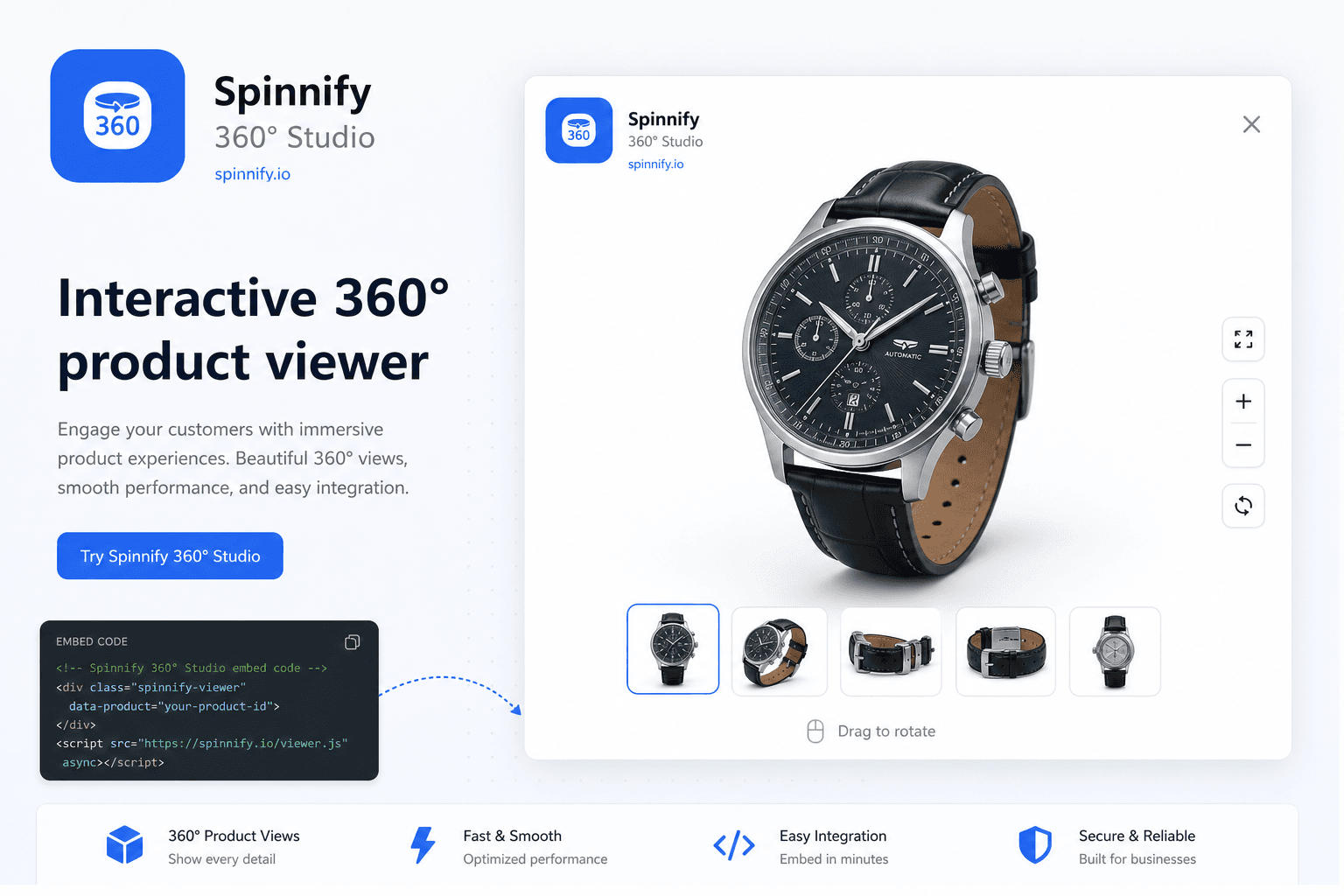
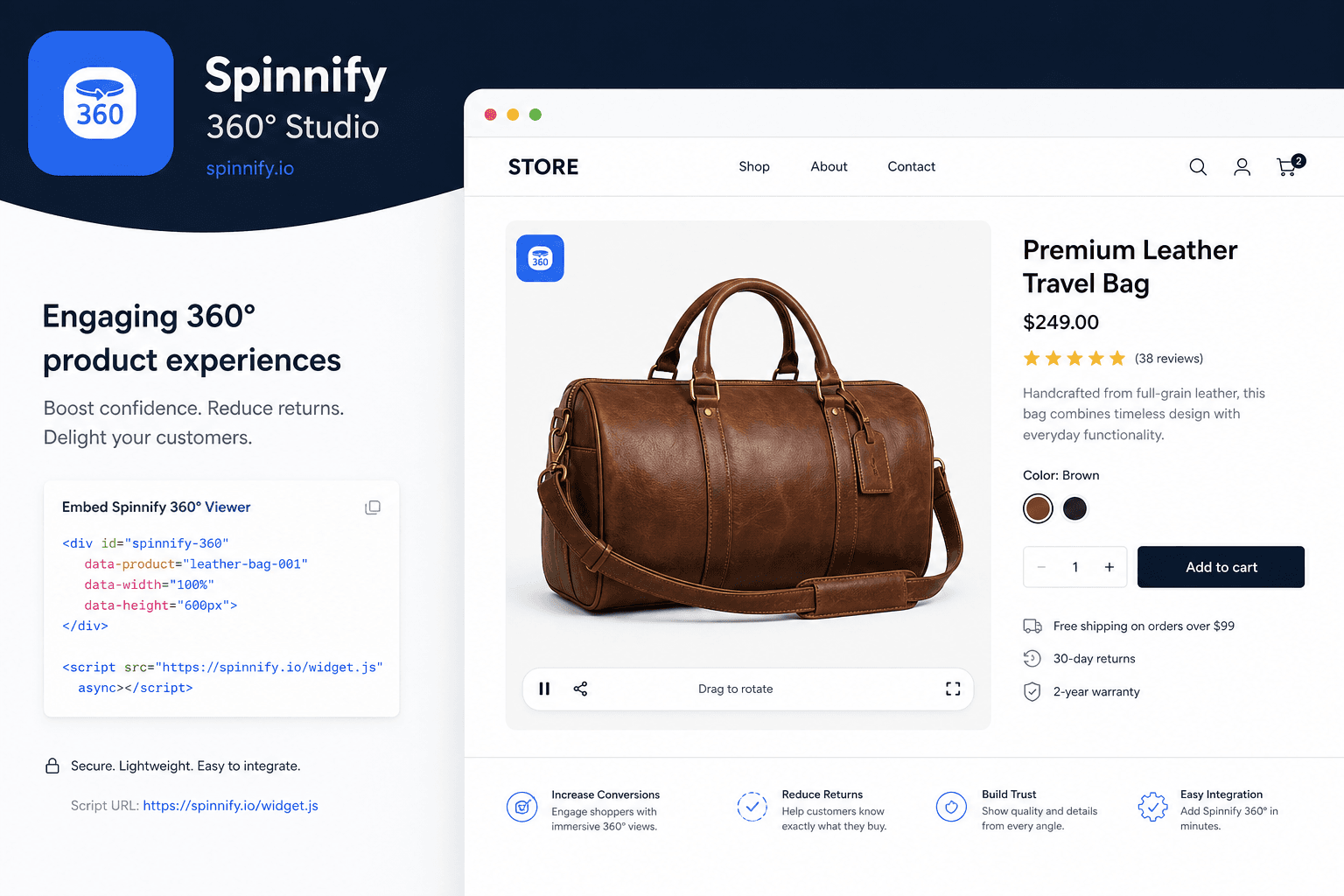
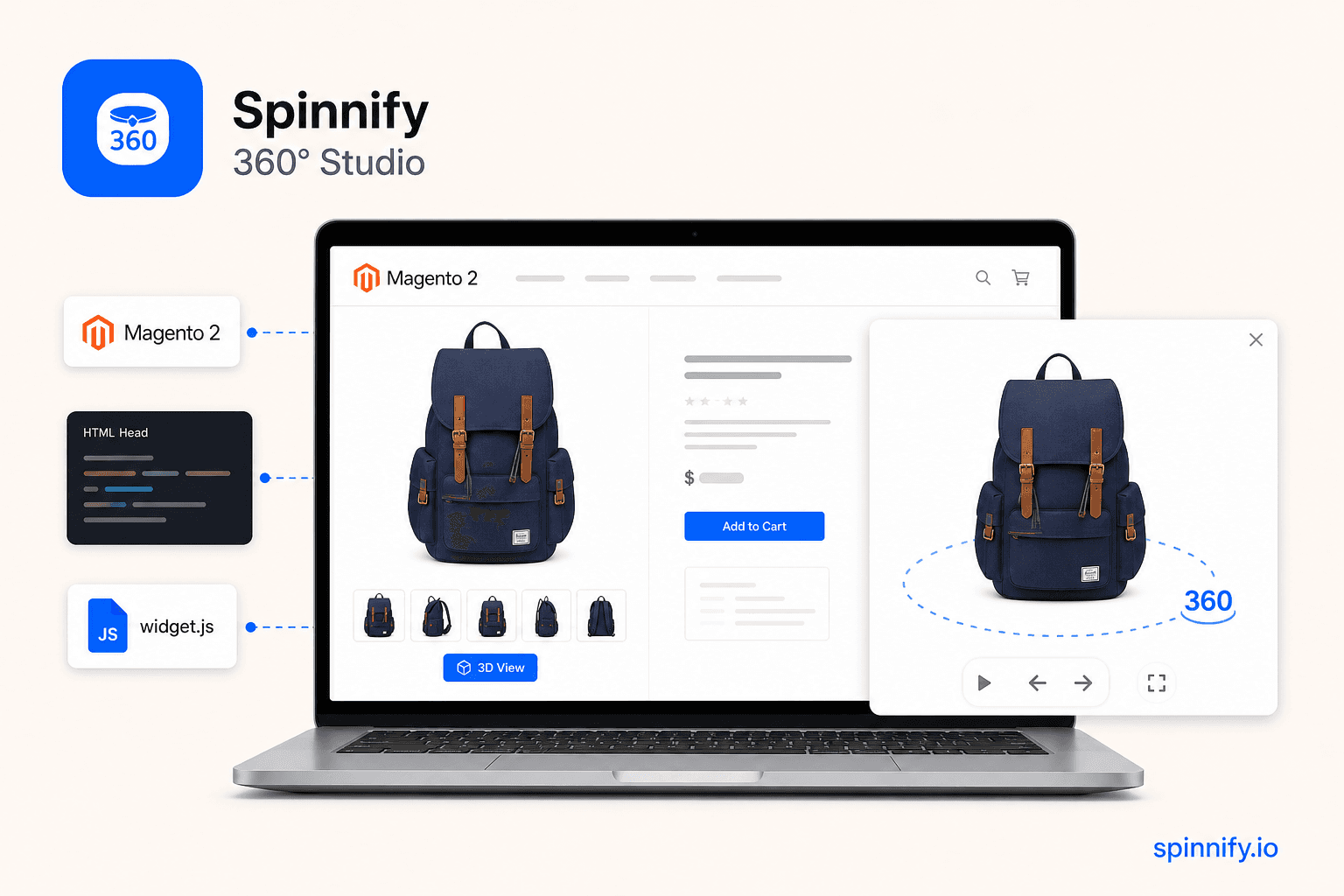
Magento galleries flip still photos. Shoppers still cannot turn the item. You can add a photographed 360° spin without a Magento Marketplace module: host frames in Spinnify and paste one script.
This guide is for Magento 2 and Adobe Commerce. Magento 1 is retired. The same widget.js snippet works on a product page. You do not install an extra Magento extension from Spinnify.
3 steps from photos to a live Magento page
The work is the embed: one script on the product detail page, then a match to the catalog SKU.
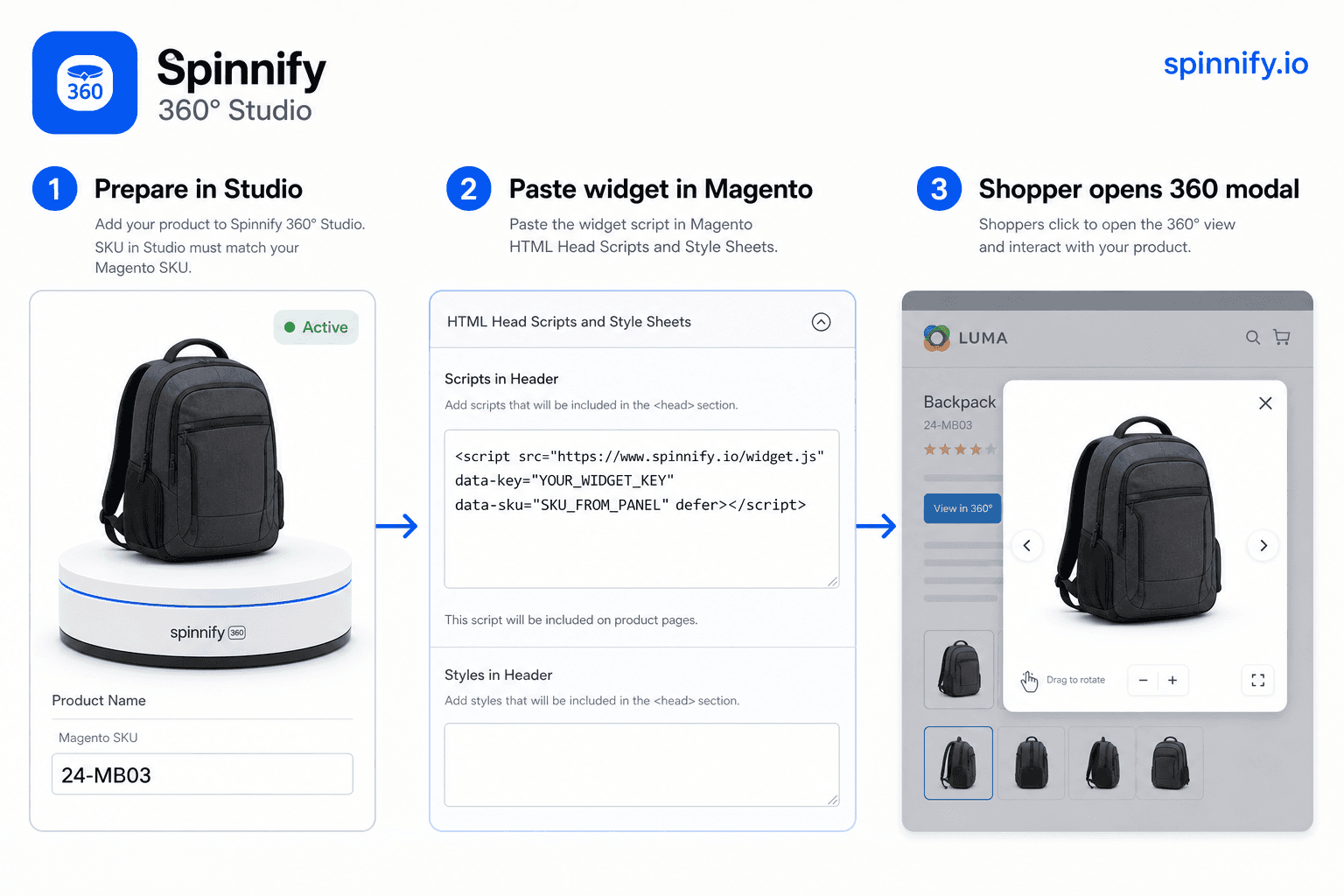
1. Prepare in Spinnify Studio
Before you open Magento Admin:
- Sign up for Spinnify Studio.
- Create a product and upload a photo series (24–36 frames, 4:3 for PC photos).
- Important: the Studio product name must equal the Magento product SKU (spaces and hyphens matter; case does not).
- Keep the product Active. A hidden product will not show the button.
2. Add code on Magento
Two ways to paste the same Studio snippet. Copy it from Widget installation → Show code.
Method A: HTML Head (fastest for the whole catalog). Content → Design → Configuration → Edit the store view → HTML Head → Scripts and Style Sheets. Paste the script, save, then flush Magento cache. Use data-sku="AUTO" when Magento already prints Schema.org Product JSON-LD with a sku on the product page.
Method B: Page Builder HTML Code (one product or a content block). On the product, open Page Builder, drag Elements → HTML Code, paste the same snippet, save. Use Manual data-sku set to that product’s SKU if AUTO is not available.
3. Configure the binding
The code looks like: <script src="https://www.spinnify.io/widget.js" data-key="YOUR_WIDGET_KEY" data-sku="SKU_FROM_PANEL" defer></script>
- data-key: your Studio widget key. Do not change it.
- data-sku: the Magento SKU, or AUTO to read sku from JSON-LD, or URL if you saved the page path in Studio.
Why it stays fast
A third-party script on Magento raises PageSpeed questions because Full Page Cache and the gallery already compete for first paint. Spinnify keeps the extra work off that paint: frames stay on the CDN until someone asks to spin. The Magento gallery still renders first; the 360 layer opens in a modal after the click.
- Lazy loading: the browser does not fetch the frame set until the shopper clicks.
- Isolation: the viewer opens in a modal and does not replace the Magento gallery on first paint.
- CDN: frames are resized WebP/AVIF, not extra files in Magento media storage.
Checklist: button not showing?
If the 3D View button is missing, walk this list on a live product URL, not in admin preview.
- Did you flush cache? HTML Head and layout changes stay invisible until cache is cleared.
- Are you on a live product URL? Admin preview is a poor test for storefront scripts.
- Do names match? Studio product name and Magento SKU must match (spaces and hyphens included).
- Is the Studio product Active?
- Is data-key copied from your account?
- One script per page: do not paste the snippet twice.
- Magento 2.4.7+ CSP: if the browser console blocks www.spinnify.io, whitelist that host in csp_whitelist.xml. Do not turn CSP off.
Can I customize the button look?
Yes. Style the launcher in Studio, not in theme CSS. You can match the storefront without editing the product template:
- Position: right, left, or center.
- Colors and label to match the Magento theme.
- Format: round floating icon or slim tab.
After that, Magento still serves the gallery. The 360° layer opens when someone asks for it.
Shoot spins: DIY smartphone guide. Other HTML stores: Tilda Zero Block. Full Spinnify guide.