Quick answer
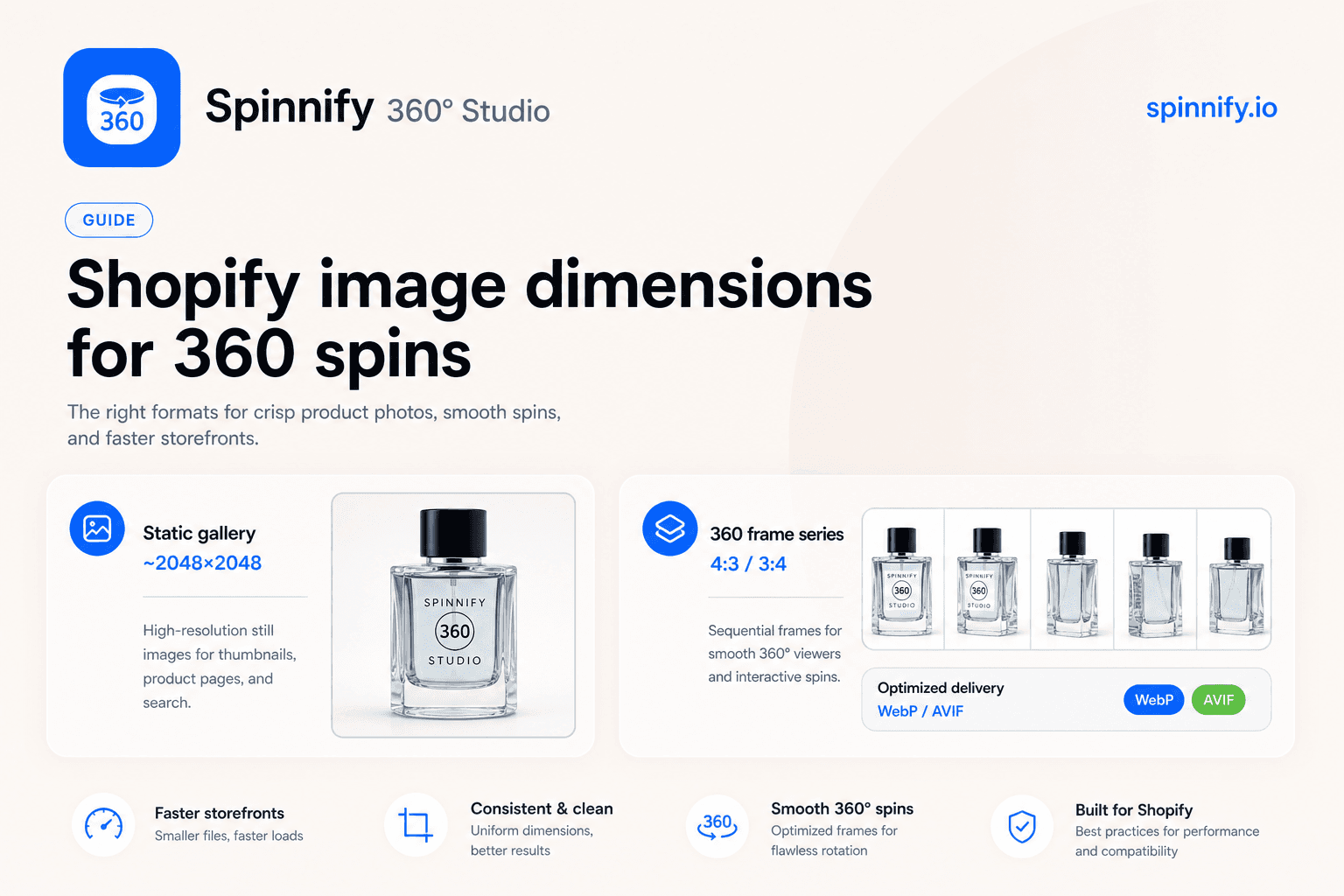
Shopify’s usual product image size advice targets static gallery stills, often around 2048 × 2048 px square. A 360° spin is a different job: you capture a frame series (typically 4:3 landscape on desktop, optional 3:4 on mobile, up to 36 frames), host it outside the theme gallery, and serve resized WebP or AVIF from a CDN after the shopper taps. Spinnify 360° Studio handles resize and delivery so merchants do not push multi-megabyte originals into Shopify Files just to get a rotation on the product page.
Search “shopify product image size” and you will find the same square-pixel checklist repeated across help centers and agency blogs. That advice is useful for packshots. It is incomplete the moment you add an interactive 360° view. Gallery slots, theme image limits, and Shopify’s own resizing pipeline were never designed to hold thirty-six high-resolution frames per SKU.
This article keeps the familiar Shopify product image dimensions for stills, then shows what changes for a 360 frame series, how Spinnify 360° Studio protects Largest Contentful Paint with a lazy widget, and where to stop stuffing originals into the theme. For install steps (app block, match field, OAuth), use the companion Shopify 360° product viewer integration guide. Here we stay on size, weight, and delivery.
What Shopify recommends for static product images
Shopify’s public guidance for product photography still centers on crisp square stills for the main gallery. A practical target many merchants use is about 2048 × 2048 px for the primary product image, with file weight kept reasonable so the theme can generate responsive variants. That size covers zoom, retina displays, and marketplace exports without forcing every visitor to download a camera RAW.
On the product page, Shopify and your theme crop or scale those stills into thumbnails, featured images, and open-graph previews. The mental model is simple: one image equals one gallery slot. Merchants who only sell with flat packshots can stop there. The confusion starts when teams treat a full 360° sequence as “just more Shopify product page image size” and try to drop every frame into Files or Media.
Static guidelines answer “how large should my hero photo be?” They do not answer “how should a multi-frame spin be captured, stored, and delivered so PageSpeed stays healthy?” Those are separate pipelines that share a keyword.
What changes for a 360° frame series
A 360° product spin is a ordered set of still frames, not one square master. In Spinnify 360° Studio the main desktop series is shot in a 4:3 landscape ratio, up to 36 frames. An optional mobile series uses 3:4 portrait so phone-first shoppers see a composition that fits the screen. The product name in Spinnify 360° Studio should match the Shopify variant SKU (matching is case-insensitive). There is no cloud auto-crop that invents a better framing for you; you capture centered, consistent frames and the service delivers them.
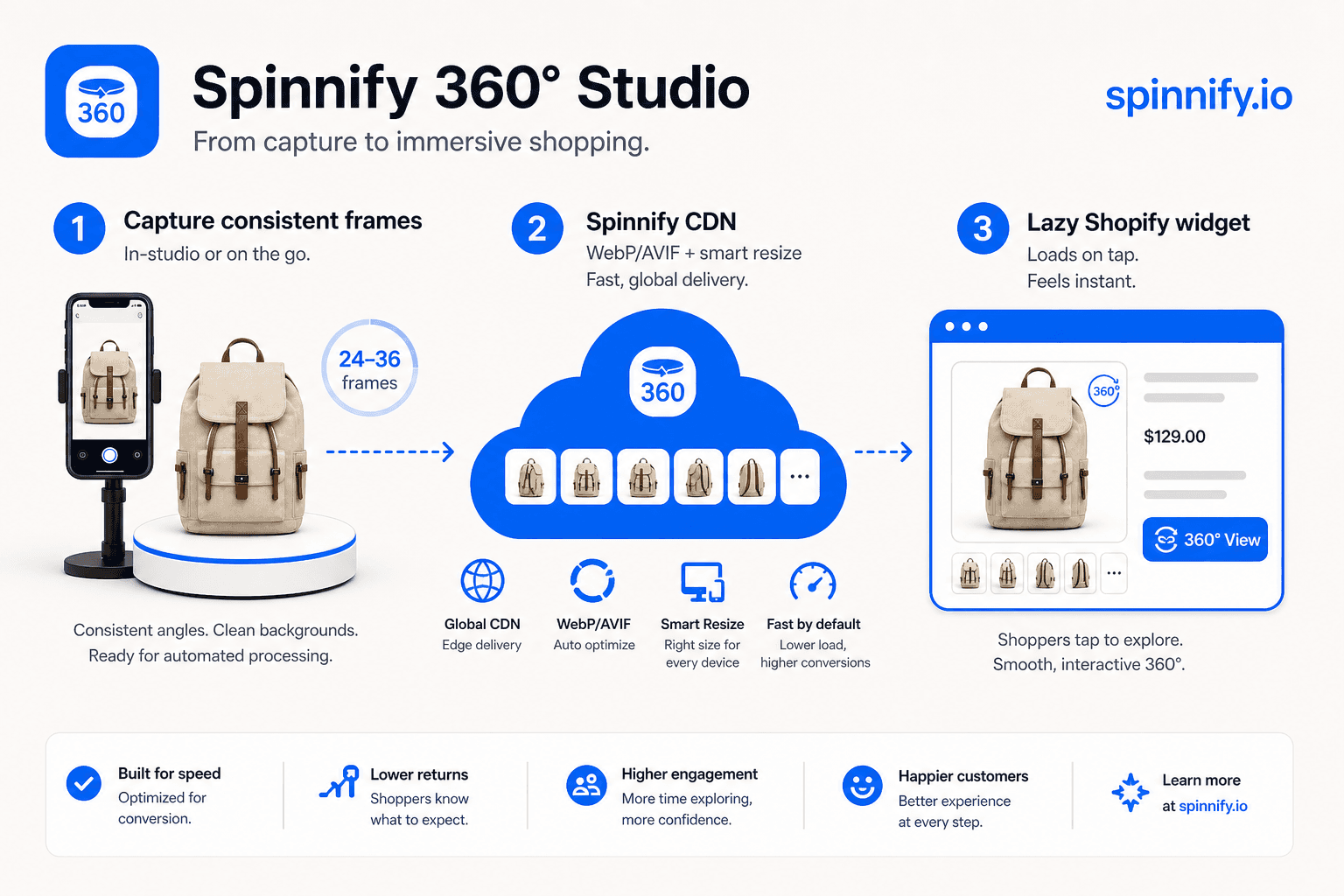
Delivery is the second difference. The storefront widget does not inject dozens of full-resolution gallery images into the initial HTML. It loads after the shopper taps the 3D control. Frames then arrive as CDN-resized WebP or AVIF, sized for the viewer, not as the multi-megabyte originals you may have photographed on a studio camera. That is why “shopify image size 360” is a different question from “shopify product image dimensions” for a single packshot.
If you upload huge originals into the Shopify theme anyway, you pay twice: theme weight grows, and you still lack a proper spin player. Keep gallery stills in Shopify. Keep the spin sequence in Spinnify 360° Studio.
Static gallery vs 360° frames: size and delivery
Use the table as a planning filter when a photographer or agency asks which Shopify product image size to shoot. One column is the familiar gallery still. The other is the spin series that never belonged in every theme image slot.
| Static Shopify gallery | 360° frame series (Spinnify) | |
|---|---|---|
| Typical dimensions | Often ~2048 × 2048 px square still | 4:3 landscape series (up to 36); optional 3:4 mobile |
| Where files live | Shopify product media / theme | Spinnify 360° Studio + CDN |
| When bytes load | With gallery / LCP candidates | After shopper tap on the 3D control |
| Delivery format | Theme-generated responsive images | CDN-resized WebP / AVIF for the viewer |
| Merchant resize work | Export one hero + alts | Capture consistent frames; Spinnify resizes for delivery |
| Catalog match | Product media attached in Admin | Product name ↔ variant SKU (case-insensitive) |
The Spinnify 360° Studio path (size without theme bloat)
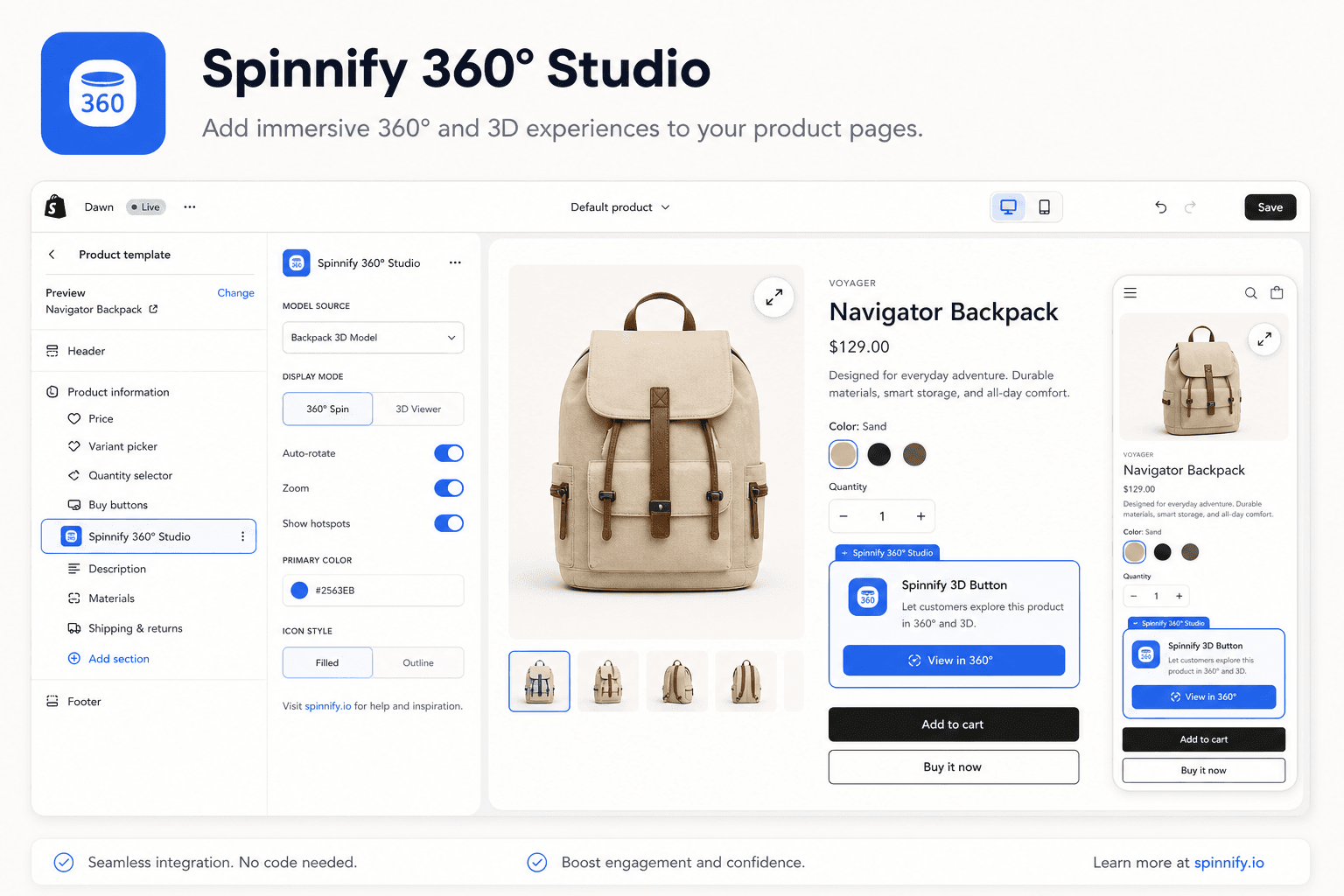
Spinnify 360° Studio is built so merchants stop treating 360 product images on Shopify as a Files dump. You capture or import the frame series (or a short turntable clip that becomes frames), publish the product under the name that matches your variant SKU, and let the Shopify app block show a 3D control on the product template. The heavy work of serving the right pixel density happens on Spinnify’s CDN, not inside every Liquid image tag on first paint.
That separation is the honest answer to “shopify product page image size” when the merchant really wants a spin. Your square stills can follow Shopify’s static guideline. Your orbit lives in a dedicated viewer that lazy-loads on tap, so LCP stays tied to the hero packshot instead of thirty-six frames competing for bandwidth on every visit.
If Core Web Vitals are already a concern on your PDP, pair this size model with our notes on Shopify 360° without hurting PageSpeed. For video-sourced frames instead of a stills shoot, see 360 spin video for ecommerce.
Mistakes merchants make once
Most failures are not mysterious API errors. They are size and placement habits copied from static photography into a format that does not belong in the gallery.
- Uploading the entire 360° sequence into Shopify Files as if each frame were a gallery still.
- Shooting only square 1:1 masters and expecting them to behave like a 4:3 spin series.
- Shipping multi-megabyte camera originals to the theme and hoping Shopify “fixes” spin delivery.
- Naming the Spinnify 360° Studio product differently from the variant SKU (match is case-insensitive, not fuzzy).
- Expecting cloud auto-crop to rescue off-center or clipped frames.
- Judging success only in the theme editor preview instead of a live product URL with the match field set.
Verdict
Shopify product image size for static stills and Shopify image size for 360° are related keywords with different pipelines. Keep square, well-compressed gallery heroes in Shopify. Capture consistent 4:3 (and optional 3:4) frame series for the spin, publish them in Spinnify 360° Studio, and let CDN WebP/AVIF plus a tap-triggered widget protect the product page. That is how you get 360 product images on Shopify without turning the theme into an unofficial DAM.
Ready to publish a spin without stuffing the theme: Open Spinnify 360° Studio. Need the install path after sizes are clear? Read the Shopify 360° integration guide.