Quick answer
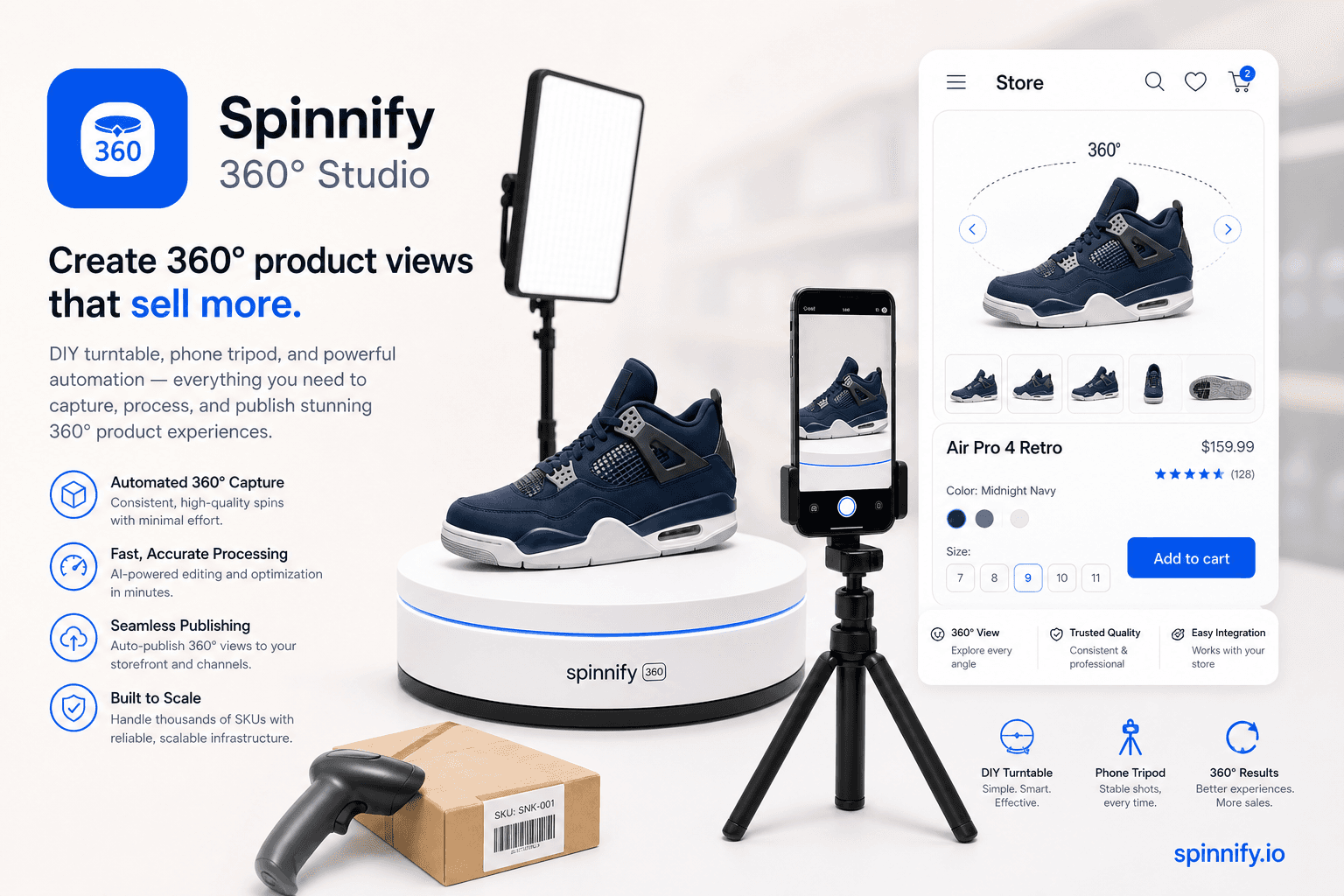
A 360 product viewer—also called a 360 product spin viewer—is a web player that shows a loop of still photographs taken around one product. The shopper drags horizontally to advance frames. It is not a downloadable 3D mesh, not a room panorama, and not the same as an autoplay turntable video. Spinnify 360° Studio publishes spins as CDN-hosted frame sequences with a lazy widget for product pages.
Merchants search “360 product viewer” and “360 product spin viewer” when a vendor pitch mixes spins, 3D configurators, and VR tours into one slide. The spin viewer is the simplest interactive layer: photographs, not CAD drawings. Once you name it clearly, capture, hosting, and embed decisions get easier.
Core parts of a 360 product viewer
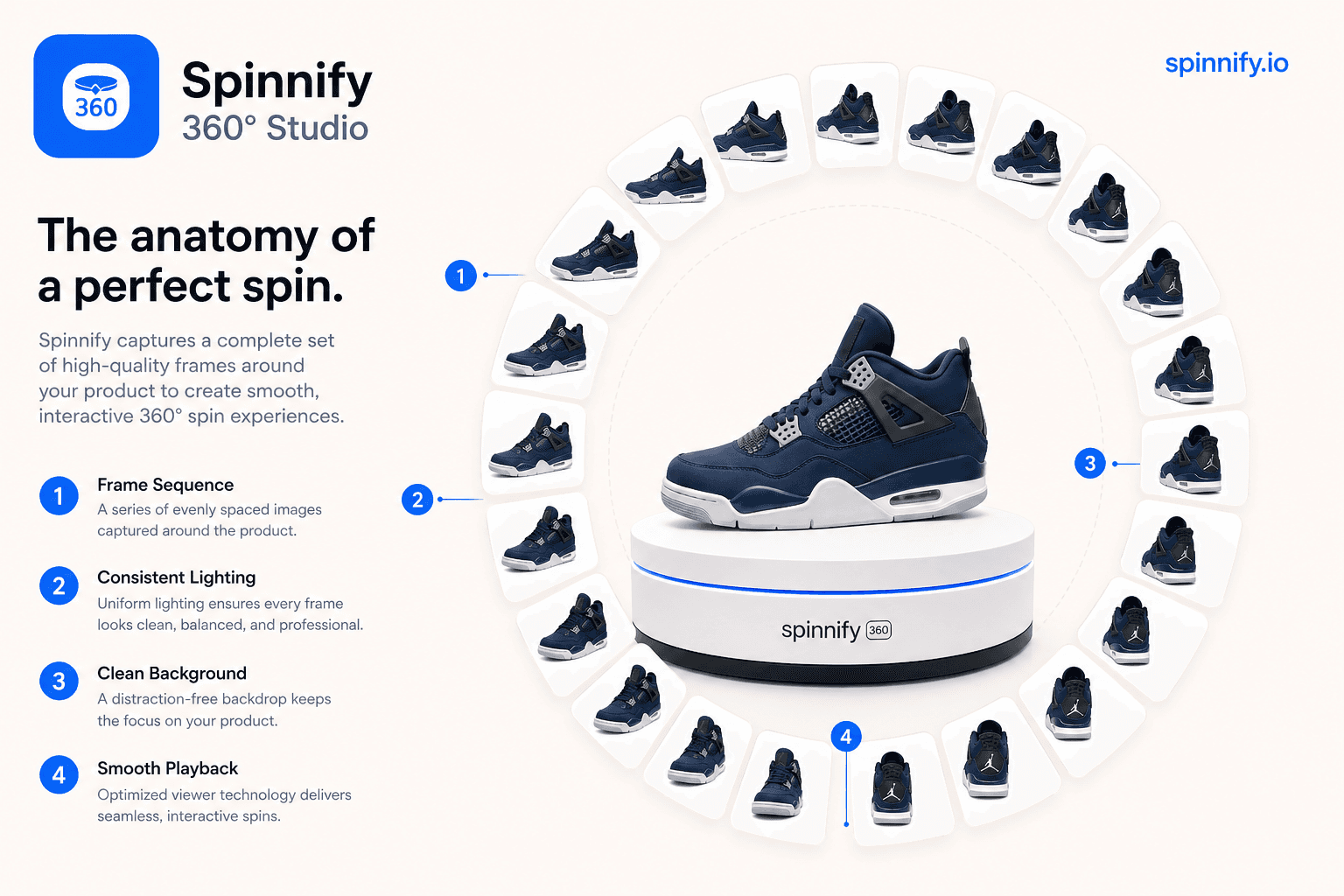
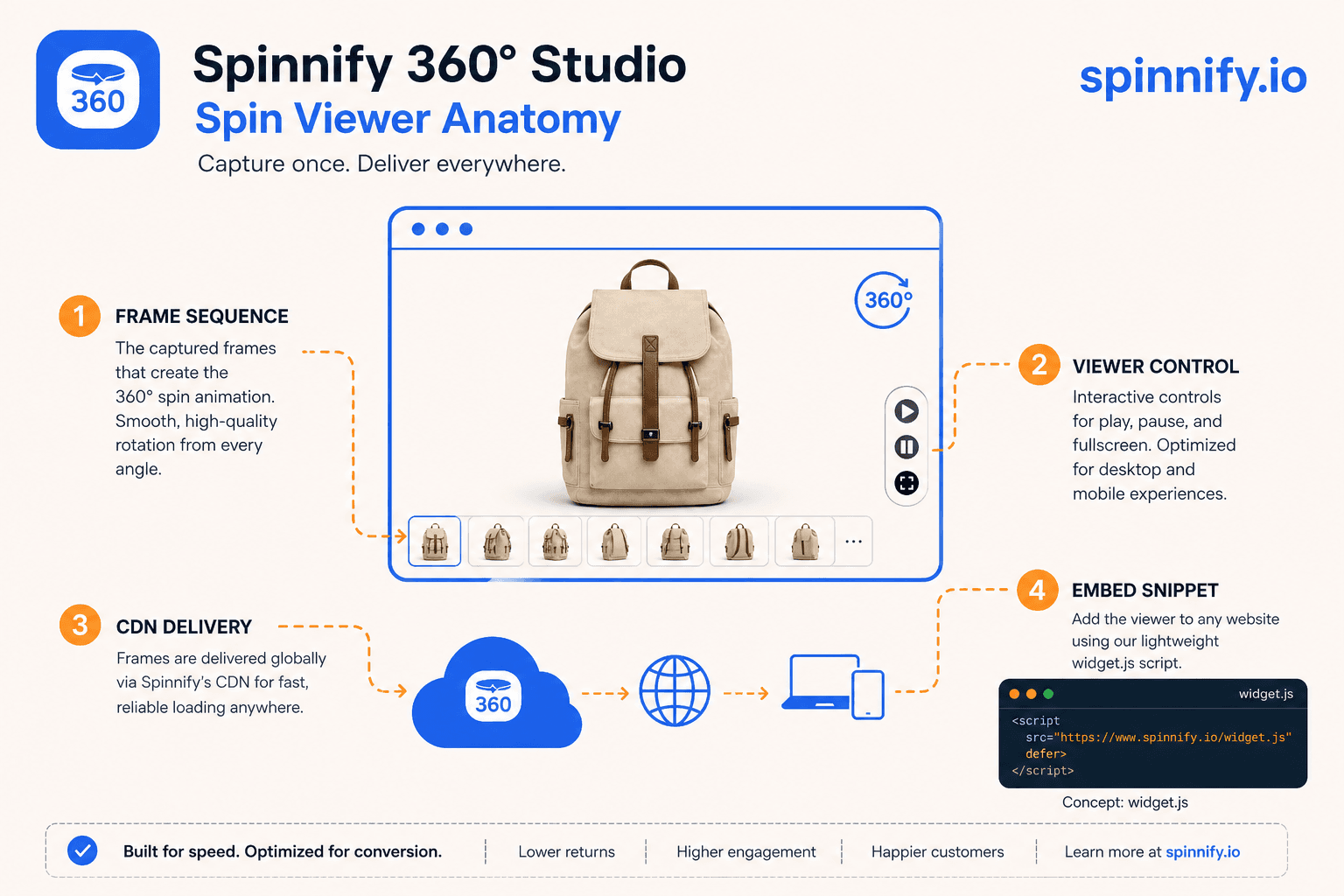
Every 360 product viewer needs an ordered frame sequence (often twenty-four to thirty-six JPEG, WebP, or AVIF files), a renderer that swaps images on drag or swipe, optional zoom, and a host surface on the product page. Advanced stacks add hotspots on individual frames. None of that requires a mesh file. The 360 product spin is the media; the viewer is the player that makes it interactive.
360 product viewer vs 360 product photography
360 product photography is the capture craft: lighting, turntable marks, locked exposure, and a clean silhouette across the rotation. A 360 product viewer is what shoppers use on the storefront after those frames are published. You can shoot strong 360 product photography and still fail on the page if the viewer loads every frame eagerly or sits below the fold. Spinnify separates the jobs: shoot on phone or studio, publish in Studio, embed the lazy viewer on the PDP.
Spin viewer vs nearby terms
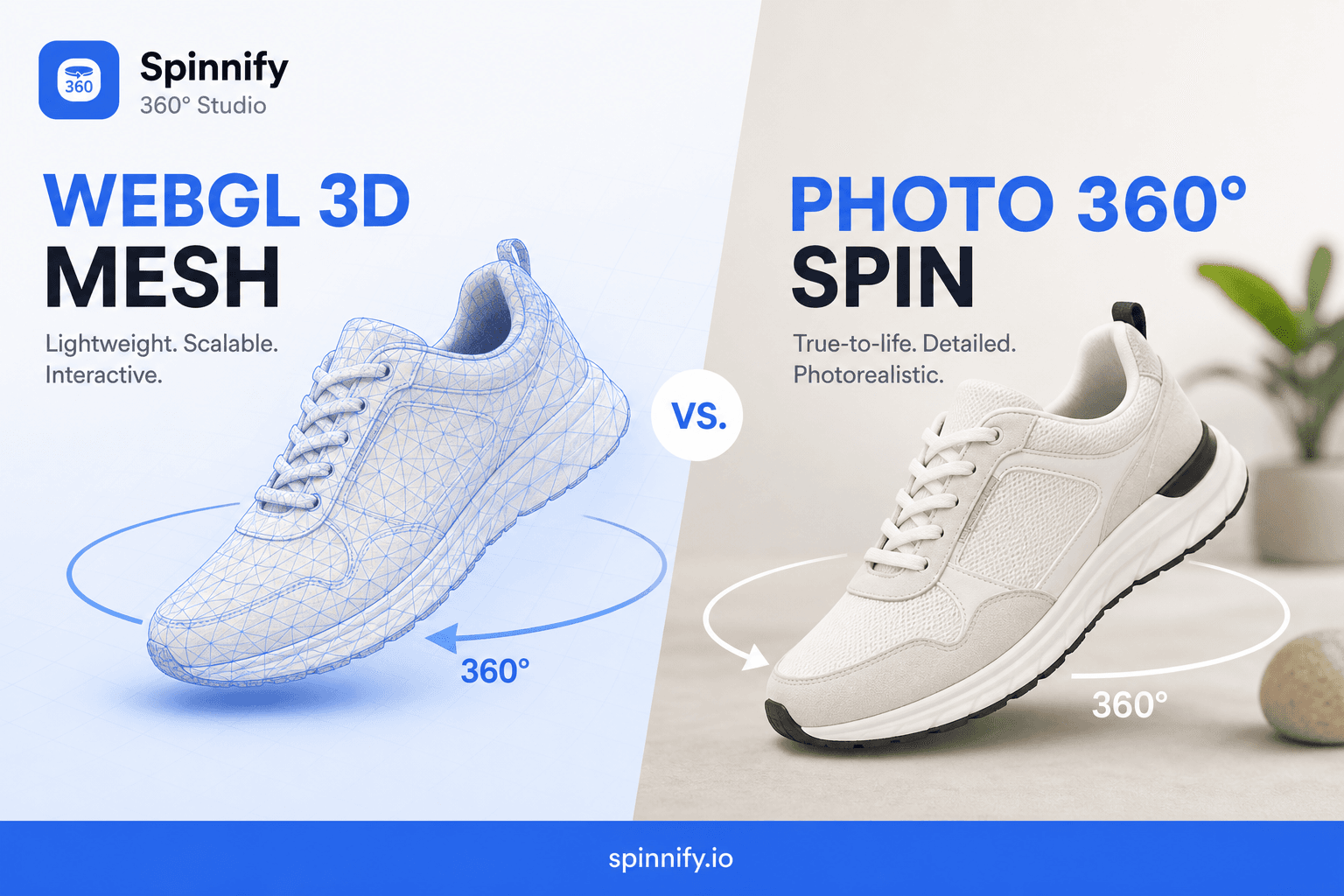
| Term | What the shopper sees | Typical file type |
|---|---|---|
| 360 product spin viewer | Drag through still photos of one SKU | Image sequence on CDN |
| 3D product viewer | Rotate a mesh model in WebGL | GLB / USDZ mesh files |
| Turntable video | Autoplay video loop | Video file |
| Room panorama viewer | Look around a stitched sphere | Equirectangular panorama |
Where a 360 product view belongs on the product page
Place the 360 product view where shoppers already inspect photos: the main gallery or the first slot beside the hero. Lazy load frames so Largest Contentful Paint stays on the static poster until the shopper taps. That pattern is why spins remain popular on Shopify and custom storefronts despite Core Web Vitals pressure.
When to use a spin instead of 3D or video
Choose a 360 product spin when catalog SKUs need inspectable angles without mesh production cost. Choose a 3D viewer when shoppers must configure materials or open doors on a model. Choose short video for ads where motion is the hook, not for a pause-and-inspect PDP gallery. Most mid-market catalogs start with spins and add 3D later for hero SKUs only.
Define it on your catalog with a live SKU: Open Spinnify 360° Studio. Read how to create a 360 product view, the 360 product photography guide, and Spinnify pricing for plans.