Quick answer
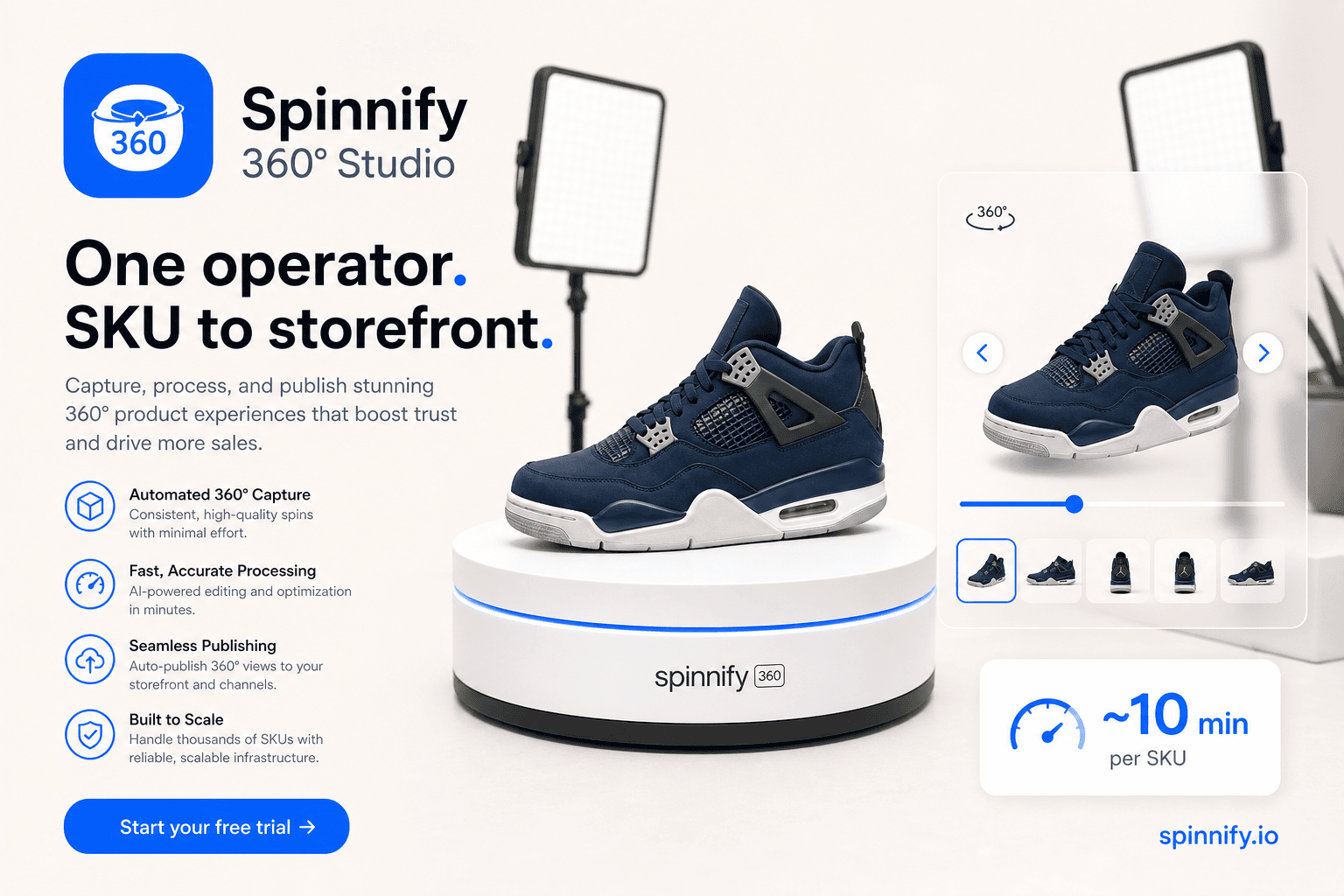
360 product photography software is the stack that turns a turntable shoot into an interactive spin on the product page: ordered frames, hosting, a 360 product viewer shoppers can drag, and a way to publish without rebuilding the theme for every SKU. Spinnify 360° Studio (spinnify.io—not Spinify sales gamification) is a focused photo-spin service (capture paths, Studio, CDN frames, lazy widget, optional hotspots, public link and QR). It is not a full DAM, not a room panorama tool, and not a WebGL mesh configurator. Industry surveys such as NRF often put online returns near one in five orders; clearer angles help when expectation gaps drive those returns, without promising a Spinnify-specific conversion lift.
Teams searching for 360 product photography software usually want one outcome: shoppers who can inspect a SKU from every side without calling support. Search results mix panorama apps, heavy media platforms, and open players that expect you to host every file yourself. Spinnify sits in the focused camp. You shoot or upload a rotation, publish frames through the service, and open a light 360 degree product viewer when the shopper asks for it.
What Spinnify 360° Studio is
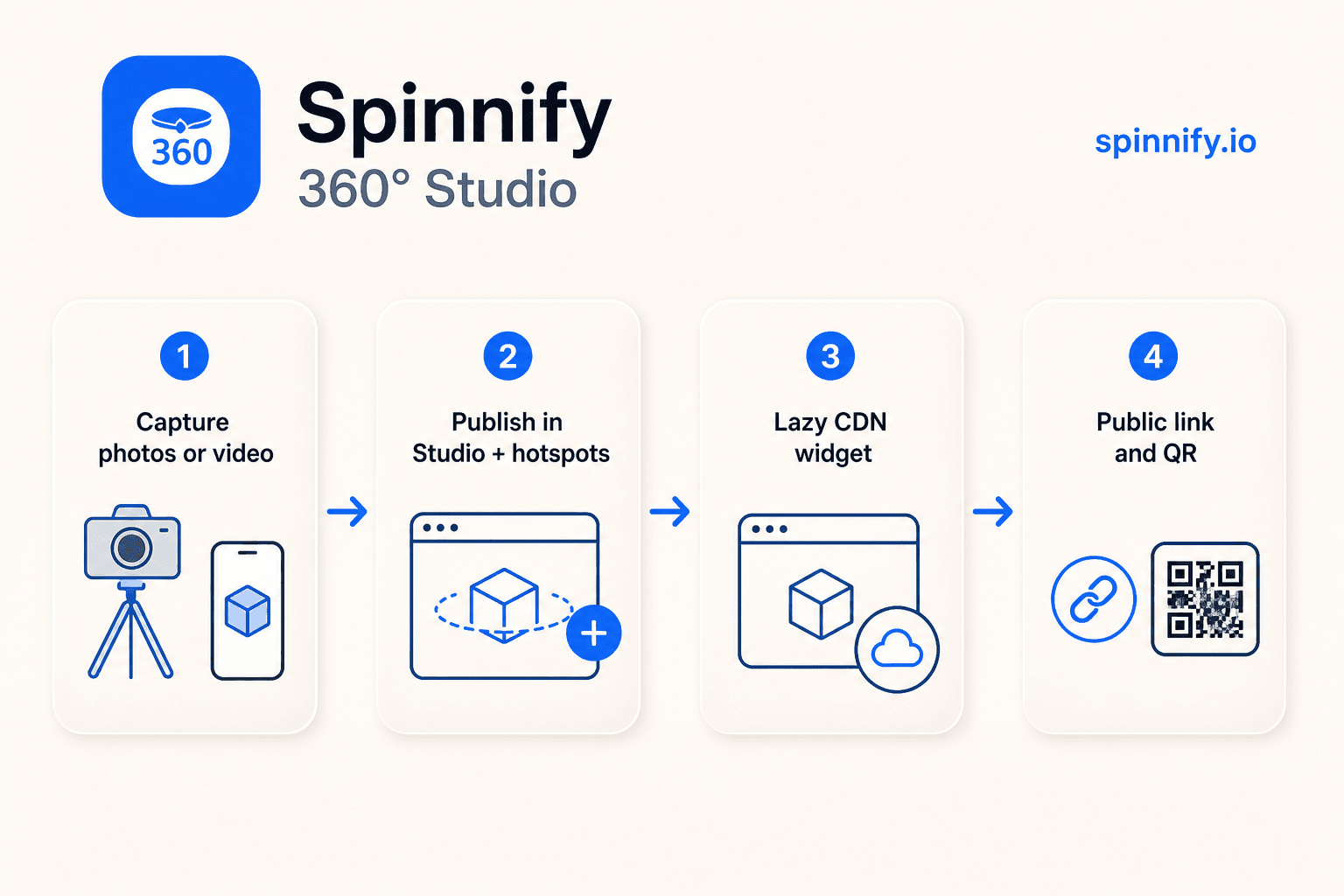
Spinnify is a full product-spin service for ecommerce, not a one-off player drop-in. The path is capture, Studio publish, CDN delivery, then a storefront widget. You can upload a series of stills (up to 36 frames in the PC photos block, with an optional mobile series) or extract frames from a short turntable video in the web dashboard. Name each project like the catalog article so the widget can match. After frames are active, shoppers open a modal viewer on tap instead of downloading a mesh or autoplaying a heavy clip above the fold.
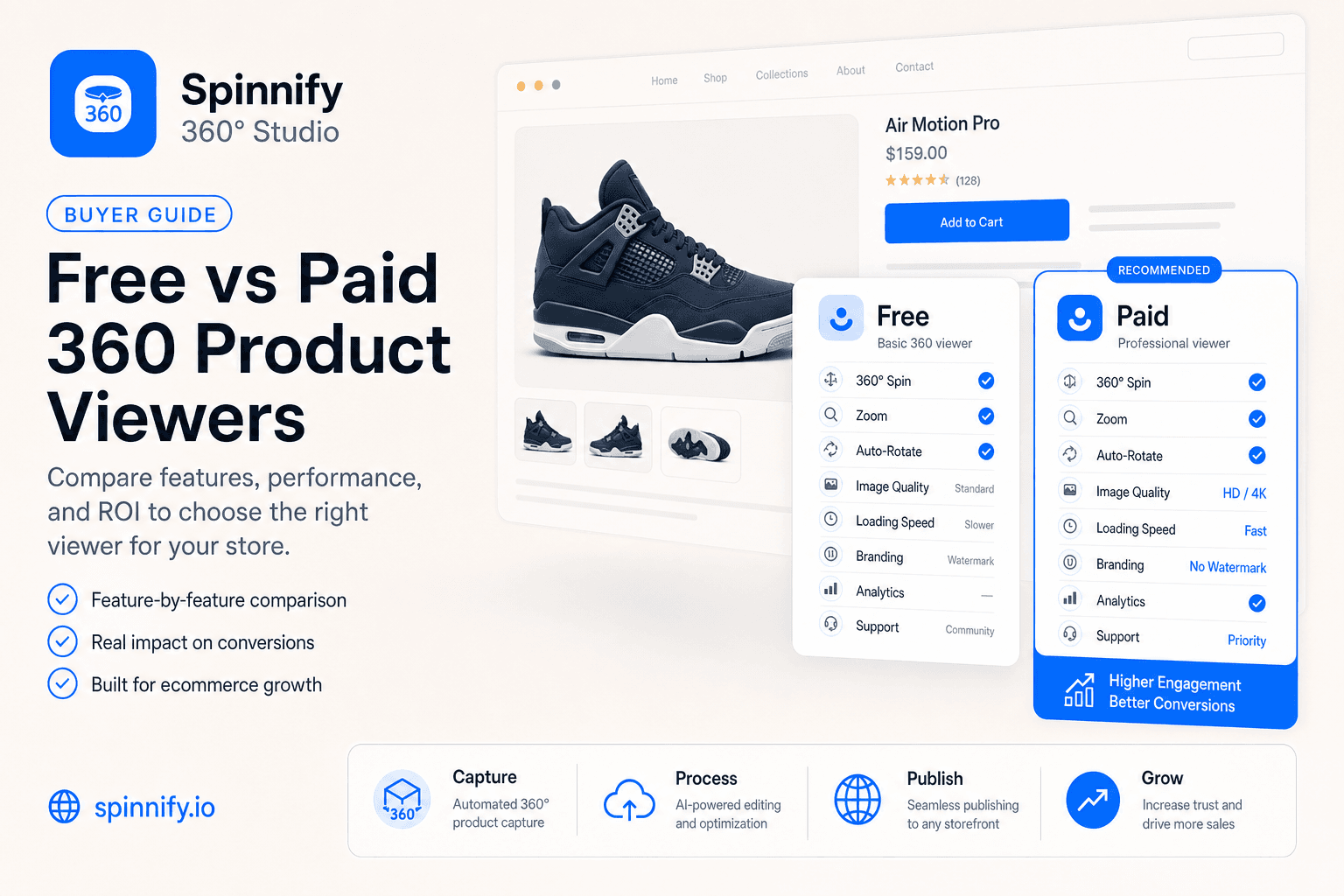
For the format and production overview, read the 360 product photography pillar. For a buyer checklist on free versus paid viewers, see the best 360 product viewer for ecommerce. Player-library contrasts live in Spinnify vs WebRotate / Magic360. This article stays on what the platform does and which teams use which path.
Capabilities that matter in daily catalog work
Feature lists look identical across vendors until you run a real SKU through the week. What breaks catalog work is usually the handoff: who shoots, who publishes, who embeds, and how the shopper opens the spin without slowing the page. The capabilities below are the ones that change that handoff. Each one answers a job teams already have, not a checkbox invented for a comparison table.
Capture from photos or a short video
Catalog teams rarely want a photographer for every mid-season SKU. Spinnify accepts ordered stills from phone or studio, or a short rotation video that the web dashboard cuts into about 36 even frames. Video upload lives in Studio on the web, not in the mobile capture app. The app is for frame series and burst capture when you already stand at a turntable. Either way you end with a publishable spin, not a marketing MP4 stuck in the theme gallery. That split keeps warehouse capture simple and leaves heavy video processing on the desk computer.
Hotspots that stay on the detail
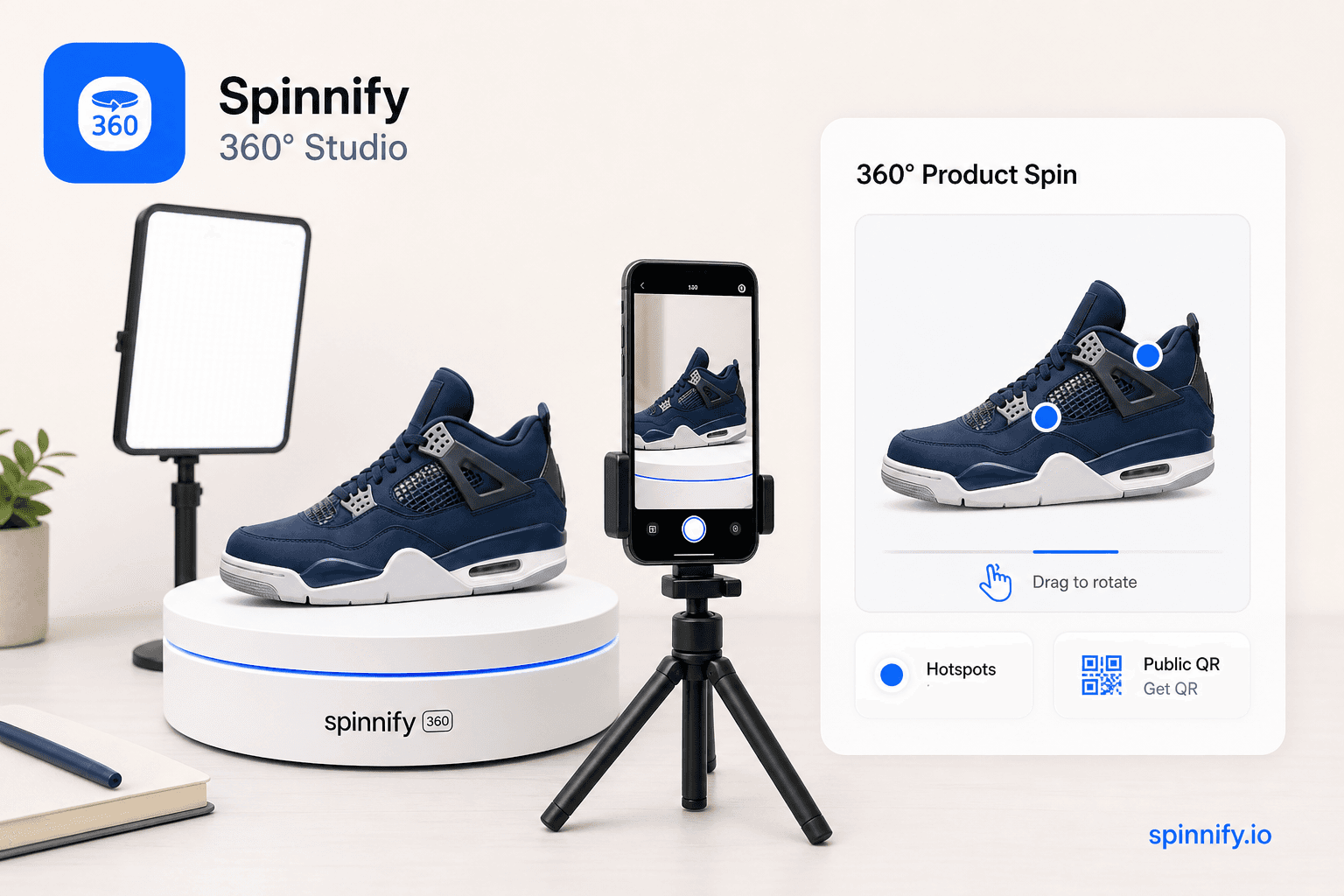
Optional interactive points let you label materials, ports, stitching, or care notes while the product rotates. You place a point on a clear frame and write the label in Studio. Computer-vision tracking follows that detail across neighboring frames so the mark does not jump when the shopper spins. Hotspot editing is a dashboard job; warehouse operators do not need to touch code on the floor. Shoppers get answers inside the viewer instead of hunting a long description under the fold.
One embed, matching by article, schema, or page path
You add the storefront script or theme block once. Spinnify then matches the live product by manual article name, Schema.org AUTO mode, or the page path. New spins go live when the project name matches and the product stays active. You do not paste a unique iframe into every description when the catalog grows. The same pattern works on common ecommerce platforms and on custom HTML sites; the integration guide covers the script attributes. Ops keep publishing in Studio while engineering stays out of every SKU ticket.
Lazy 360 product viewer and CDN frames
360 spin software fails on mobile when every frame loads with the first paint. Spinnify keeps a light control on the page and loads the interactive viewer after the shopper taps. Frames ship as resized WebP or AVIF from Spinnify CDN, so your origin host is not serving thirty-six originals. That design protects Core Web Vitals while still giving a full 360 product viewer when someone wants to inspect. Measure the live product page after embed, not a synthetic demo on a blank theme.
Public link and built-in QR
Not every channel accepts a script tag. For each product, Studio can copy a public viewer link and generate a QR that opens the same live spin. That path fits quotes, print layouts, packaging inserts, and social bios where you cannot embed widget.js. Public views are separate from storefront widget analytics. For packaging work, teams often pair the QR with a short line such as “scan to rotate the product,” which maps to searches like qr code product packaging without turning the listing photo into a banned off-site promo. One spin asset then works on the PDP and in channels that only allow a link.
Who this 360 product photography software helps
The same Studio can serve four different owners of the problem. A founder wants a spin without hiring a front-end contractor. A receiving lead wants today’s sample on the PDP before the weekend. An agency wants to stop pasting snippets. A marketer wants a link that survives outside the theme. Match the persona to the path below so you do not buy panorama software for a catalog job, or a full DAM when you only need spins.
Store owners without a developer on call
If you can name a product like its catalog article and paste one script (or install a theme block), you can run spins yourself. Merchandisers update frames and hotspots in Studio; engineering embeds once. Demo plans let you validate two products before you scale paid limits. The job is inspection on the product page, not a custom WebGL project. When that boundary is clear, the store stops waiting on a sprint just to refresh a seasonal colorway.
Catalog and warehouse operators
Receiving teams often stand next to the sample already. A fixed turntable corner, a phone series or short video, and a SKU-first upload keep time-to-publish short after the widget is live once. Spinnify does not replace lighting craft, and it does not auto-crop or color-correct in the cloud. It removes the handoff where every angle waits for a studio queue and a theme deploy. The win is operational: the person who saw the carton can finish the spin without opening a design ticket.
Agencies that hand media back to the merchant
Agencies embed once, then leave Studio access with the client. Merchants refresh frames for seasonal variants without opening a ticket for a new snippet. That split keeps retainers on strategy and creative, not on pasting codes into every SKU description. Clients stop treating the agency as a CMS operator for every frame swap.
Marketing and B2B teams who share outside the storefront
Public links and QR codes carry the same spin into proposals, lookbooks, Instagram or TikTok profile links, and print ads. Marketplace listing photos are a different rule set: many platforms restrict QR codes and off-site links on gallery images, so check each marketplace policy and prefer packaging inserts or post-purchase cards when the listing forbids outbound codes. Offline and owned channels stay the cleanest places for a scannable 360 degree product viewer. The spin you built for the PDP then does double duty in sales conversations without a second media pipeline.
Honest boundaries
Buying the wrong category wastes a quarter. Spinnify solves photo spins for product pages and shareable viewers. If your brief asks for room tours, mesh configurators, or a single vault for every banner and lifestyle shot on the site, you need a different tool beside or instead of a spin service. Name that boundary early so demos stay honest.
Mistakes teams make when buying 360 spin software
Teams often buy a panorama player because the product title says “360.” Room viewers map spheres so visitors look around a space. Product spins map one SKU on a turntable so shoppers drag through still frames. When you install a panorama tool on a PDP, the shopper still cannot inspect the back of a shoe. Fix the buy by naming the media type first: product spin frames, not equirectangular rooms.
Another failure mode is stuffing every spin frame into the theme gallery. The page then downloads a full rotation on first paint, Largest Contentful Paint collapses on phones, and Core Web Vitals suffer before anyone opens the viewer. Keep a static poster in the gallery and open the interactive 360 product viewer on tap. Lazy CDN frames exist so inspection stays optional until the shopper asks for it.
The third mistake is treating any viewer as a guaranteed ROI machine. Creative quality, traffic intent, and the rest of the product page still decide outcomes. Clearer angles support purchase confidence; they do not replace weak copy, missing size guides, or bad traffic. Spinnify will not invent a universal conversion percentage for you, and industry return figures such as NRF surveys are context, not a Spinnify KPI.
A practical start checklist
Use this sequence the first week you evaluate Spinnify as 360 product photography software for your catalog.
- 1. Create a Demo account and name one product exactly like its catalog article.
- 2. Upload a still series or extract frames from a short turntable video in the web dashboard.
- 3. Add one or two hotspots on a clear detail if the SKU needs explanation.
- 4. Embed the storefront script or theme block once; confirm the match key on a staging product page.
- 5. Copy the public link and download the QR for a quote or packaging mock; measure storefront widget taps separately.
Ready to try a live SKU? Open Spinnify 360° Studio. For the photography pillar, read 360 product photography. For definitions, read what a 360 product spin viewer is. For video extract timing, see 360° from a product video in about 2 minutes. Plans live on Spinnify pricing.