Quick answer
Mindless app hoarding fails in 2026. One app, one shopper question on the PDP. Judge.me or Loox (not both), Spinnify for inspection, PageFly only when structure demands it, Vitals softly at the bottom. Measure mobile PageSpeed on live URLs after every install.
Every Shopify store owner knows the ritual. You open the App Store, search "increase conversion," and a avalanche of offers hits you. Hundreds of apps promise 300% sales lifts, "smart" widgets, countdown timers, and popups everywhere.
In a burst of enthusiasm you install five, seven, ten plugins. On desktop everything looks rich: a review carousel here, a "45 people are viewing this bag" badge blinking there, and a bundle offer for socks popping up at the bottom.
Then you open the same site on an ordinary phone on the go—and the magic vanishes. The page barely moves, elements overlap, and the only urge left is to close the tab as fast as possible.
In 2026, mindless plugin collecting no longer works. Winners are not stores with the most "features" but those who understand buyer psychology. Here is a simple, human framework for choosing Shopify apps from real customer questions—not paid ratings.
The main flaw in "Best apps" listicles
Most "Top 10 Shopify apps" articles are built on ad contracts or author taste. They sort plugins by technical category but ignore how a living person thinks on your page.
When you put three gallery widgets, two independent review blocks, and a heavy page builder on one product detail page (PDP), you are not helping the user. You overload the interface and destroy load speed.
Conversion does not start when you install a "trendy" app. It starts when the product page honestly and promptly answers a specific buyer concern before purchase.
The golden rule: one app, one shopper question
Before you click Install in the Shopify App Store, close your eyes and ask: "Which exact inner question of my customer will this block on screen answer?"
If the first phone screen shows a photo-review slider, client quote text, and guarantee badges at once—they compete with each other but add no new information. You are wasting precious attention.
On an ideal PDP, every element above the fold should close exactly one job. Let us look at the main jobs to solve in 2026 and the real tools merchants use for them.
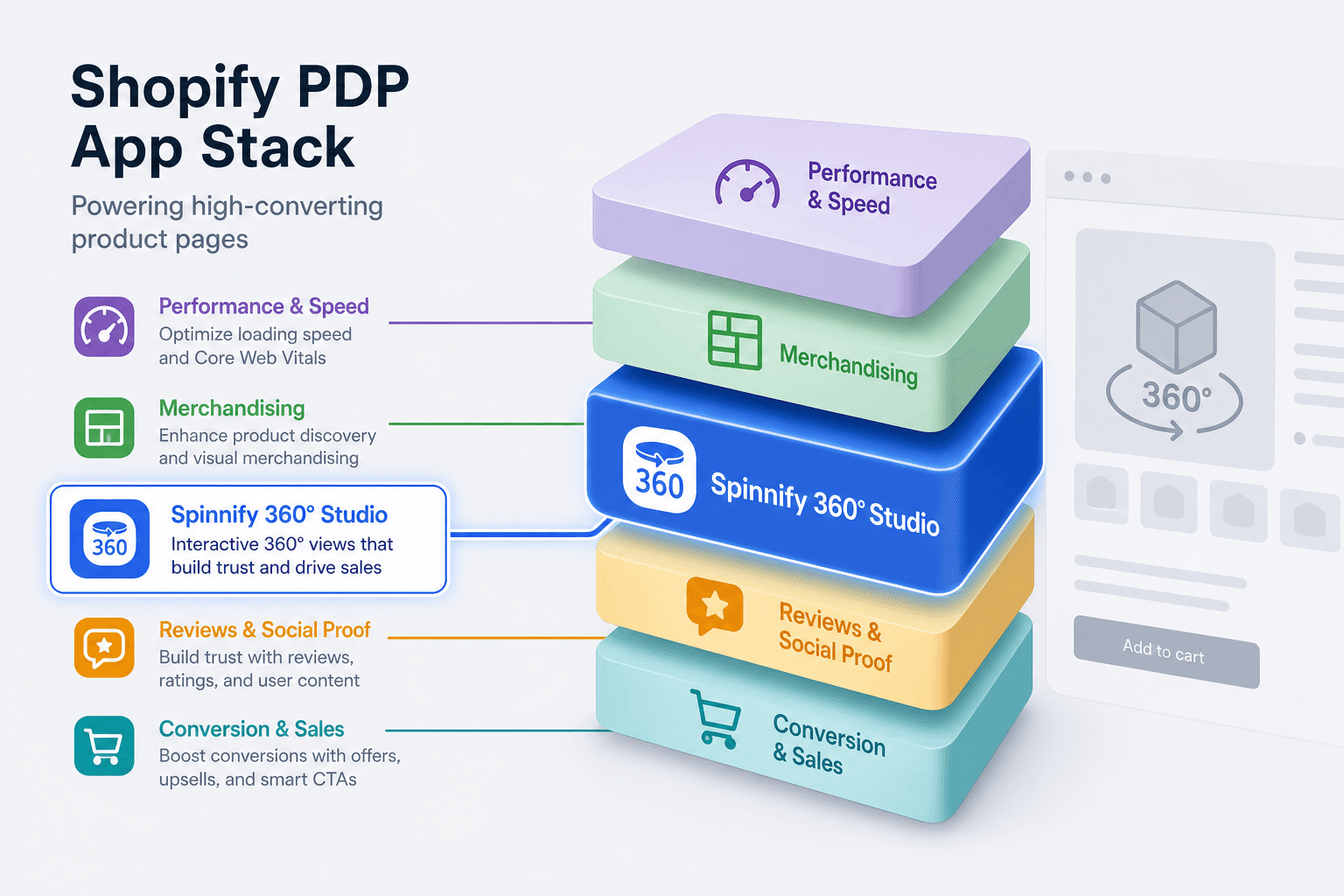
Shelf by shelf: each question gets its own answer
1. Question: "Can I trust the quality?" (Social proof)
Here come review and user-generated content (UGC) apps. Two recognized giants merchants install most often:
- Judge.me. A solid "workhorse" for getting started. It has an honest free tier, collects text, photo, and video reviews, and can surface star ratings in Google search. Fits when you want a classic, tidy review block without visual clutter.
- Loox. The visual heavyweight. Built for niches where the product must be shown in context: apparel, cosmetics, interiors. Loox turns reviews into a glossy gallery where you immediately see "how the item fits a real person." No free tier; cost scales with order volume—but for visual brands it often pays for itself.
Critical rule: pick one. Never run Judge.me and Loox together. Two review systems on one page guarantee chaos in code and in the buyer's eyes.
2. Question: "What does it look like from every angle?" (Visual inspection)
Ordinary photos—even reviews—cannot show hidden details. Shoppers want to peek under a gadget lid, inspect bag hardware from the back, or judge sneaker sole stiffness.
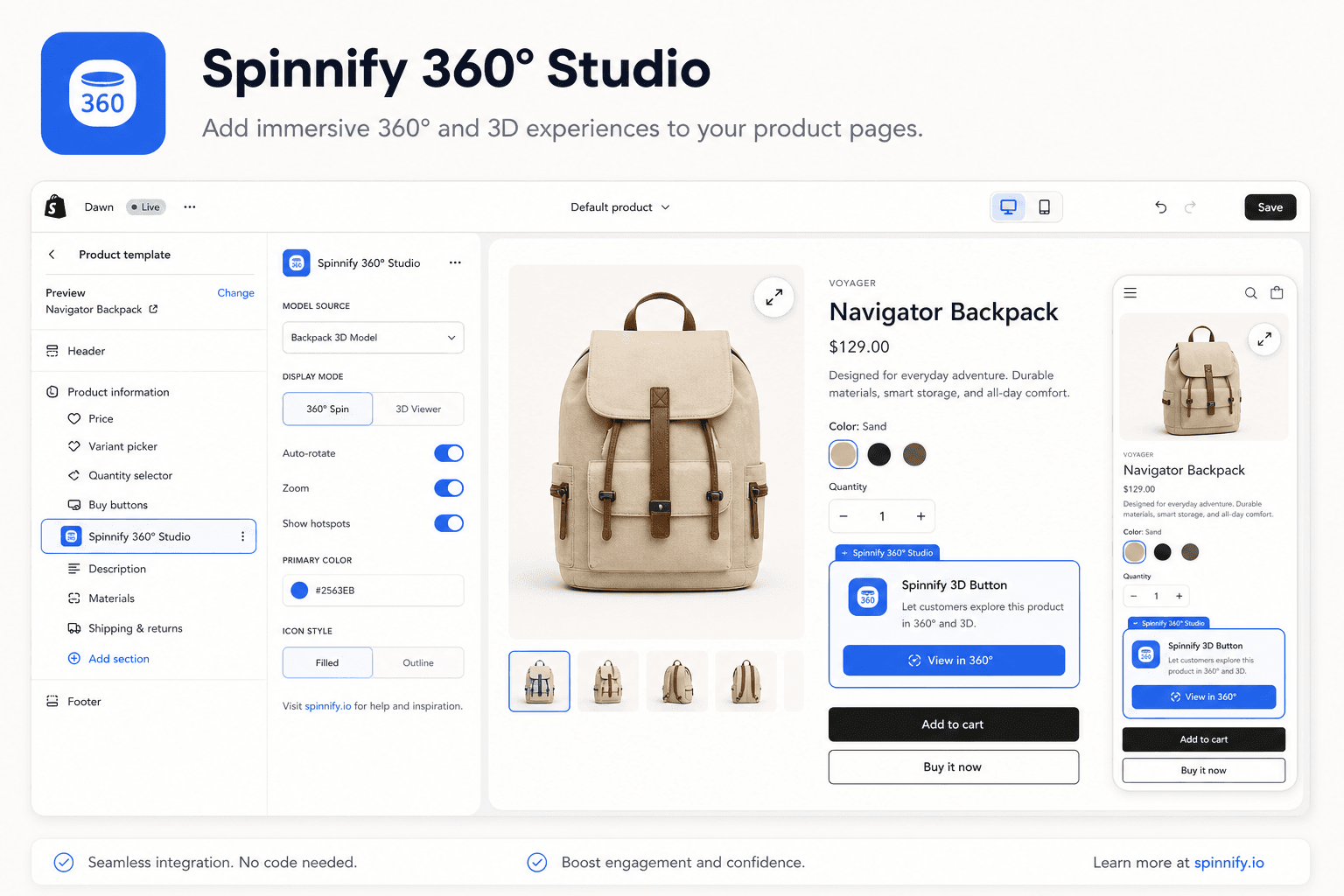
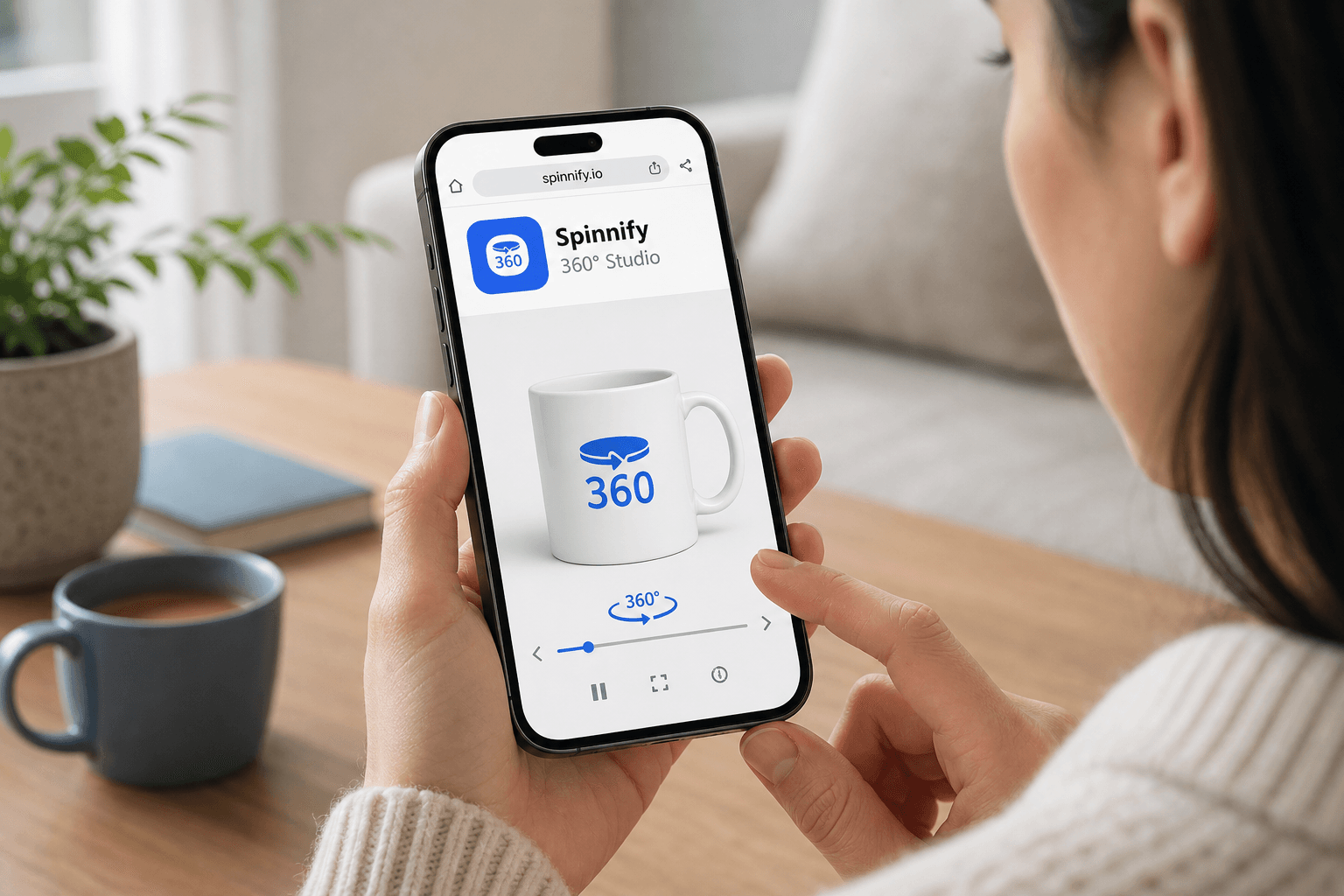
For this job, interactive 360° visualization from Spinnify 360° Studio fits the bill. It is not heavy 3D graphics (WebGL) that heats up the phone—it is a light layer of interactive photos. The buyer rotates with a finger, taps smart hotspot hints, and instantly grasps the item's ergonomics. That closes doubts about physical properties text cannot convey. Setup via Shopify integration and the Spinnify 3D Button theme block.
3. Question: "Is this page easy to explore?" (Structure and design)
When your Shopify theme's default design is too rigid to arrange blocks well, many merchants turn to page builders.
PageFly is the most popular builder on the platform. It lets you assemble unique sections with drag-and-drop. Remember: every builder carries script weight. Do not rebuild the entire PDP in PageFly for one pretty button. Use it only when you truly need a full page-structure overhaul for a complex product. For simple integrations (like the Spinnify 3D Button block), modern Shopify OS 2.0 theme capabilities are enough.
4. Question: "How do I buy smarter?" (Raising average order value)
Once trust is earned and the product is understood, you can offer something else.
Vitals is a combo app bundling dozens of small features: bundles, upsells, stock display, and trust badges.
The main trap: do not enable every Vitals feature at once. A popup pushing a second product before the shopper even understood the first item's shape and color only irritates. Upsells and bundles should work softly—when the product is already heading to cart.
Pre-install checklist for any app
To keep the store fast and conversion healthy, put every plugin through a mini interrogation before install:
- Which ONE buyer problem does this app solve? If there is no clear answer—do not install.
- Does it duplicate apps you already run? (Theme built-ins often handle color swatches without third-party plugins.)
- How did mobile speed change? Measure with independent tools like Google PageSpeed Insights on a real live URL before and after install. Theme preview often hides real script slowdown.
- Can I uninstall cleanly? Good apps remove their code entirely. Bad ones leave dead script tails that slow your site for years.
Instead of a conclusion: the ideal balance
Do not turn the product page into a Christmas tree. An ideal stack for a visual product (leather accessories or designer furniture, for example) in 2026 stays lean:
- [Theme-native gallery] + [Spinnify 360° interactive] → answers how it looks
- [ONE trusted review block (Judge.me or Loox)] → builds social trust
- [Neat theme-native color picker] → removes variant confusion
- [Soft upsell block (Vitals) at the very bottom] → raises AOV without aggression
Audit your apps at least quarterly. Remove anything that does not deliver measurable order growth. In modern e-commerce, less is almost always more—more speed, more trust, and ultimately more net profit in your account.
Spinnify: page speed, tangibility gap. 360° capture: DIY smartphone guide. Full integration guide.