Integration5 min1,571 reads
How to Add a 360° Product View on OpenCart
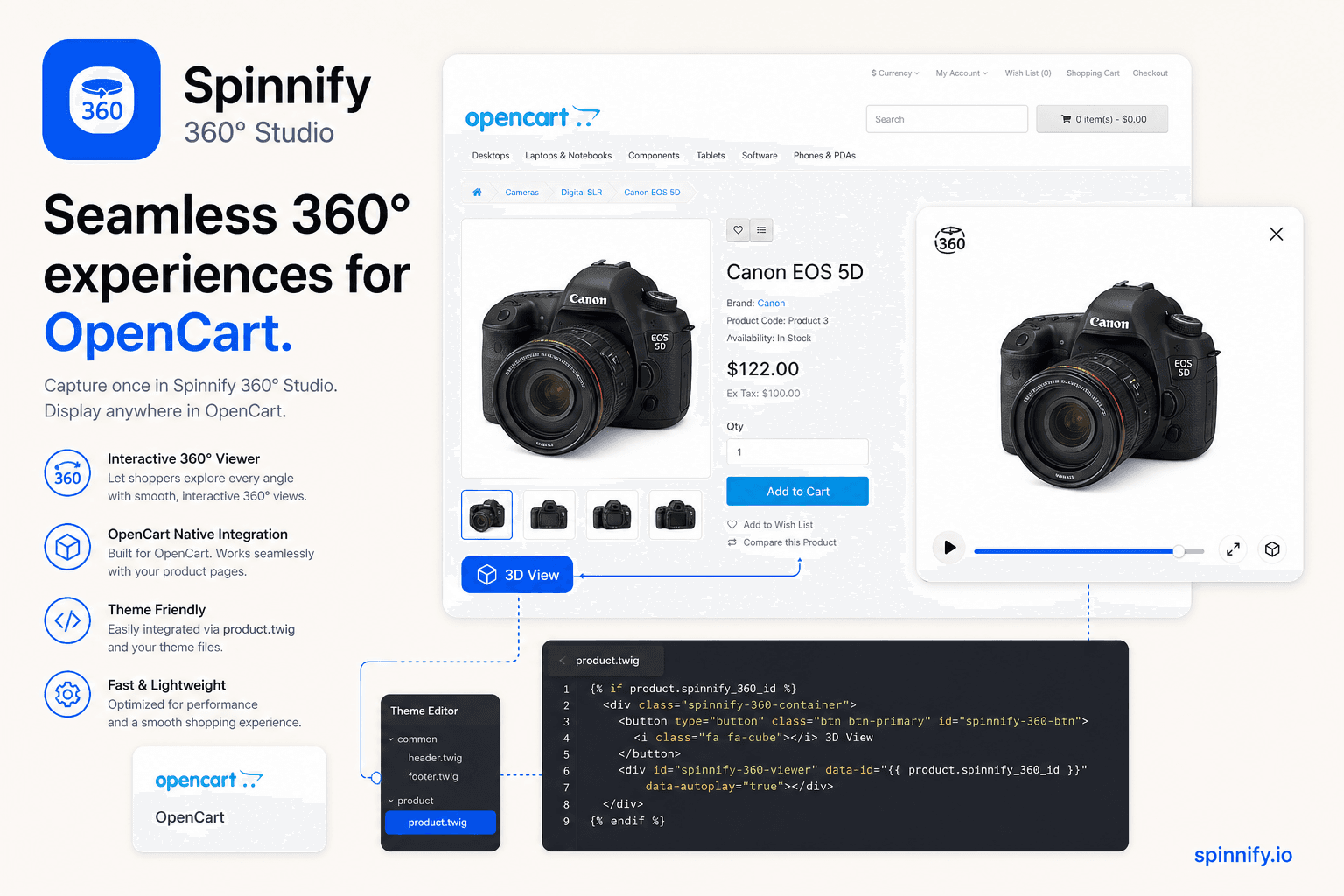
3 steps for OpenCart 3/4: publish in Studio, paste widget.js in Theme Editor product.twig, bind by Model. Lazy load, modal, CDN.
IntegrationHow-to
Read articleGuides for merchants and agencies: add interactive product spins without code, explain features with hotspots, and ship faster on any storefront.
Topics we cover
Store integrations
Shopify, WooCommerce, Webflow, WordPress, custom button, and HTML embeds.
Conversion & UX
Product page trust, tangibility, and fewer returns.
No-code setup
Upload frames, add hotspots, publish with one script tag.
3 steps for OpenCart 3/4: publish in Studio, paste widget.js in Theme Editor product.twig, bind by Model. Lazy load, modal, CDN.
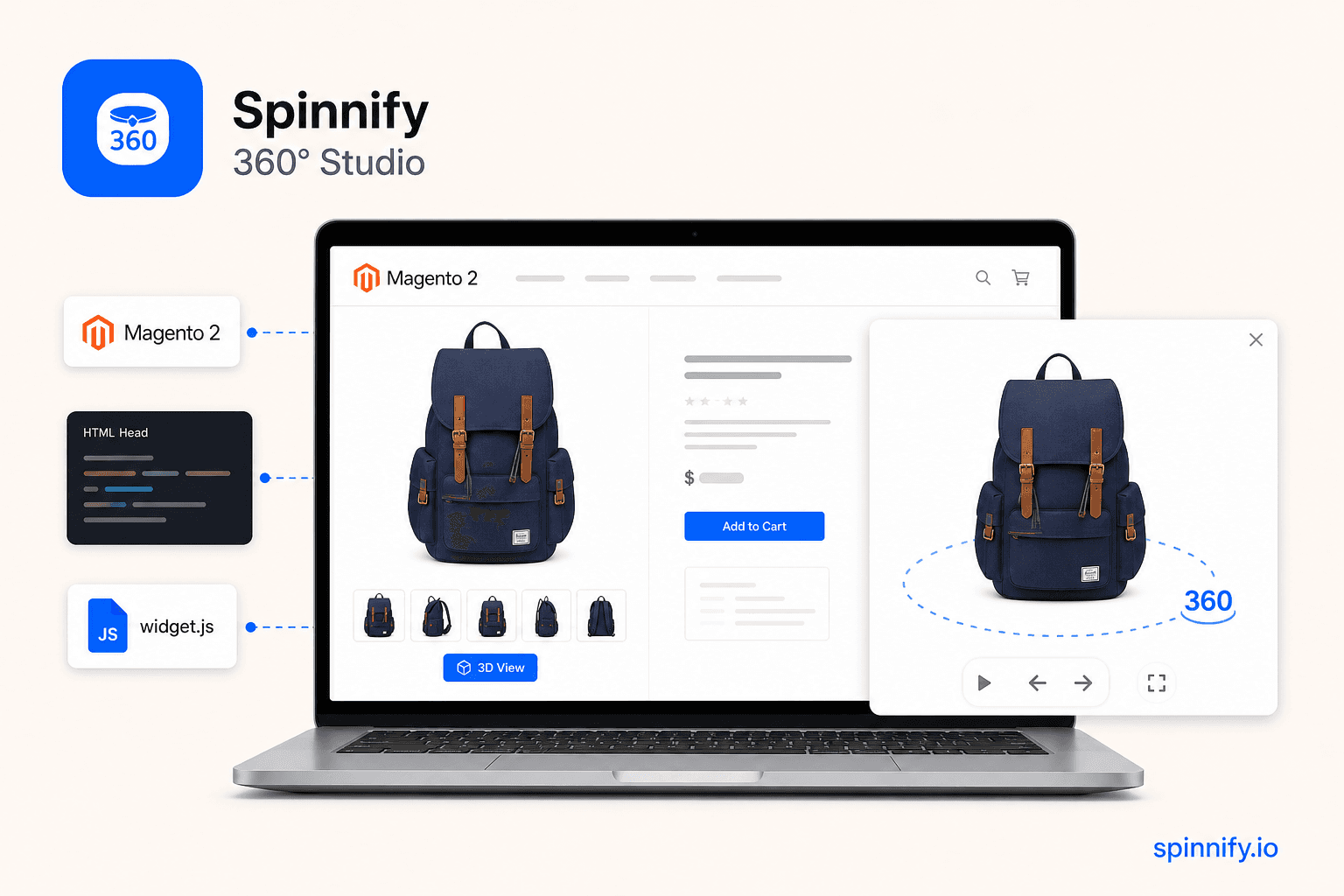
3 steps for Magento 2: publish in Spinnify Studio, paste widget.js in HTML Head or Page Builder, bind by SKU. Lazy load, modal, CDN. Checklist if the button stays hidden.
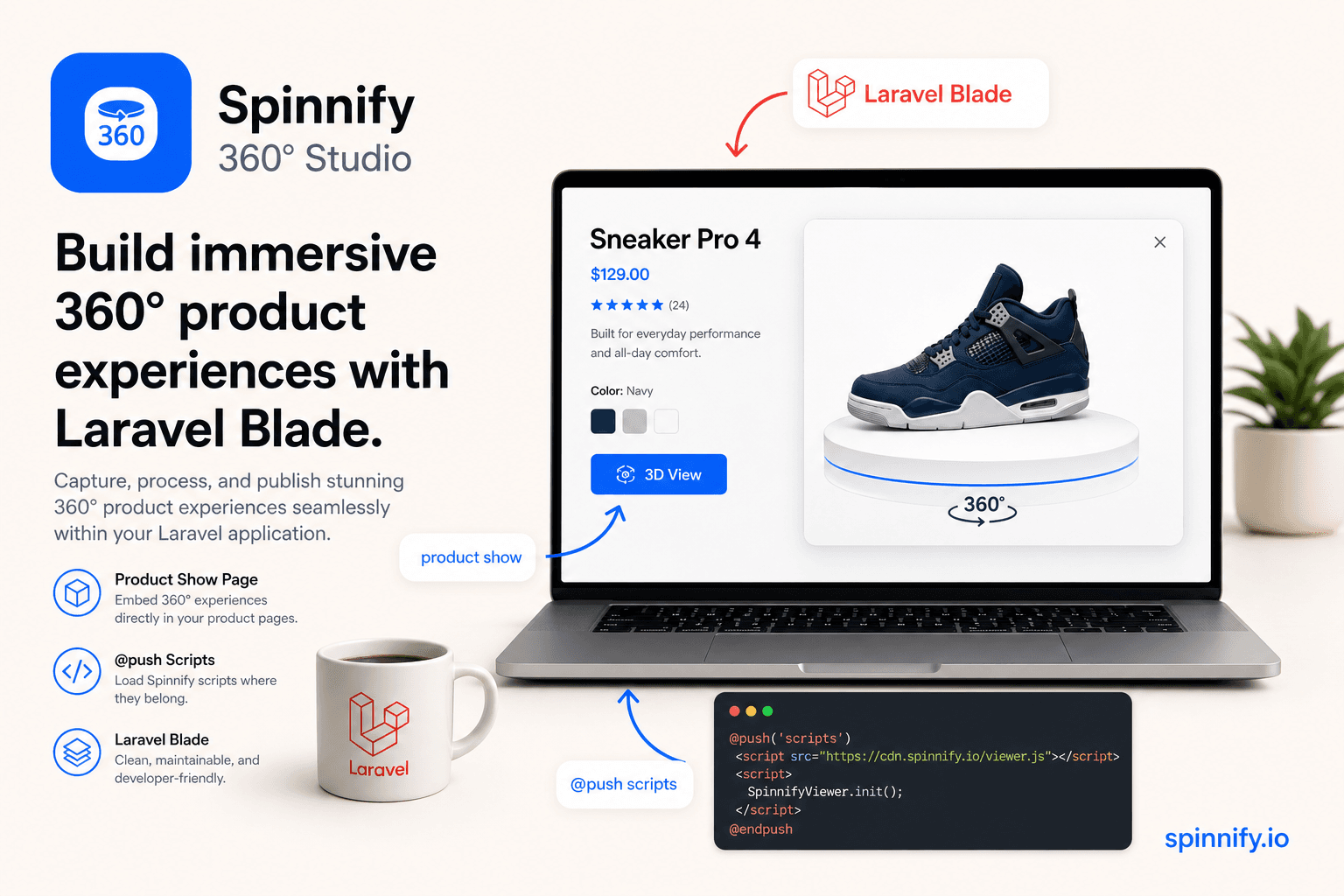
3 steps for Laravel: publish in Studio, @push widget.js on the Blade product show view, bind by SKU. Lazy load, modal, CDN.
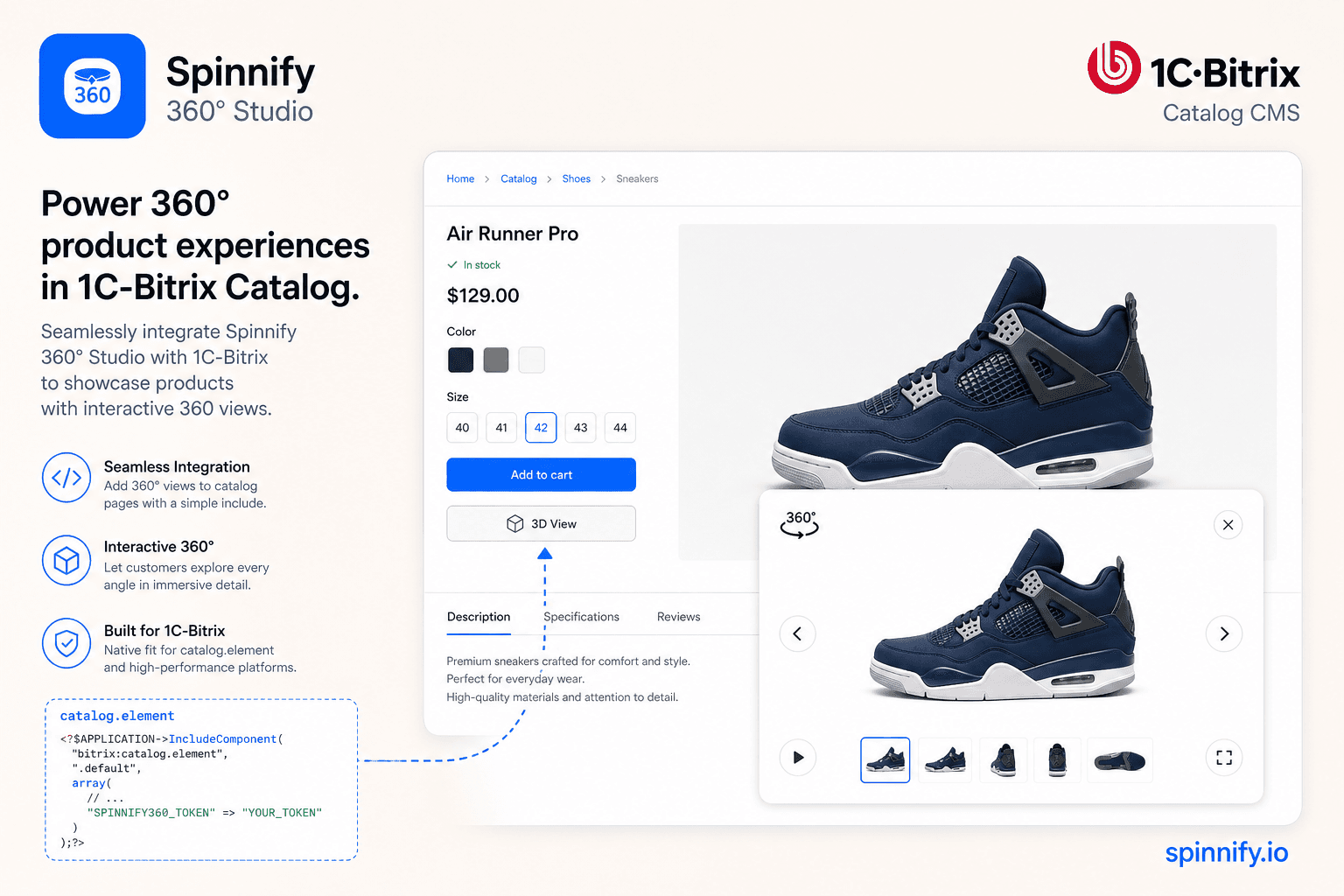
3 steps for 1C-Bitrix: publish in Studio, paste widget.js in an include area or catalog.element, bind by article. Lazy load, modal, CDN.

Choose a turntable, lights, camera, and backdrop for 360 product photography, then publish consistent frames with Spinnify.
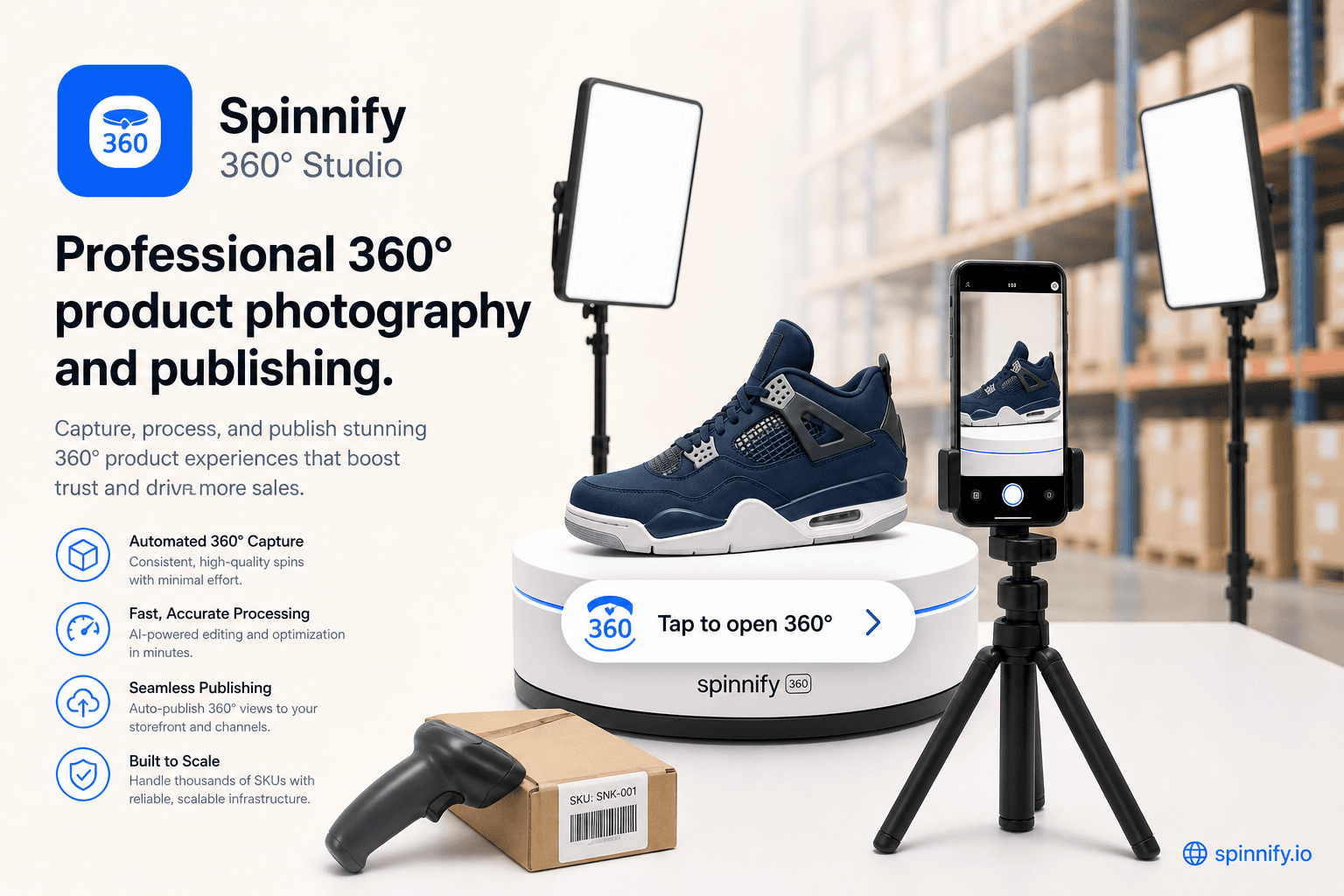
How to lazy load 360 product widgets and lazy loading images on PDPs: poster first, tap to open, protect Core Web Vitals and LCP, serve WebP and AVIF from CDN.
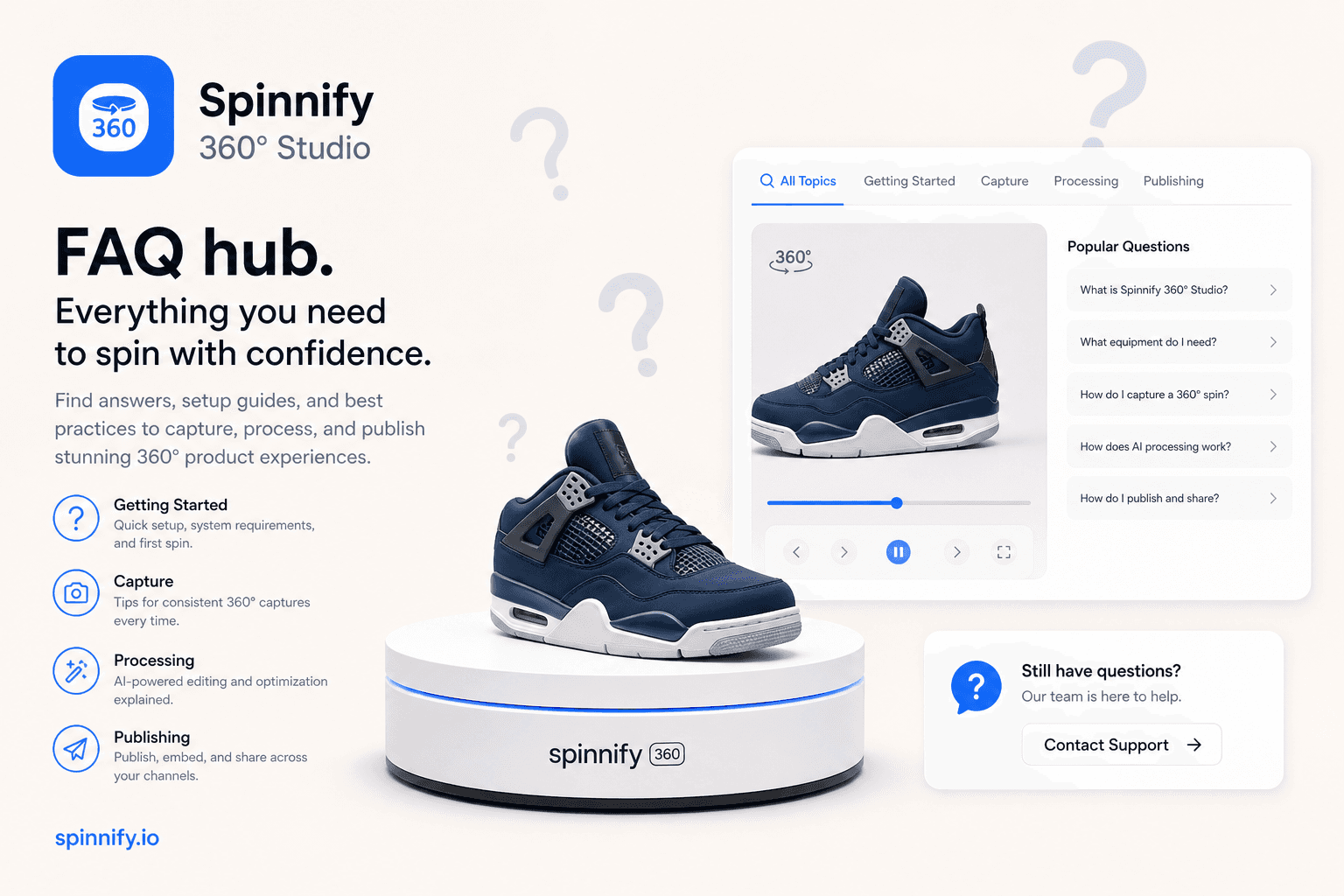
Answers to common 360 product viewer questions: what a spin viewer is, how to shoot and embed on Shopify, lazy loading, 3D vs spin, returns, and tripod phone photography.
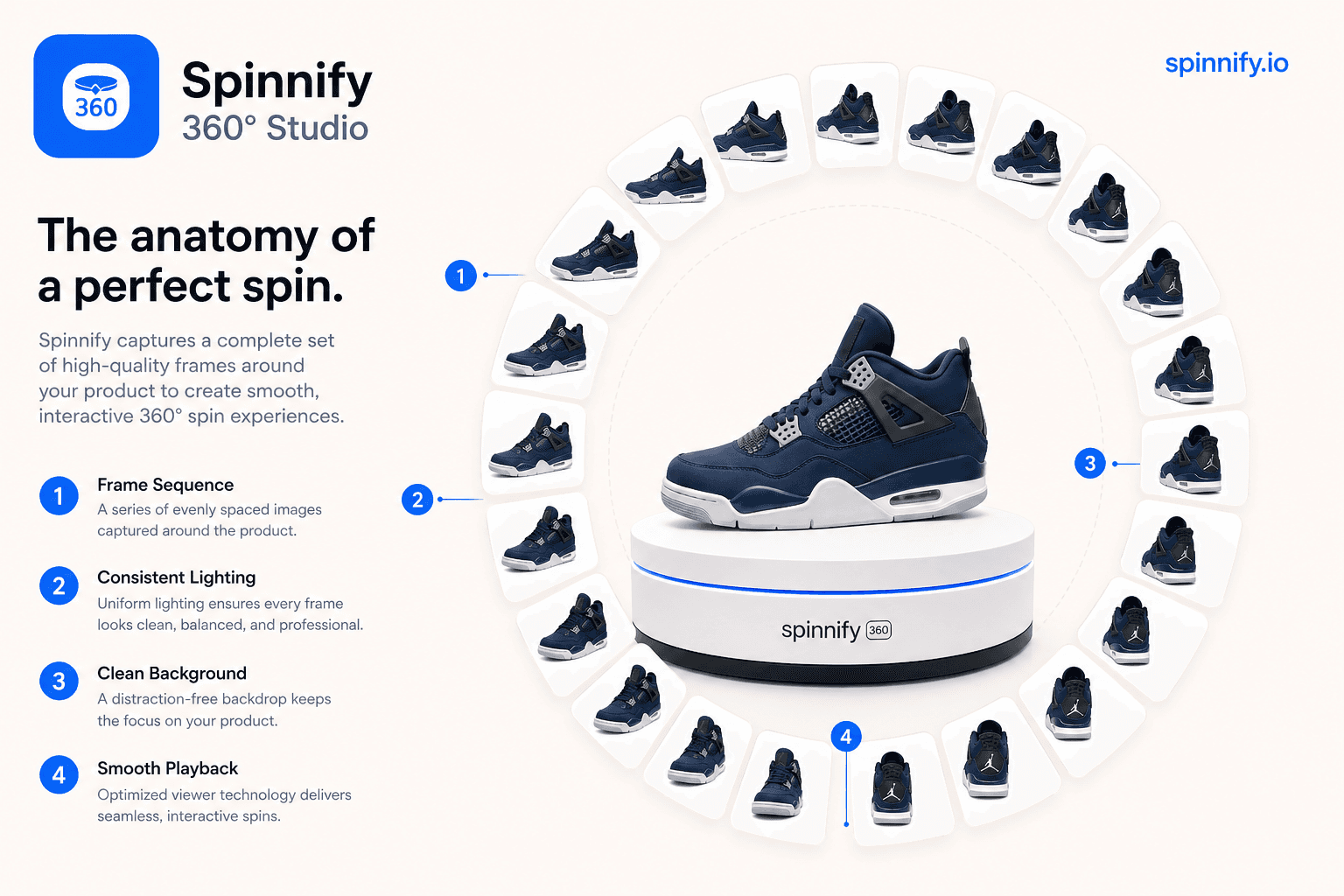
What a 360 product viewer (spin viewer) is: frame loops, drag interaction, vs photography, 3D meshes, and video—and where it belongs on the PDP.
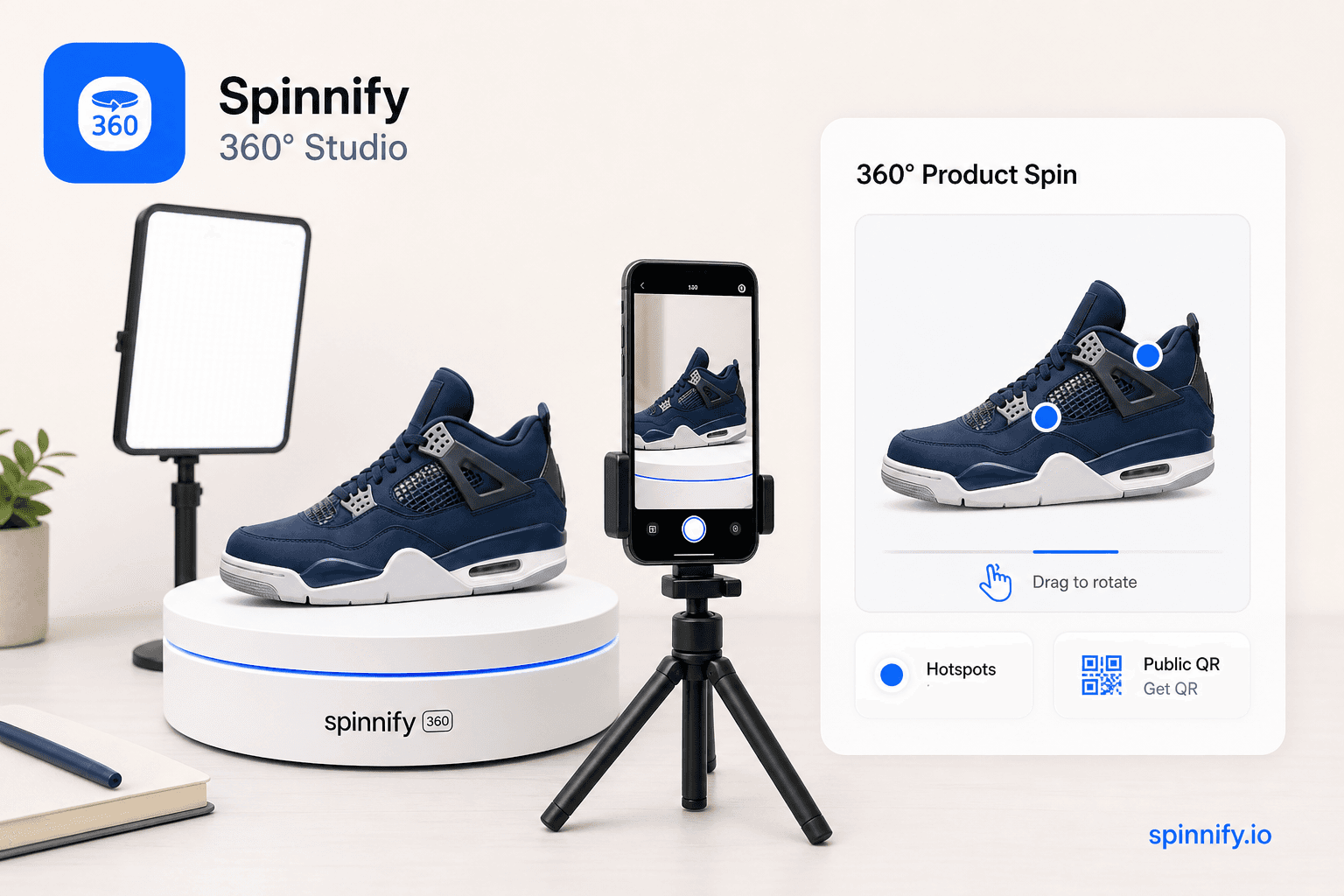
What 360 product photography software should do for ecommerce: capture paths, Studio publish, hotspots, lazy CDN widget, public links and QR, plus who each path fits.
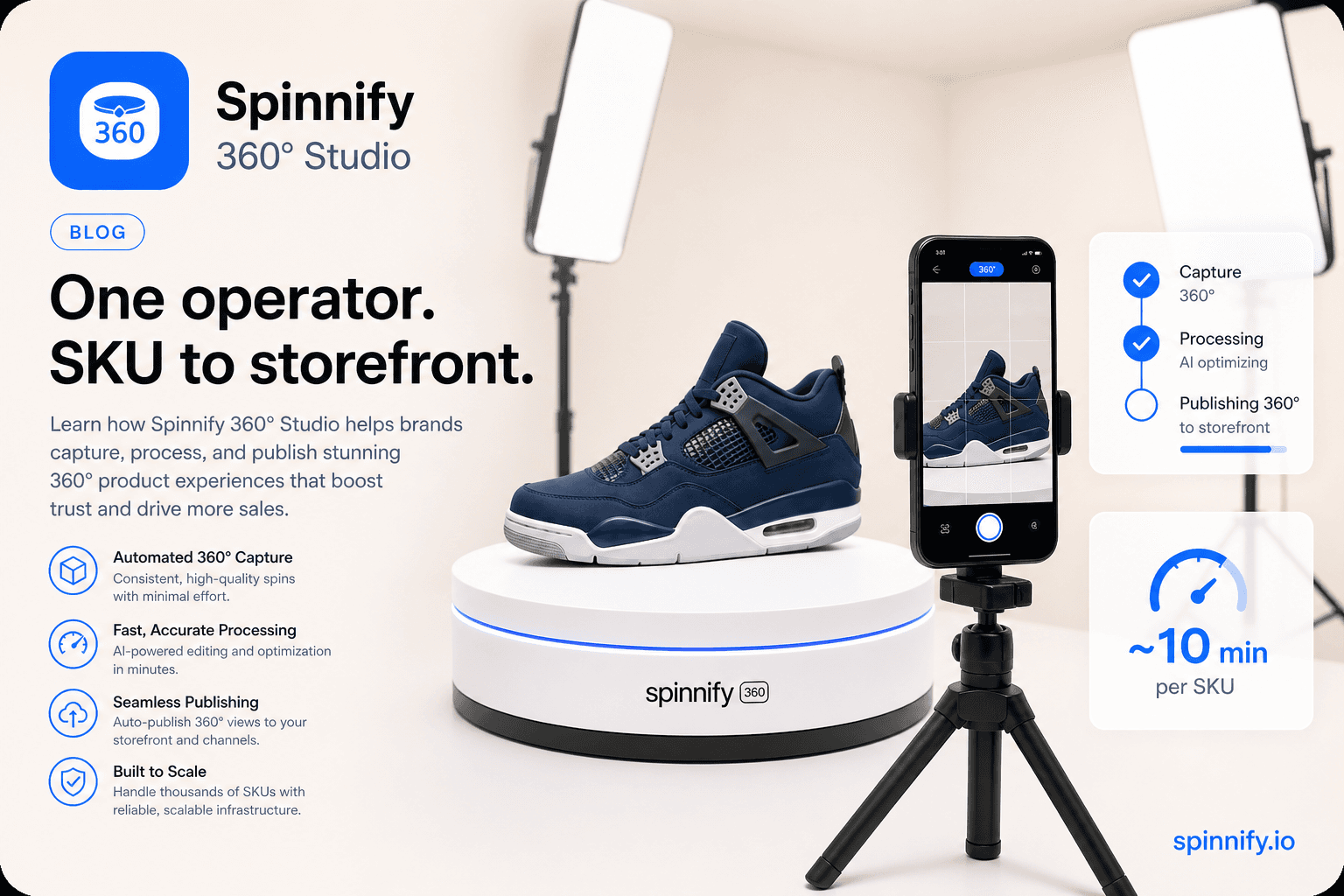
What a 360 spin camera means for product photos: tripod, turntable, phone or camera setup, and how Spinnify 360° Studio captures the frames.
Create a product, upload frames, and embed the widget with one script snippet.