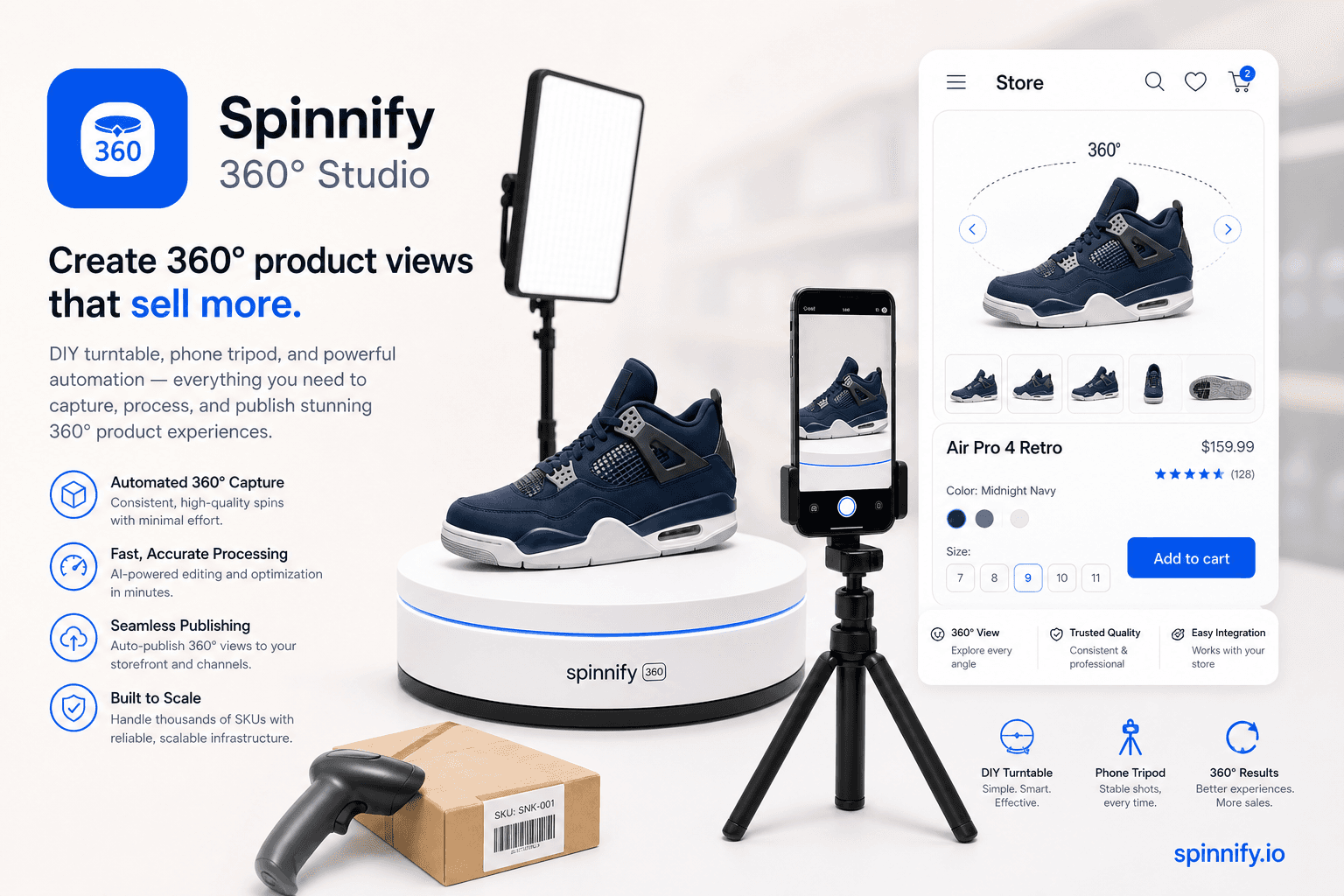
Guides for merchants and agencies: add interactive product spins without code, explain features with hotspots, and ship faster on any storefront.
37
Guides & articles
8
Filterable tags
360°
Product spins
Topics we cover
How-to
Strategy
Photography
Integration
Comparison
Performance
Real estate
Shopify
More
How-to
Strategy
Photography
Integration
Comparison
Performance
Real estate
Shopify
Integration
Shopify
360° Guide
Store integrations
Shopify, WooCommerce, Webflow, WordPress, custom button, and HTML embeds.
Conversion & UX
Product page trust, tangibility, and fewer returns.
No-code setup
Upload frames, add hotspots, publish with one script tag.
Strategy6 min1,543 reads
Best 360 Photography Turntables by Budget: Amazon, Foldio, Iconasys, Ortery, Orbitvu
Compare motorized 360 photography turntables by load, smoothness, and frame export. Any table can feed Spinnify Studio after you shoot.
PhotographyStrategy
Read article→
Strategy6 min1,543 reads
360 Product Photography Equipment: Turntable, Lights, and What You Skip
Choose a turntable, lights, camera, and backdrop for 360 product photography, then publish consistent frames with Spinnify.
PhotographyHow-to
Read article→
Product UX4 min1,573 reads
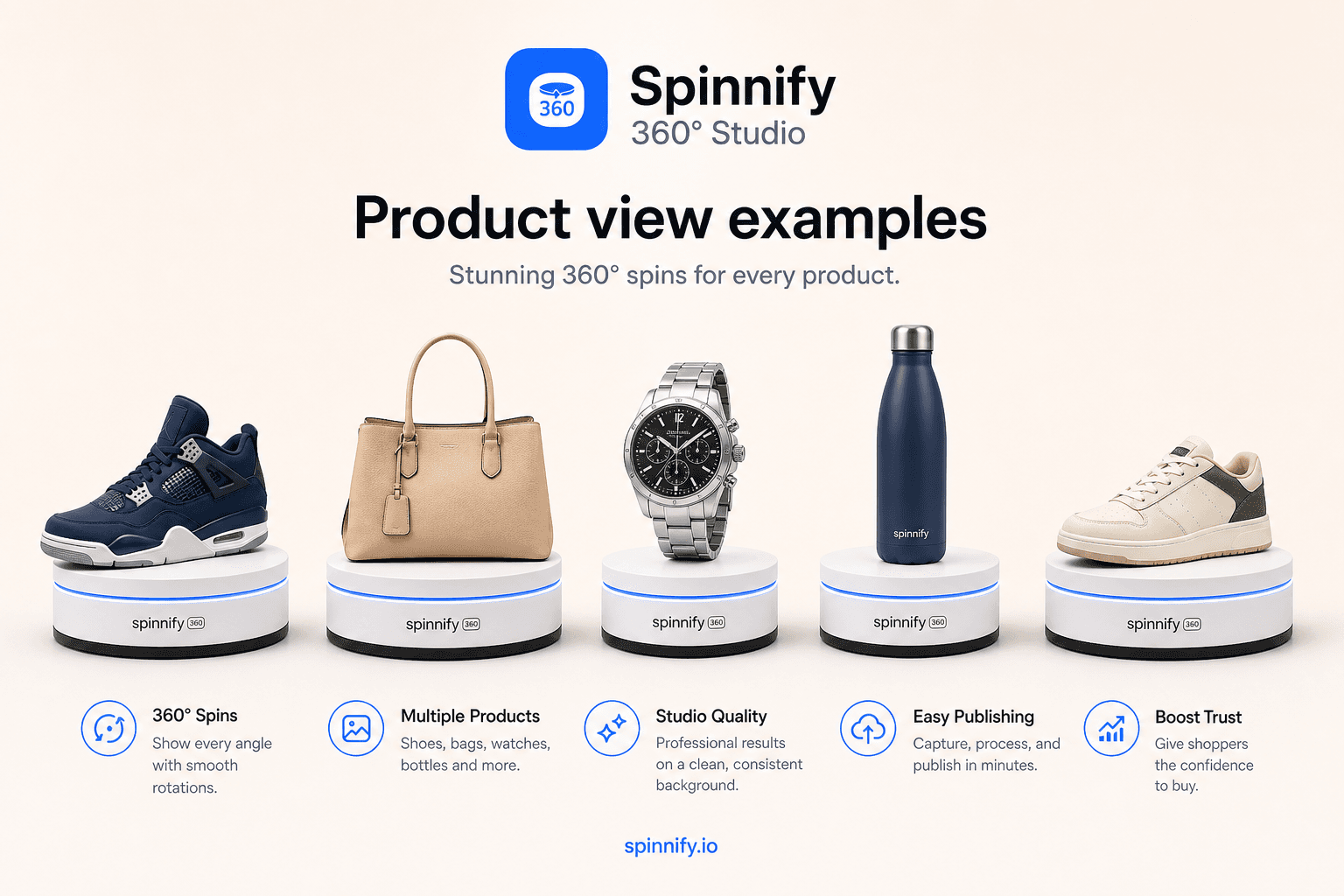
360 Product View Examples: Categories, Good vs Bad Capture, Spin vs Video
Real-world 360 product view examples by category: footwear, bags, electronics, home goods. Learn good vs bad capture and when a spin beats autoplay video on the PDP.
PhotographyStrategy
Read article→
Product UX5 min1,543 reads
What Is a 360 Product Viewer? Spin Viewer Explained
What a 360 product viewer (spin viewer) is: frame loops, drag interaction, vs photography, 3D meshes, and video—and where it belongs on the PDP.
How-toPhotography
Read article→
Featured
Strategy8 min1,582 reads
360 Product Photography: Capture, Publish, and Sell with Spinnify 360° Studio
What 360 product photography is, studio vs DIY capture, Shopify path, and how Spinnify 360° Studio publishes spins via CDN and a lazy product-page widget.
PhotographyStrategy
Read article→
Product UX8 min1,584 reads
360 Spin Camera Setup: Tripod, Turntable, and Product Capture
What a 360 spin camera means for product photos: tripod, turntable, phone or camera setup, and how Spinnify 360° Studio captures the frames.
How-toPhotography
Read article→
Strategy7 min1,581 reads
360 Spin Video for Ecommerce: Video Loop vs Interactive Product Spin
What 360 spin video for ecommerce really means: autoplay loops vs interactive spins, when each format fits, and how a short turntable clip becomes a shoppable viewer.
StrategyPhotography
Read article→
Strategy8 min1,555 reads
360° Product Photography Without a Studio: What It Costs and How Spinnify Replaces the Old Workflow
Classic 360° shoots stack studio rent, retouching, and logistics. See typical industry costs, then how Spinnify turns video or 1–3 photos into a storefront widget.
StrategyPhotography
Read article→
Product UX5 min1,608 reads
360° from a Product Video in About 2 Minutes
Already have a turntable clip? Drop one short MP4, WebM, or MOV into Spinnify Studio. We extract 36 frames and your 360° widget is ready to publish.
How-toPhotography
Read article→
Product UX12 min1,691 reads
How to Create a 360 Product View: DIY Shoot to Live Widget
Build a budget turntable, shoot with locked settings, upload through Spinnify by SKU, and paste one widget script. Your 360 spin goes live on the product page.
How-toPhotography
Read article→
Ready to publish your first 360° spin?
Create a product, upload frames, and embed the widget with one script snippet.