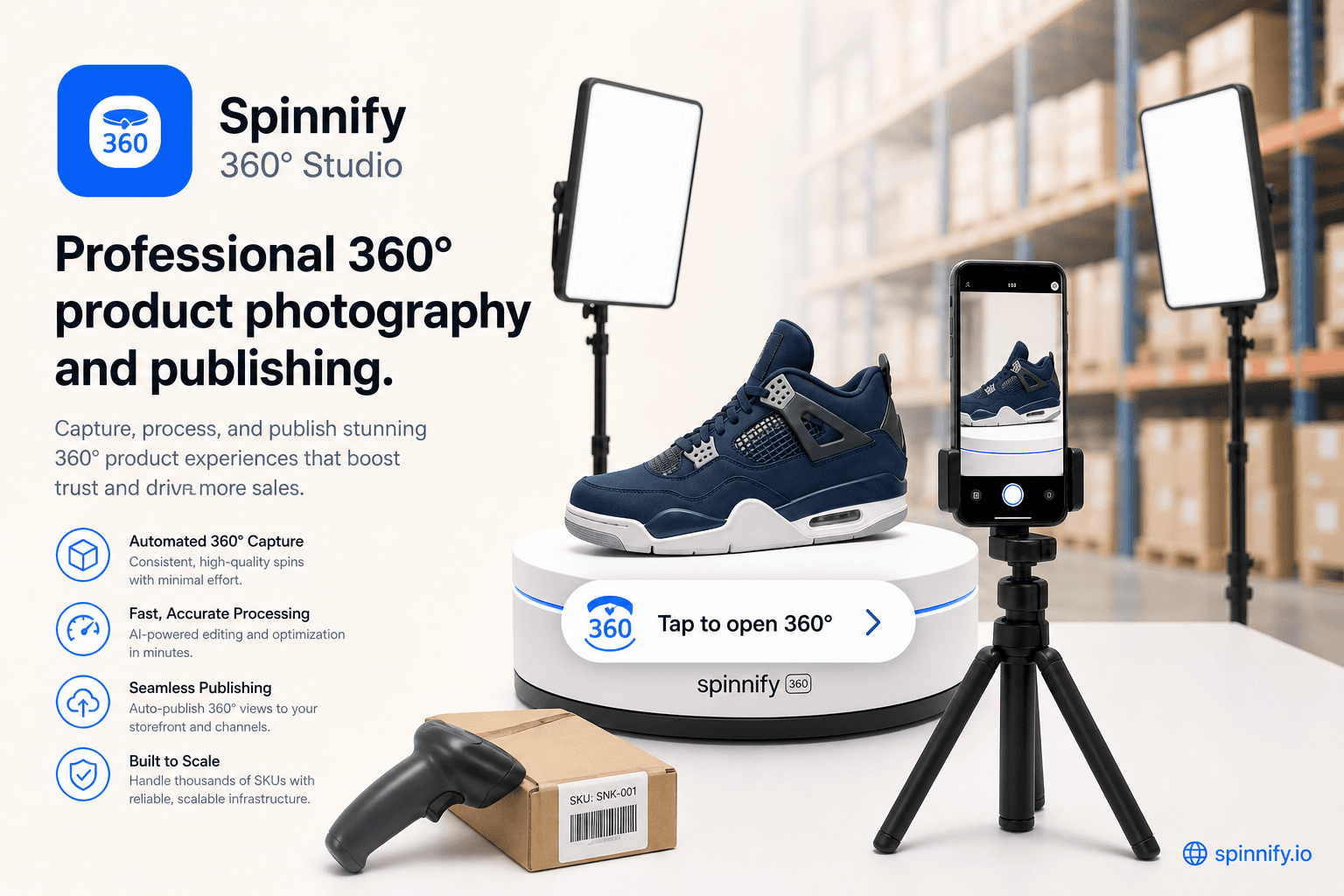
Guides for merchants and agencies: add interactive product spins without code, explain features with hotspots, and ship faster on any storefront.
37
Guides & articles
8
Filterable tags
360°
Product spins
Topics we cover
How-to
Strategy
Photography
Integration
Comparison
Performance
Real estate
Shopify
More
How-to
Strategy
Photography
Integration
Comparison
Performance
Real estate
Shopify
Integration
Shopify
360° Guide
Store integrations
Shopify, WooCommerce, Webflow, WordPress, custom button, and HTML embeds.
Conversion & UX
Product page trust, tangibility, and fewer returns.
No-code setup
Upload frames, add hotspots, publish with one script tag.
Performance4 min1,543 reads
Lazy Loading 360 Product Widgets: Tap to Open, CWV, and CDN Frames
How to lazy load 360 product widgets and lazy loading images on PDPs: poster first, tap to open, protect Core Web Vitals and LCP, serve WebP and AVIF from CDN.
PerformanceHow-to
Read article→
Integration6 min1,543 reads
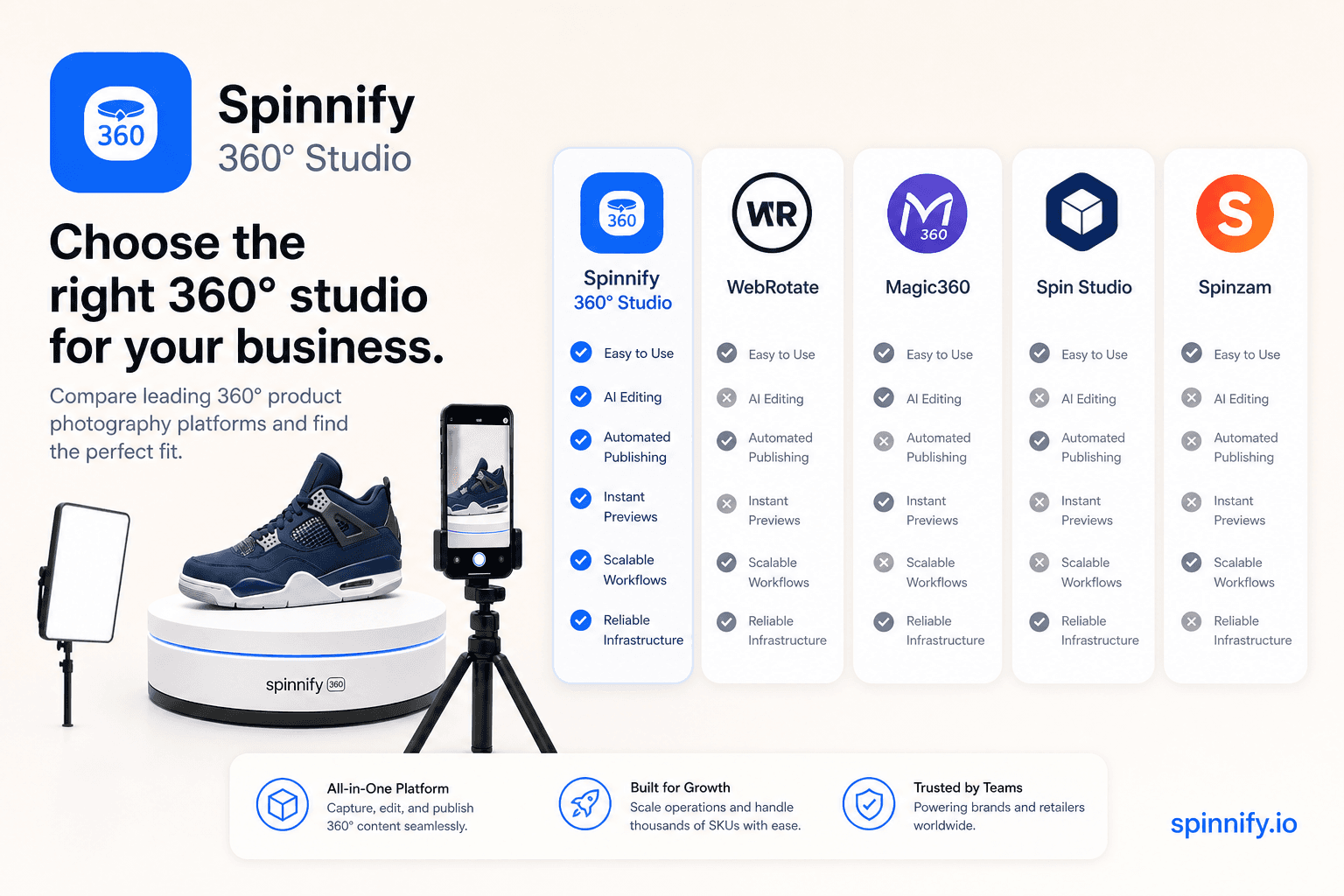
Spinnify 360° Studio vs WebRotate, Magic360, and Spin Studio: Product Spin Tools Compared
360 product viewer comparison: Spinnify 360° Studio vs WebRotate 360, Magic360, and Spin Studio—licensing, hosting, Shopify path, and when full spin SaaS wins.
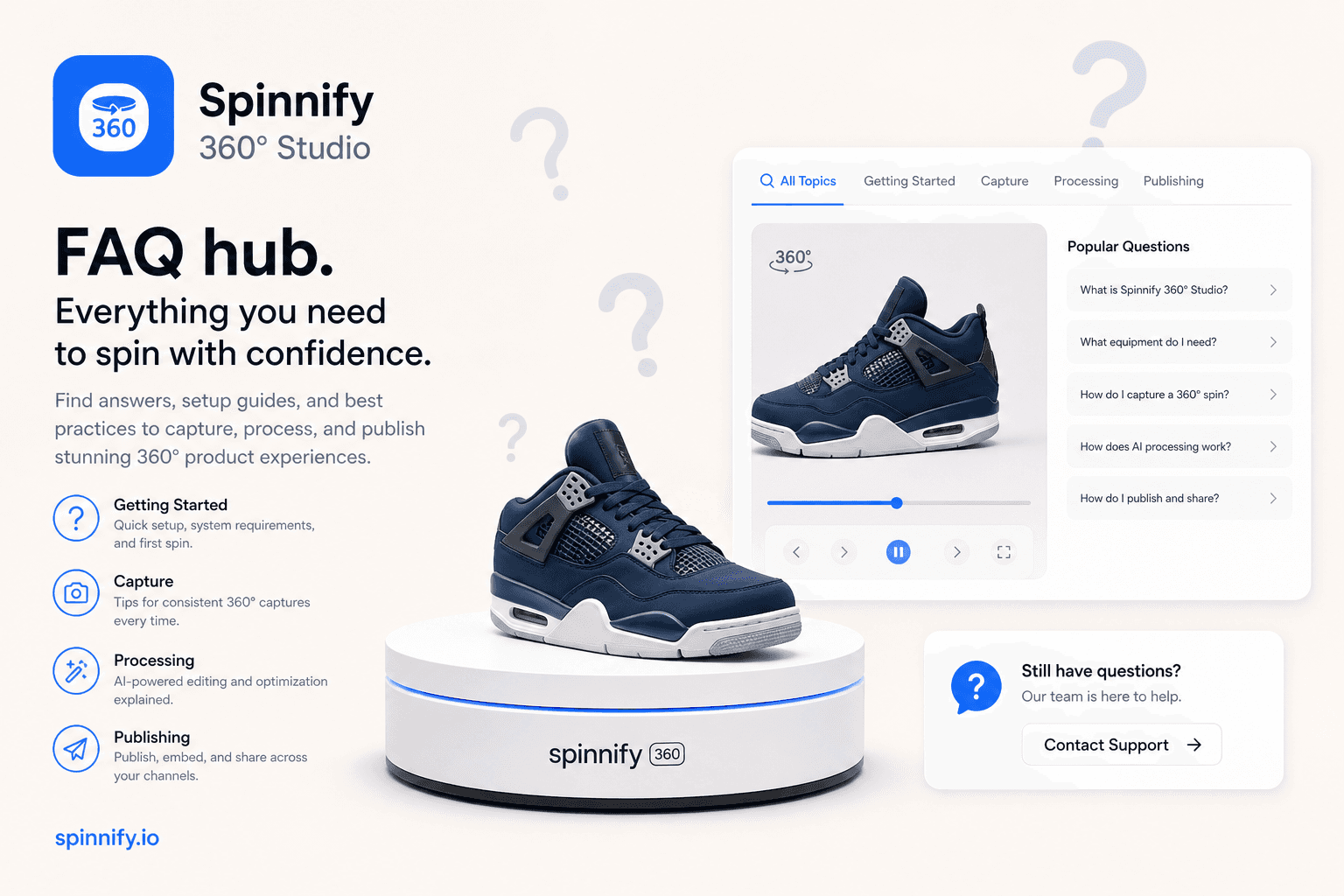
Answers to common 360 product viewer questions: what a spin viewer is, how to shoot and embed on Shopify, lazy loading, 3D vs spin, returns, and tripod phone photography.
How-toStrategy
Read article→
Strategy6 min1,554 reads
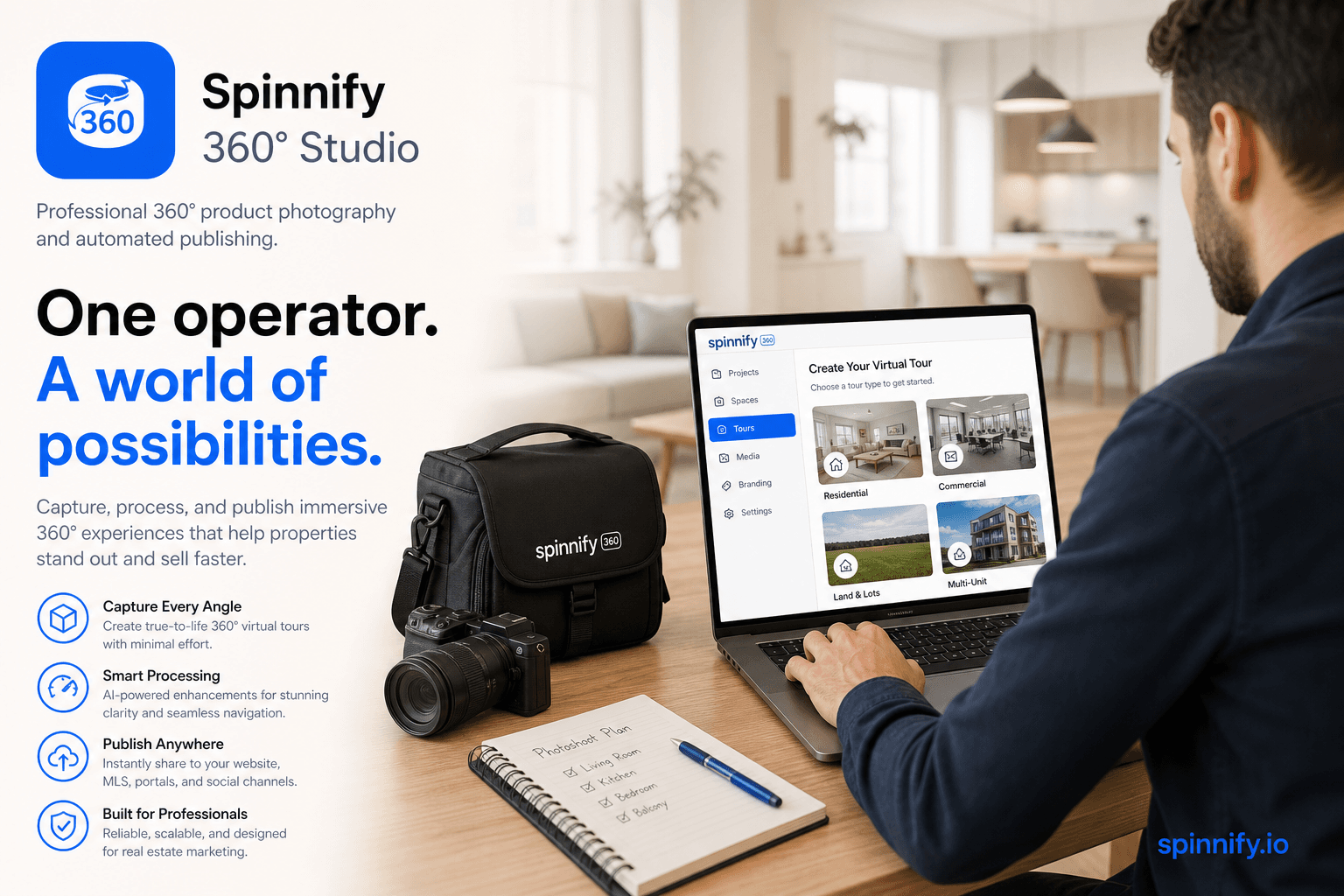
Virtual Tour Software for Photographers: Matterport, iGUIDE, Kuula, and Room Spins
How photographers pick virtual tour software in 2026: mesh platforms, stitched panoramas, listing portals, and when a phone room spin via Spinnify beats a full scan day.
Real estateComparison
Read article→
Product UX5 min1,543 reads
What Is a 360 Product Viewer? Spin Viewer Explained
What a 360 product viewer (spin viewer) is: frame loops, drag interaction, vs photography, 3D meshes, and video—and where it belongs on the PDP.
How-toPhotography
Read article→
Strategy9 min1,569 reads
360 Product Photography Software: What Spinnify Studio Does (and Who It Helps)
What 360 product photography software should do for ecommerce: capture paths, Studio publish, hotspots, lazy CDN widget, public links and QR, plus who each path fits.
StrategyHow-to
Read article→
Strategy7 min1,631 reads
360 Virtual Tour vs Matterport: What Fits Apartments and Small Spaces in 2026?
Honest 360 virtual tour vs Matterport comparison for real estate: dollhouse mesh tours vs phone and rotating tripod spins for apartments and lighter listing media.
ComparisonReal estate
Read article→
Featured
Strategy8 min1,582 reads
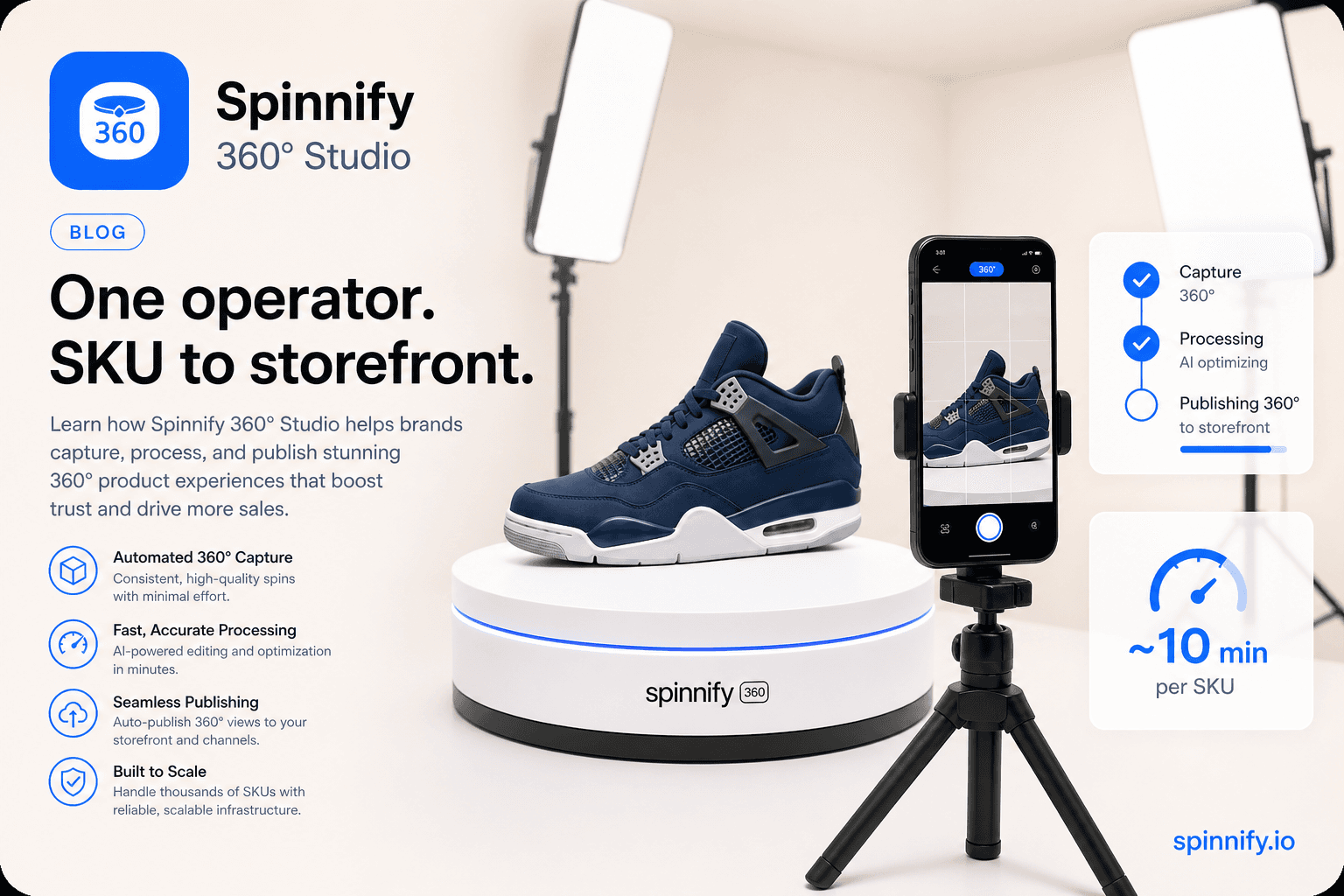
360 Product Photography: Capture, Publish, and Sell with Spinnify 360° Studio
What 360 product photography is, studio vs DIY capture, Shopify path, and how Spinnify 360° Studio publishes spins via CDN and a lazy product-page widget.
PhotographyStrategy
Read article→
Product UX8 min1,584 reads
360 Spin Camera Setup: Tripod, Turntable, and Product Capture
What a 360 spin camera means for product photos: tripod, turntable, phone or camera setup, and how Spinnify 360° Studio captures the frames.
How-toPhotography
Read article→
Strategy11 min1,631 reads
Spinnify 360° Studio Guide: Best 360 Product Viewer for Ecommerce (Free Tools Included)
How to choose a free or paid 360 product viewer: criteria, Shopify path, alternatives (DAM vs player libraries), pricing honesty, and what belongs on the product page.
StrategyComparison
Read article→
Ready to publish your first 360° spin?
Create a product, upload frames, and embed the widget with one script snippet.