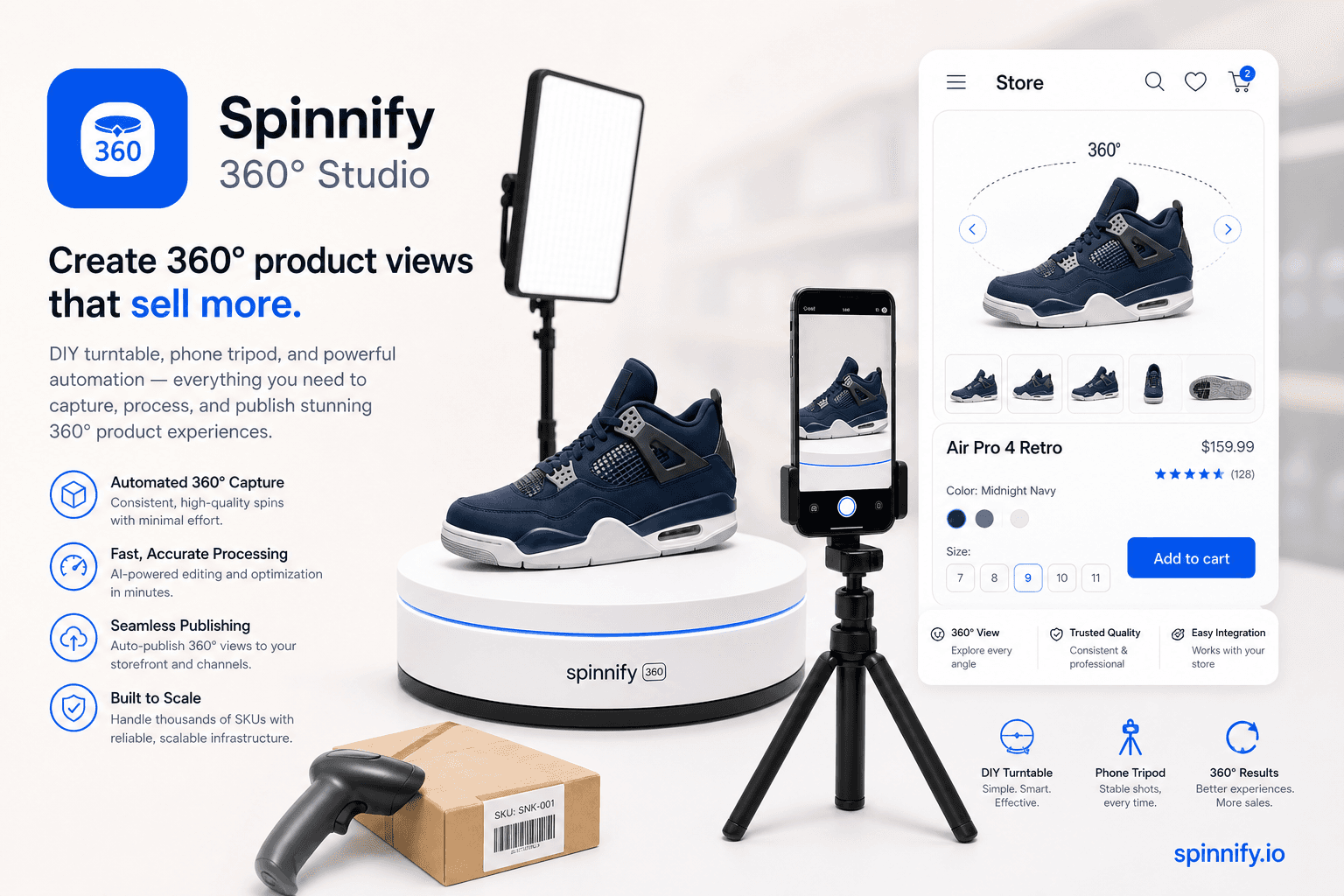
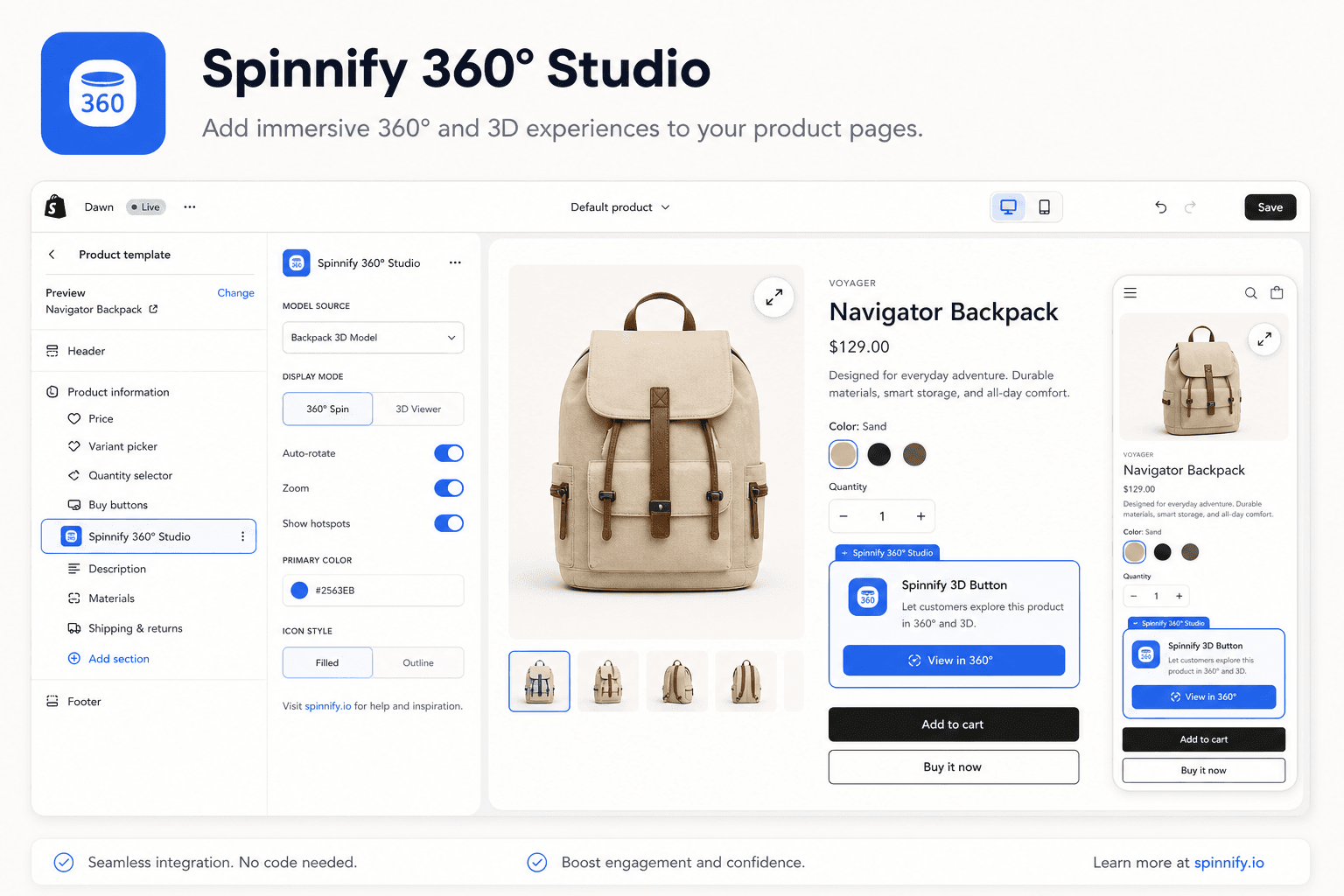
Guides for merchants and agencies: add interactive product spins without code, explain features with hotspots, and ship faster on any storefront.
37
Guides & articles
8
Filterable tags
360°
Product spins
Topics we cover
How-to
Strategy
Photography
Integration
Comparison
Performance
Real estate
Shopify
More
How-to
Strategy
Photography
Integration
Comparison
Performance
Real estate
Shopify
Integration
Shopify
360° Guide
Store integrations
Shopify, WooCommerce, Webflow, WordPress, custom button, and HTML embeds.
Conversion & UX
Product page trust, tangibility, and fewer returns.
No-code setup
Upload frames, add hotspots, publish with one script tag.
Strategy7 min1,581 reads
360 Spin Video for Ecommerce: Video Loop vs Interactive Product Spin
What 360 spin video for ecommerce really means: autoplay loops vs interactive spins, when each format fits, and how a short turntable clip becomes a shoppable viewer.
StrategyPhotography
Read article→
Integration7 min1,596 reads
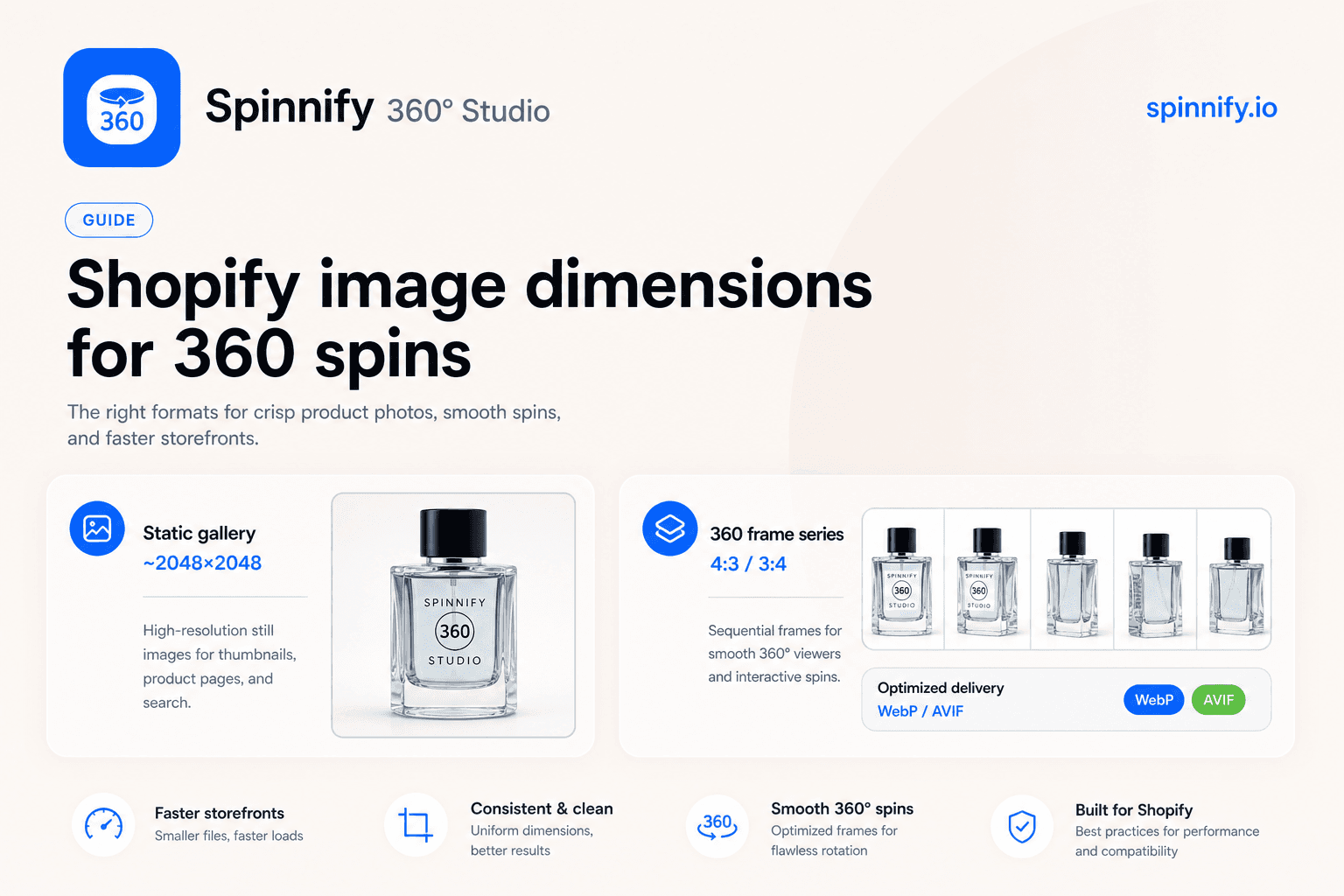
Shopify Product Image Size for 360° Spins: Dimensions That Actually Matter
Shopify image size for 360° frames: capture ratios, WebP/AVIF delivery, lazy widgets, and how Spinnify resizes without stuffing huge originals into the theme.
ShopifyIntegration
Read article→
Strategy8 min1,555 reads
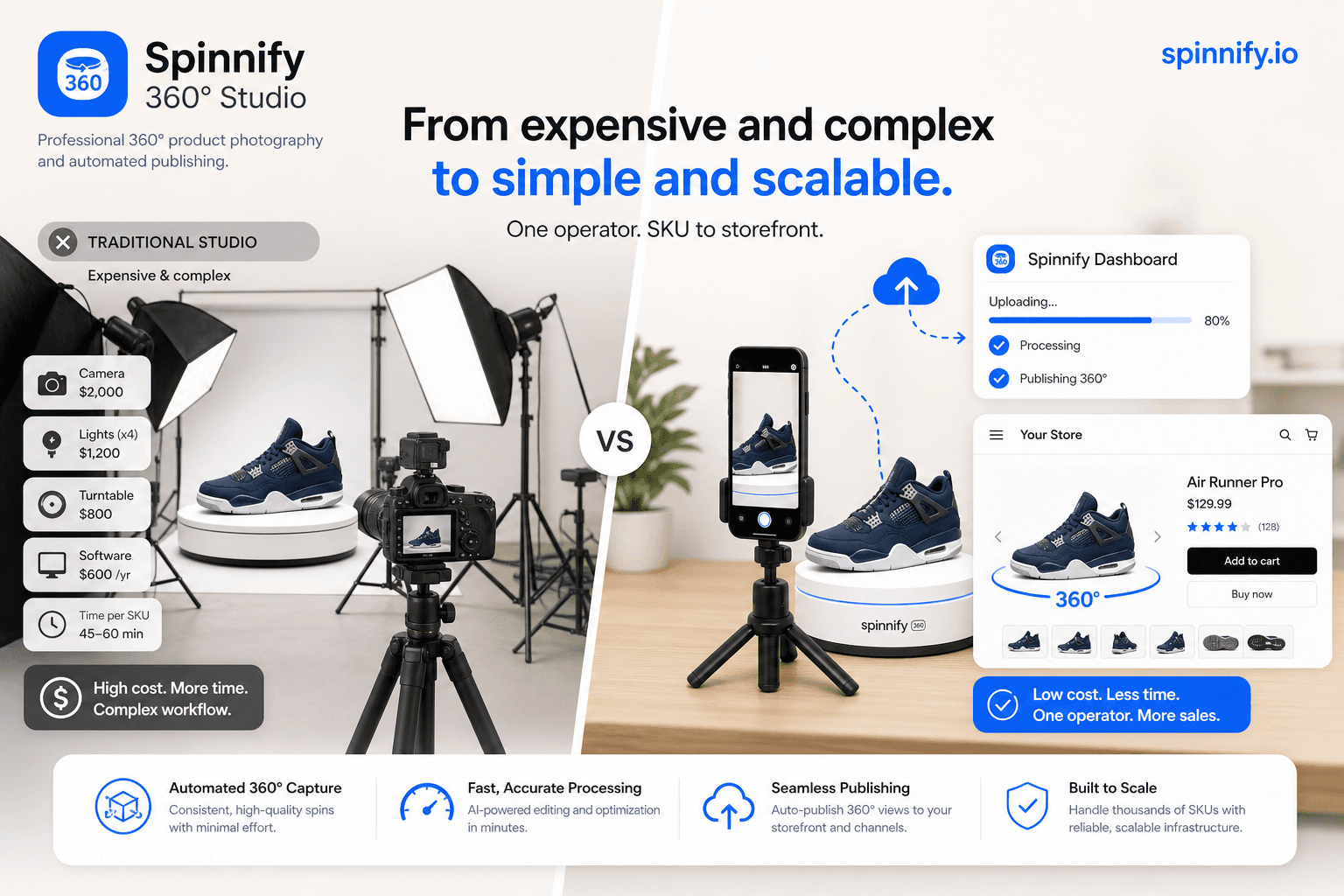
360° Product Photography Without a Studio: What It Costs and How Spinnify Replaces the Old Workflow
Classic 360° shoots stack studio rent, retouching, and logistics. See typical industry costs, then how Spinnify turns video or 1–3 photos into a storefront widget.
StrategyPhotography
Read article→
Product UX5 min1,608 reads
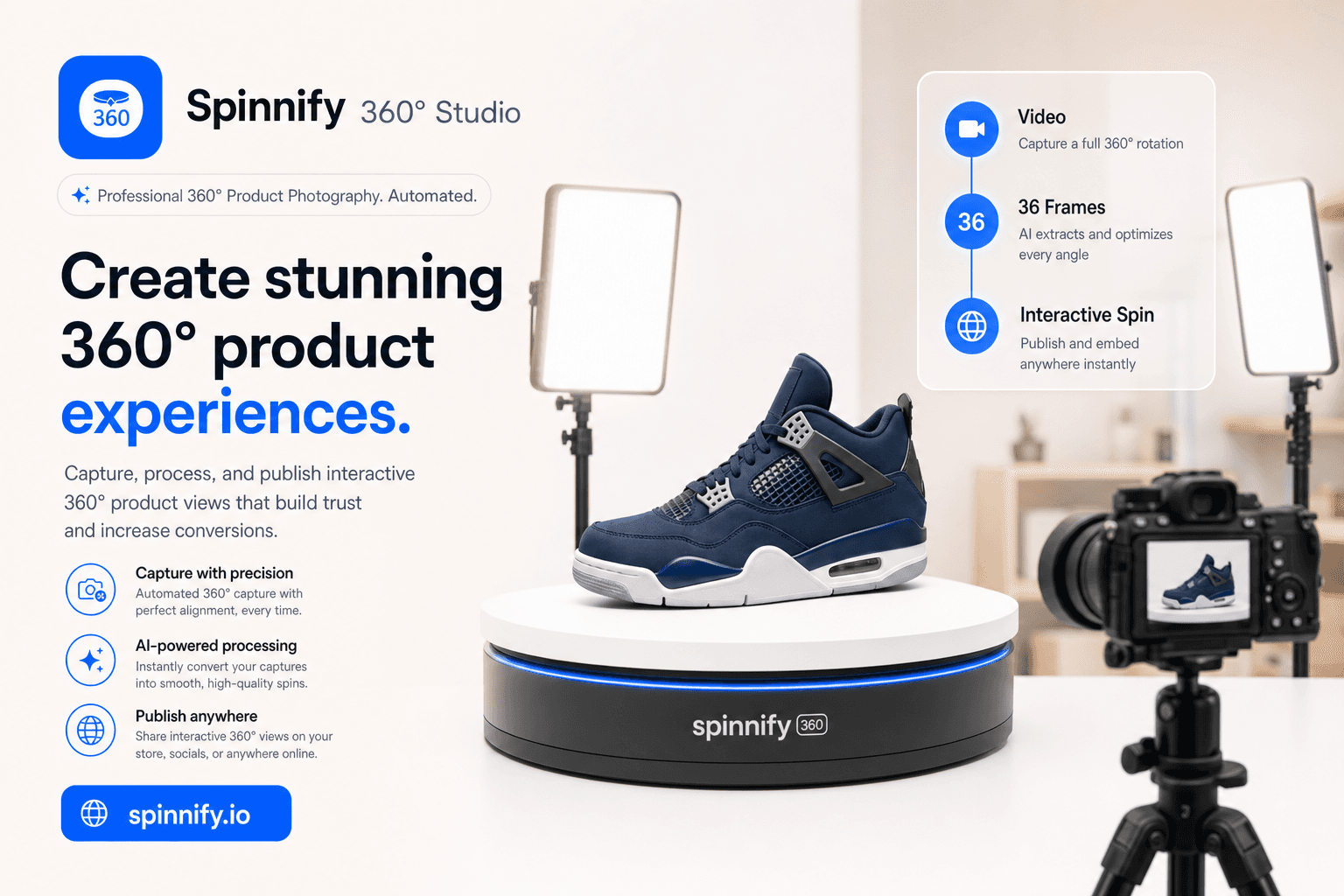
360° from a Product Video in About 2 Minutes
Already have a turntable clip? Drop one short MP4, WebM, or MOV into Spinnify Studio. We extract 36 frames and your 360° widget is ready to publish.
How-toPhotography
Read article→
Integration12 min1,734 reads
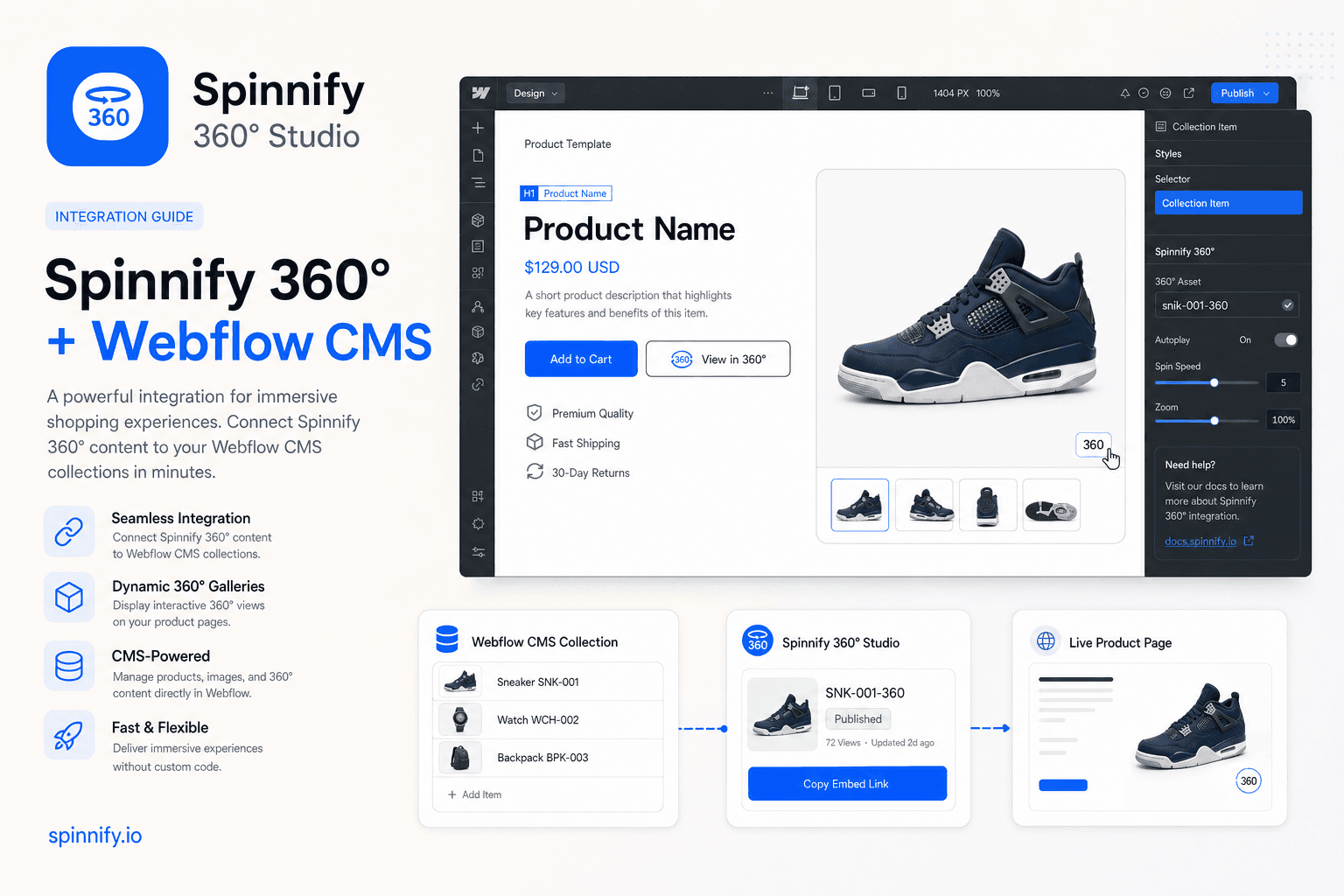
How to Add Interactive 360° Product Images to Webflow CMS
Add a webflow cms 360 product viewer: host spins in Spinnify, bind by SKU in Webflow CMS, paste widget.js once in the collection template head (defer). Lazy-loaded, no jQuery.
IntegrationHow-to
Read article→
Product UX12 min1,691 reads
How to Create a 360 Product View: DIY Shoot to Live Widget
Build a budget turntable, shoot with locked settings, upload through Spinnify by SKU, and paste one widget script. Your 360 spin goes live on the product page.
How-toPhotography
Read article→
Integration9 min1,720 reads
How to Add a 360 Product View to Shopify (Sizes, App Block & SKU Matching)
Add an interactive 360° spin to Shopify product pages: recommended image sizes, Spinnify app block setup, SKU matching, and lazy-loaded 3D View—no per-SKU code.
ShopifyIntegration
Read article→
Product UX8 min1,634 reads
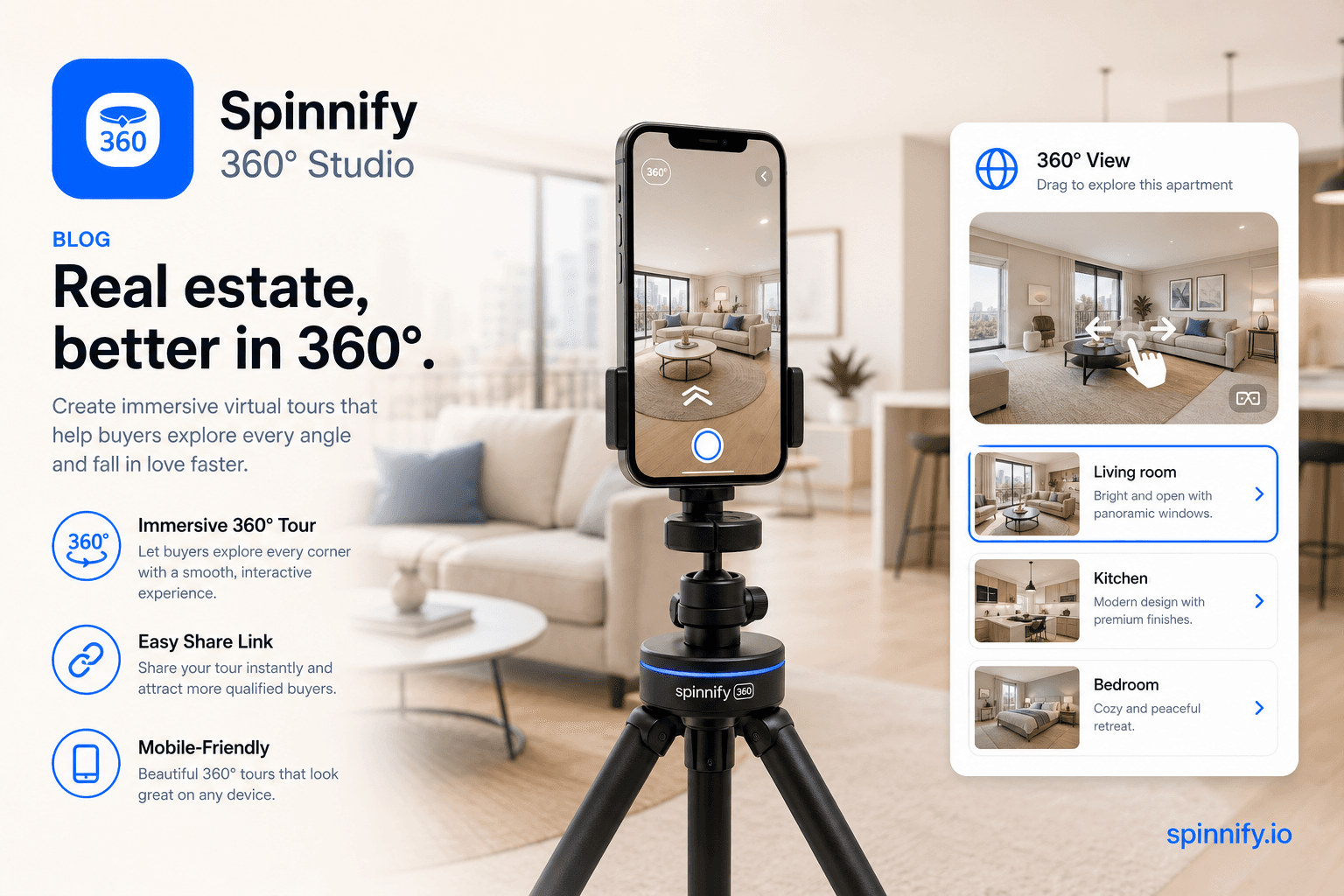
360 Virtual Tours Beyond E‑commerce: Real Estate, Apartments & Places You Can Shoot with a Phone
Shoot a virtual apartment or property tour with a phone and rotating tripod—upload to Spinnify, embed a 360° viewer. A lighter Matterport alternative.
Real estateHow-to
Read article→
Product UX10 min1,634 reads
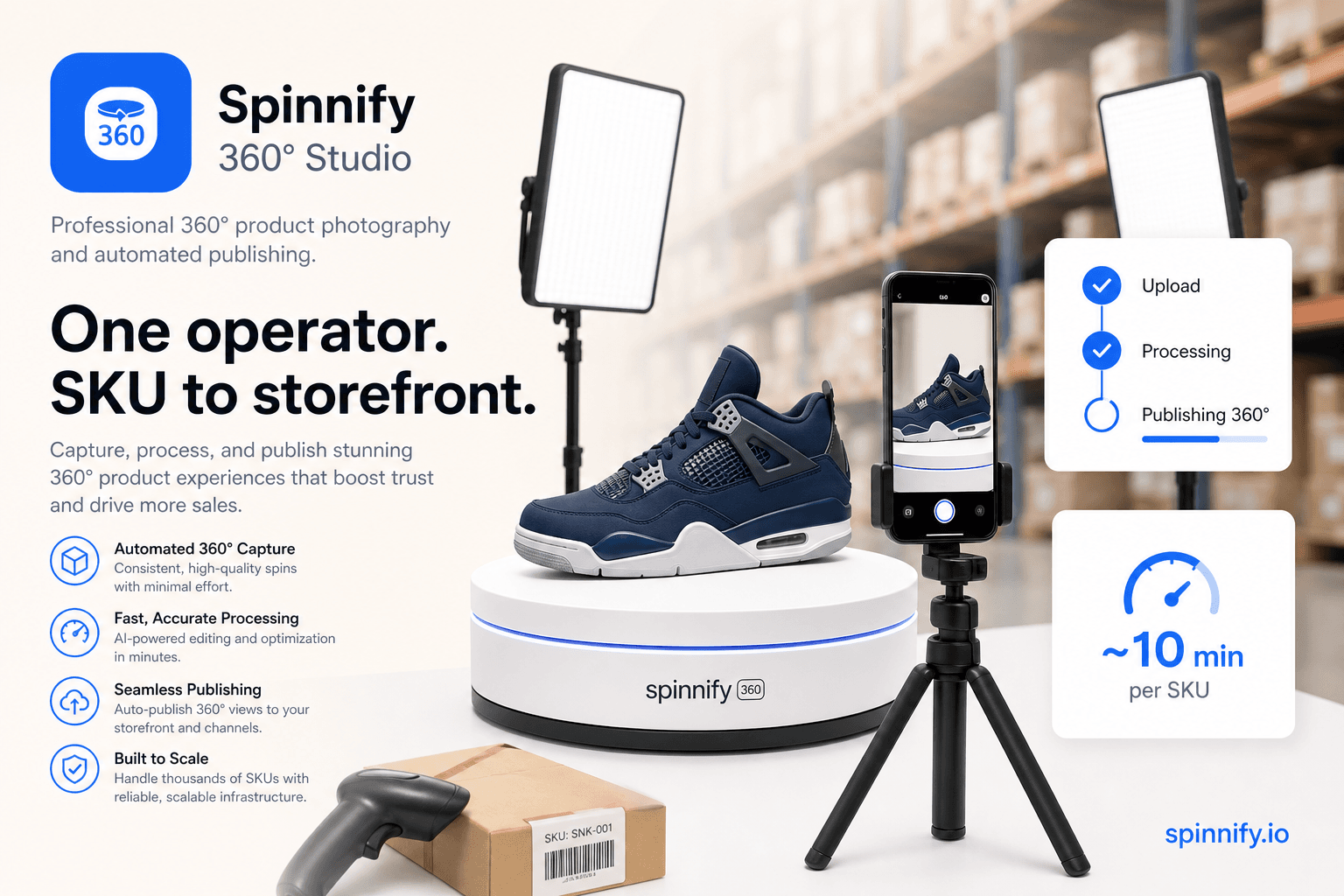
Ecommerce 360° Content Without the Studio Bottleneck: One Operator, One Workflow
Shoot 360° product spins at receiving: turntable, Spinnify app, SKU match, CDN. Step-by-step warehouse guide—no studio or CMS gallery uploads.
How-toPhotography
Read article→
Integration14 min1,842 reads
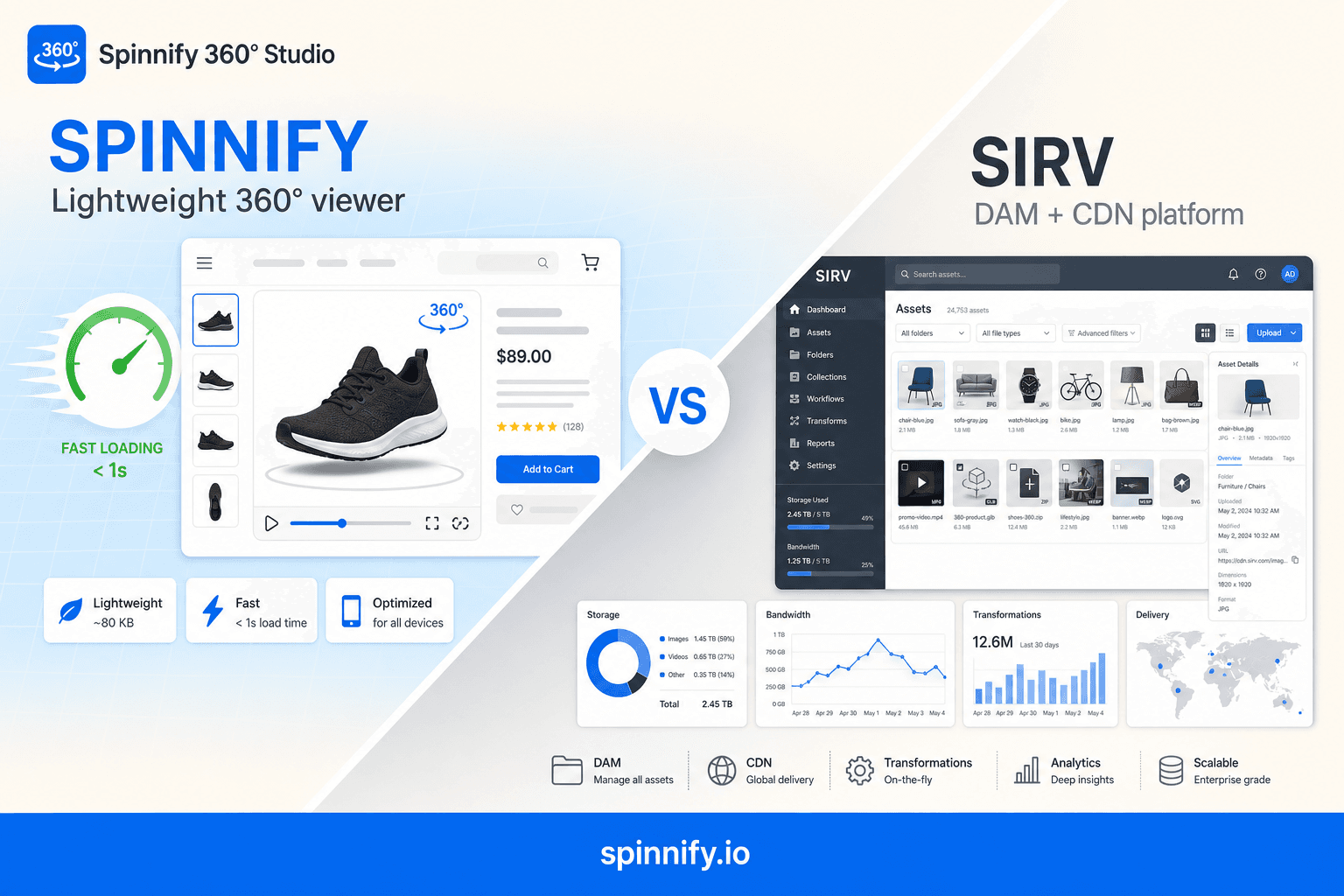
Spinnify 360° Studio vs Sirv: Which Product Viewer Fits Your Ecommerce Store in 2026?
Spinnify 360° Studio vs Sirv 360 spin and product viewer: LCP impact, Shopify setup, pricing, and when a focused viewer beats a full DAM without slowing your PDP.
ComparisonPerformance
Read article→
Ready to publish your first 360° spin?
Create a product, upload frames, and embed the widget with one script snippet.